
Merci d'avoir téléchargé PDF Reader Pro pour Windows
PDF Reader Pro devrait être téléchargé automatiquement. Sinon, veuillez cliquer 64bit | 32bit pour retélécharger.
3 étapes pour installer PDF Reader Pro après l'avoir téléchargé
Recherchez le fichier .exe dans la liste de téléchargement de votre navigateur ou appuyez sur Ctrl + J pour localiser rapidement le fichier.
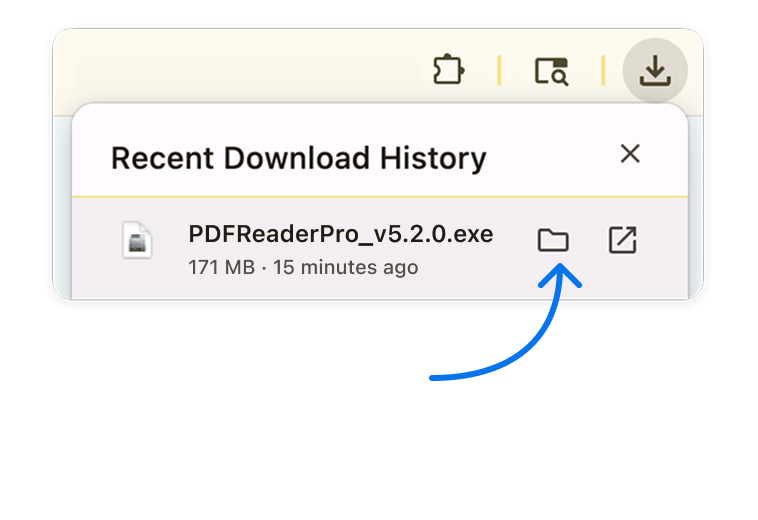
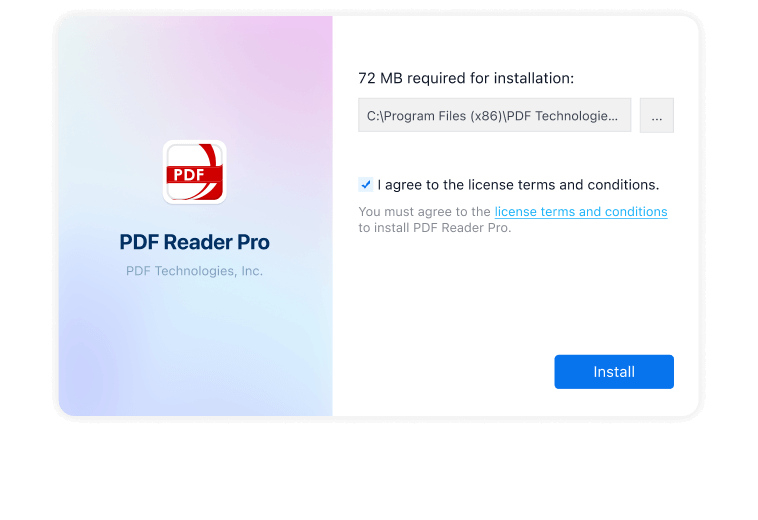
Double-cliquez sur le fichier pour lancer l'assistant d'installation. Cliquez "Installer maintenant" et suivez les instructions à l'écran. (Cliquez sur "Oui" si le système vous demande l'autorisation).
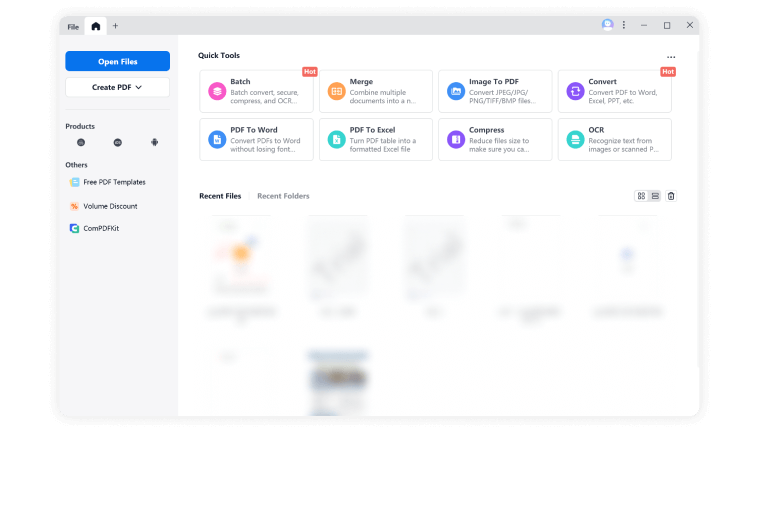
Une fois installé, lancez PDF Reader Pro pour commencer votre Essai gratuit de 7 jours et explorez toutes les fonctionnalités premium PDF !






FAQ
Microsoft Defender SmartScreen protège contre le phishing ou les sites Web et applications malveillants, ainsi que contre le téléchargement de fichiers potentiellement malveillants. Cela s'applique à Windows 10, Windows 11 et Microsoft Edge.
Cliquez pour apprendre encore plus des détails sur les erreurs d'installation.