
Bedankt voor het downloaden van PDF Reader Pro voor Windows
PDF Reader Pro moet automatisch worden gedownload. Zo niet, klik dan 64bit | 32bit opnieuw downloaden.
3 Stappen om PDF Reader Pro te installeren na het downloaden
Zoek het .exe-bestand in de downloadlijst van uw browser of druk op Ctrl+J om het bestand snel te vinden.
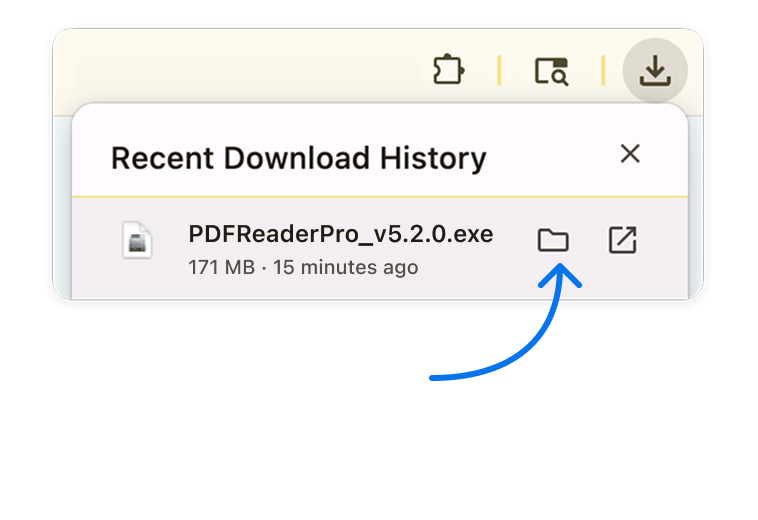
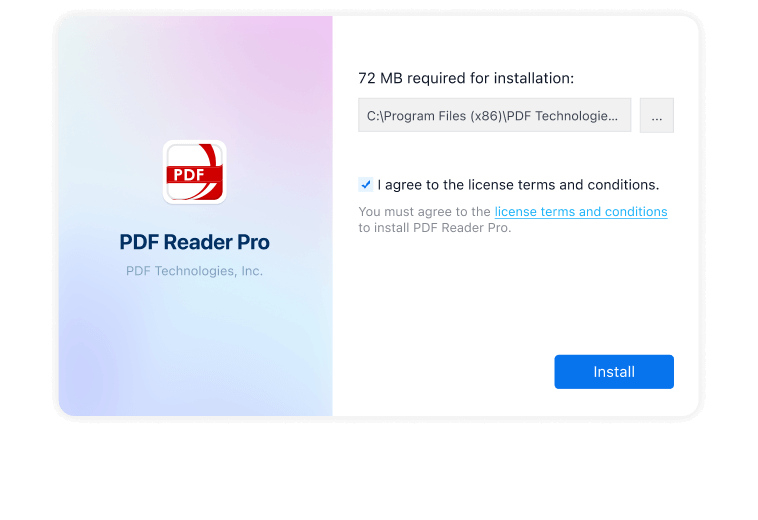
Dubbelklik op het bestand om de installatiewizard te starten. Klik "Nu installeren" en volg de instructies op het scherm. (Klik op "Ja" als het systeem om toestemming vraagt).
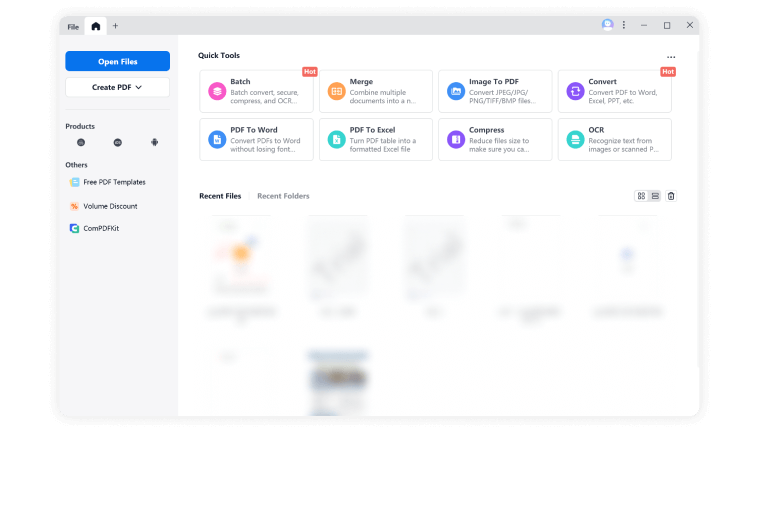
Eenmaal geïnstalleerd, start u PDF Reader Pro om uw Gratis proefperiode van 7 dagen en ontdek alle premium PDF functies!






Veelgestelde vragen
Microsoft Defender SmartScreen beschermt tegen phishing- of malwarewebsites en -applicaties en het downloaden van mogelijk schadelijke bestanden. Het is van toepassing op Windows 10, Windows 11 en Microsoft Edge.
Klik naar leer meer details over de installatiefouten.