
PDF Reader Pro helps you a lot to sign PDFs with image signatures.
1. Click Annotate on the toolbar -> Signature;

2. Tap ➕ at the top right of the panel, and a window will pop up;
3. Then choose Import -> Click Select Files to add an image from a file;
4. You can choose to Remove Background from image to remove the background;
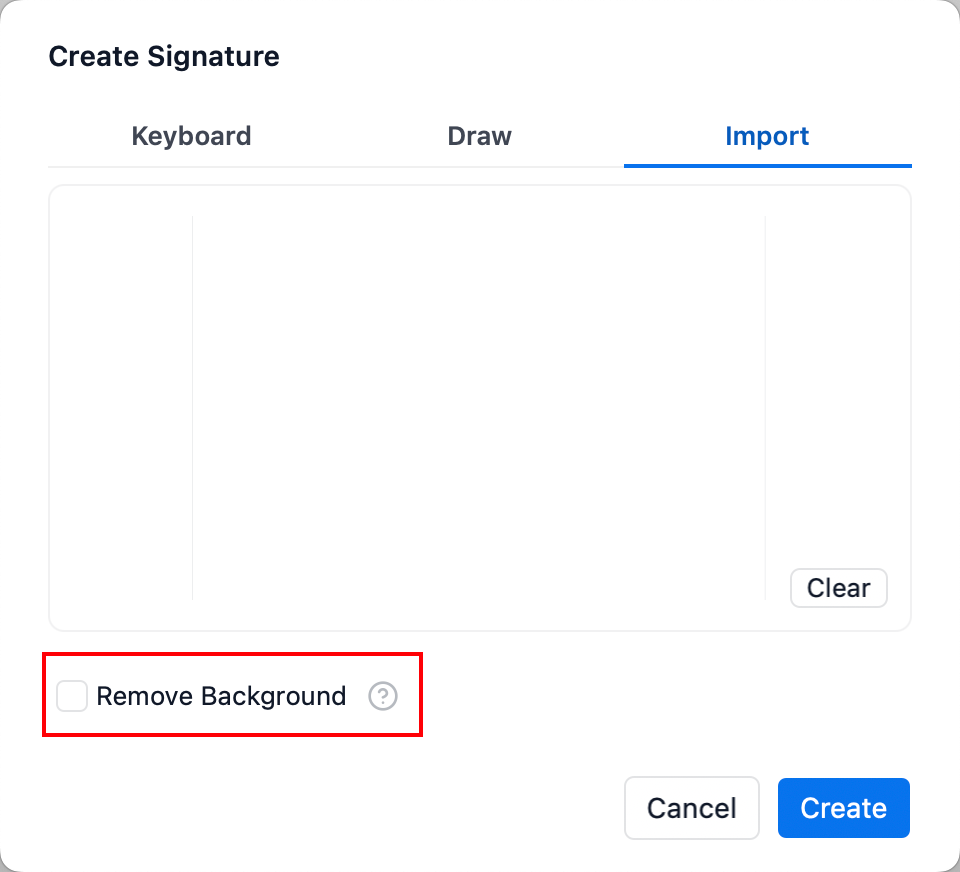
5. Create to save your image signature.
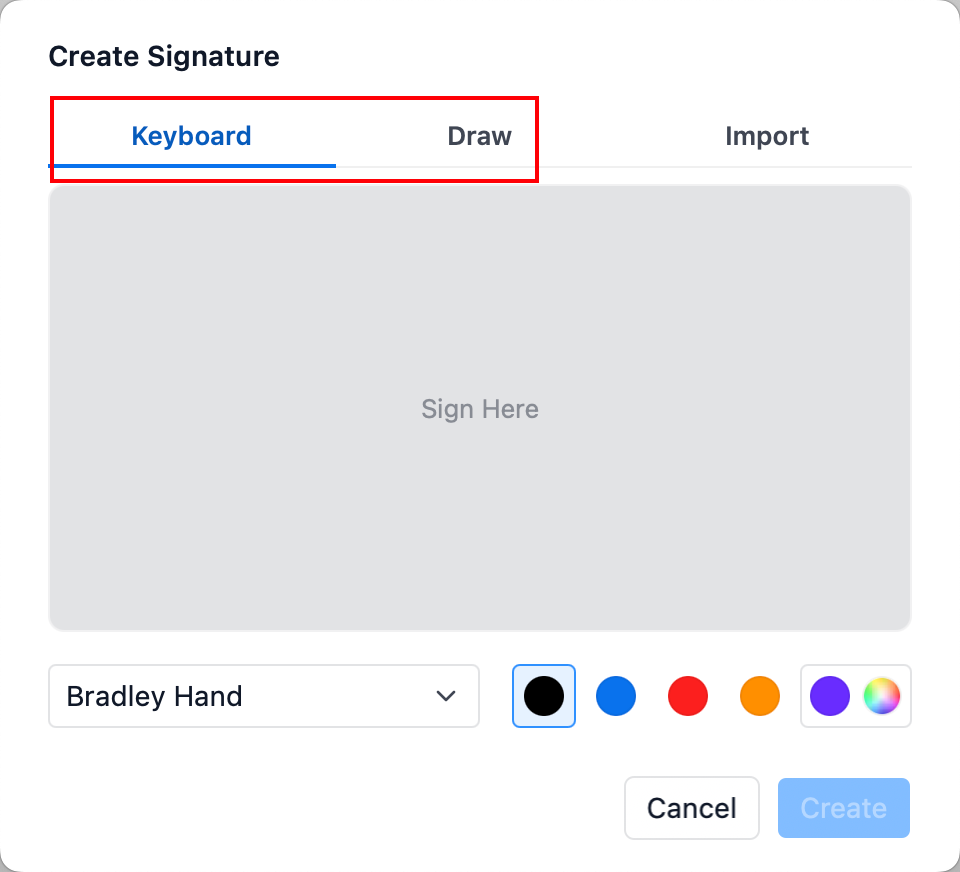
Also, you can create a signature through the keyboard or hand drawing from the pop-up window.
Any further questions, please feel free to contact us via support@pdfreaderpro.com.