Managing construction projects and design workflows requires precision, collaboration, and the right tools. For architects, a reliable PDF tool is essential for everything from reviewing blueprints to signing contracts and sharing project updates. But with so many options out there, how do you choose the right one?
We’ve created a comprehensive checklist to help architects identify the must-have features in a PDF tool. Whether you’re annotating dimensions on a CAD drawing, editing project specs, or collaborating with clients and contractors, this checklist will ensure you have all the tools you need to work efficiently and professionally.
Let’s dive into the key features every architect should look for in a PDF tool.
-
File Viewing and Navigation
- Smooth and optimized file viewing.
- Split View for multitasking with multiple documents.
- Ability to view large CAD-converted PDFs without lag.
-
Annotation Tools
- Measuring tools for dimensions (area, perimeter, distance, angles).
- Highlighting, shapes, and freehand drawing for marking up blueprints.
- Commenting features for detailed feedback.
-
Editing Capabilities
- Ability to edit text directly within PDFs.
- Easy insertion or deletion of pages.
- Tools for updating project details like budgets, schedules, or specifications.
-
Collaboration Features
- Real-time commenting or annotation sharing.
- Version control to track document revisions.
- Compatibility with cloud storage for easy sharing.
-
Document Signing
- Digital signature support for contracts and plans.
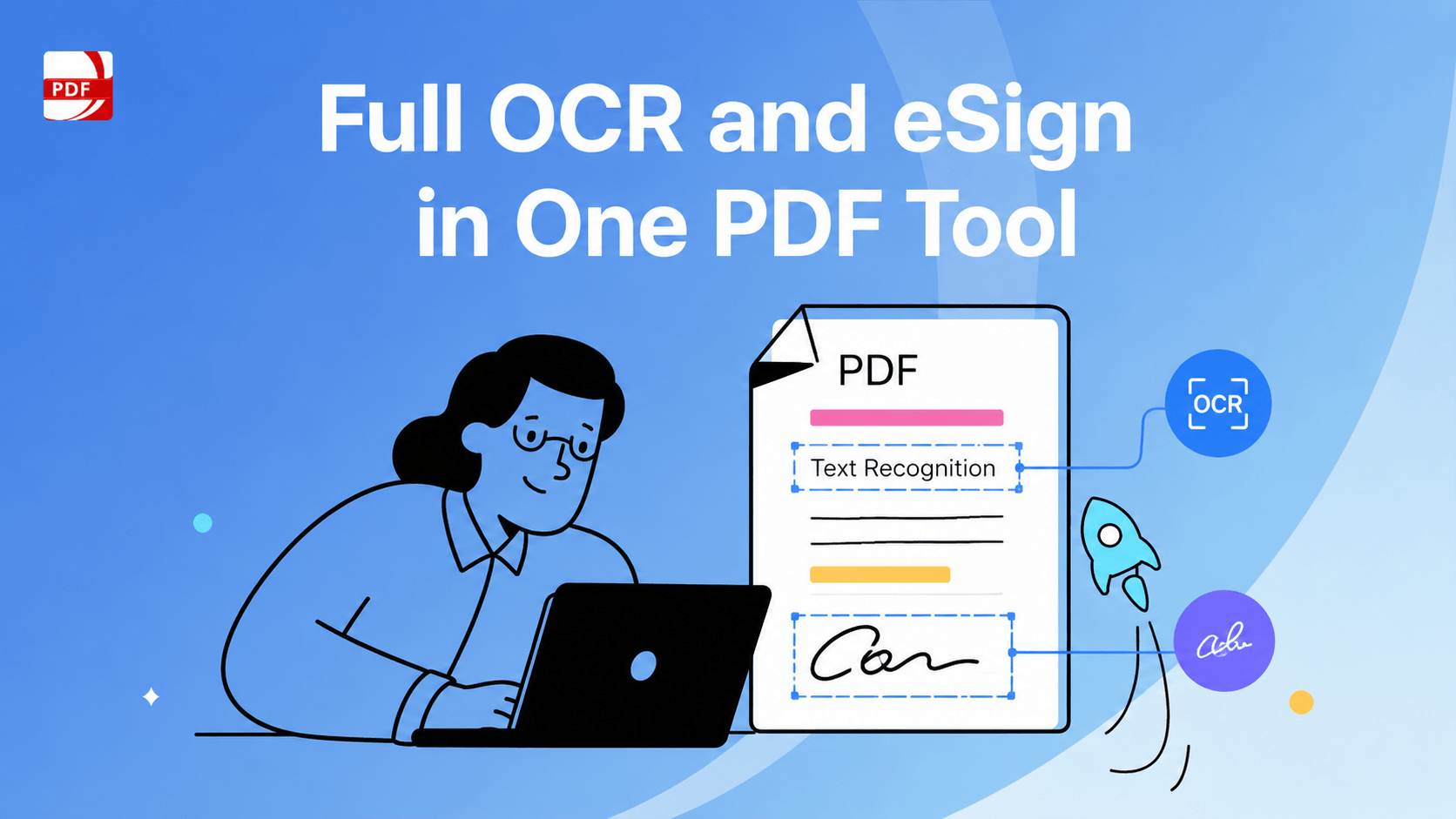
- Image and text signature options.
-
Conversion Tools
- Convert CAD files to PDF without quality loss.
- Convert PDFs to editable formats like Word, Excel, or PPT.
-
Search and Indexing
- Advanced search for text within documents.
- Bookmarking and indexing features for quick navigation.
-
Security Features
- Password protection for confidential files.
- Redaction tools for sensitive information.
-
Mobile and Cross-Device Support
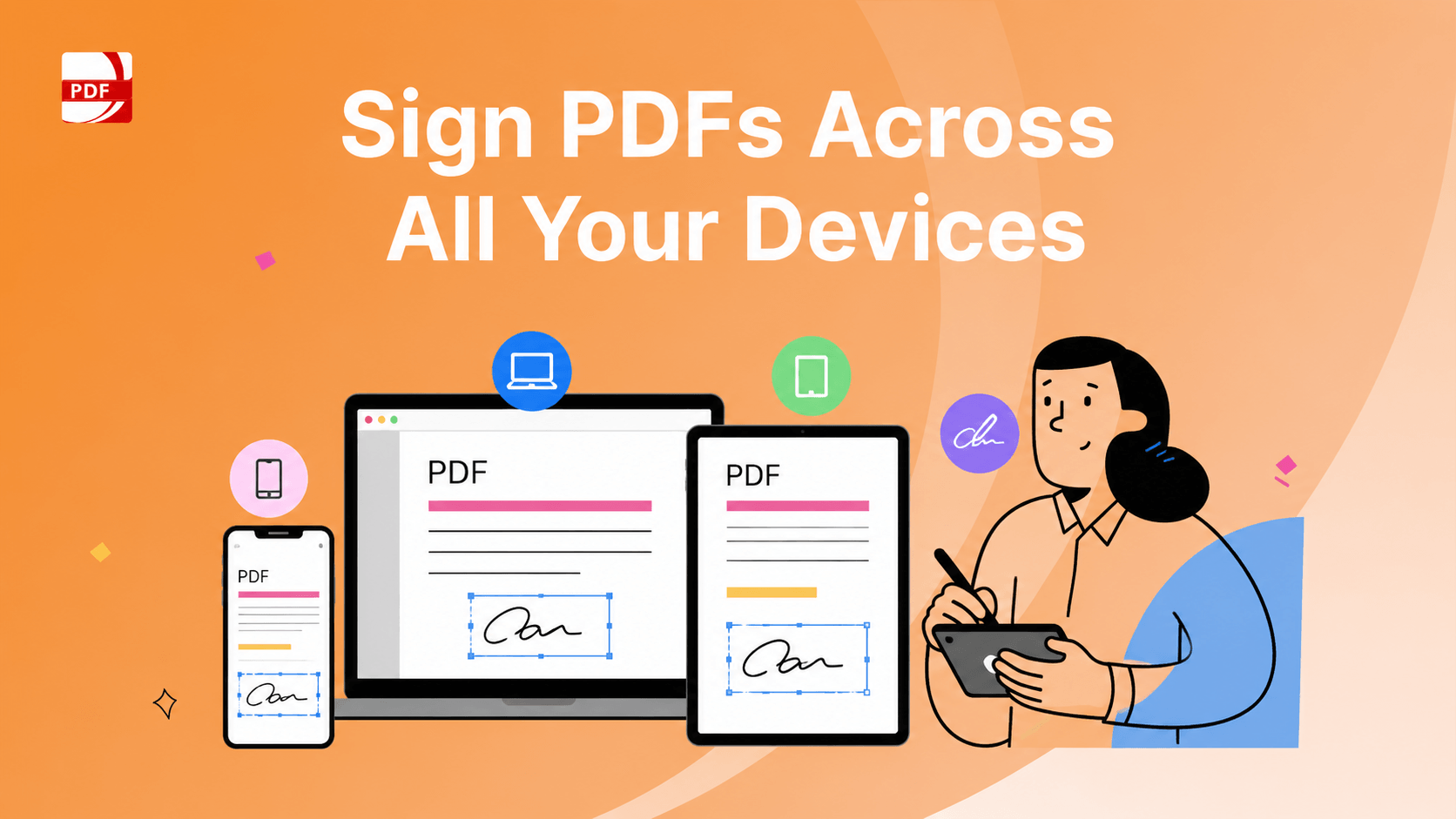
- Access documents on mobile devices, tablets, and desktops.
- Sync across devices for seamless productivity.
-
Cost and Scalability
- Affordable licensing options for individuals or teams.
- Volume discounts and an easy-to-use Admin Console for license management.
The Best PDF Solution for Constructors and Architects
Streamline your workflows with PDF Reader Pro
Effortlessly manage construction sketches, sign contracts, complete project reports, and handle AIA forms—all in one powerful PDF tool.
Special Offers for Your Team
Save up to 50% on Volume Licenses
Looking to equip your entire team? Get bulk discounts and manage licenses seamlessly with our Admin Console. Contact us today for more details.
Enhance Construction and Design Processes
Annotate Dimensions Directly on PDFs
Architects frequently convert CAD drawings into PDFs for easy sharing. With PDF Reader Pro’s advanced measuring tools, you can annotate dimensions like area, perimeter, distance, and angles directly within the document. This feature boosts efficiency and ensures precision in construction workflows.
Efficiently View Project Files
Experience smooth, optimized viewing on your Mac with PDF Reader Pro. Use Split View to manage multiple documents simultaneously, making multitasking simple and effective.
Annotate and Provide Feedback
Collaborate seamlessly by adding feedback to building plans or blueprints. Highlight key elements using shapes or freehand tools, and add comments to provide detailed insights.
Sign Documents with Ease
Skip the hassle of printing and scanning. Sign construction plans, contracts, and other documents digitally using PDF Reader Pro’s text or image signature feature—just a few clicks, and you're done.
Edit PDFs Quickly
Need to correct figures on an invoice or add terms to a contract? PDF Reader Pro’s editing tools make it easy to adjust text, update information, or modify project documents without breaking a sweat.
Try PDF Reader Pro Today
Explore how PDF Reader Pro can transform your document management workflows in the construction and architecture industries.