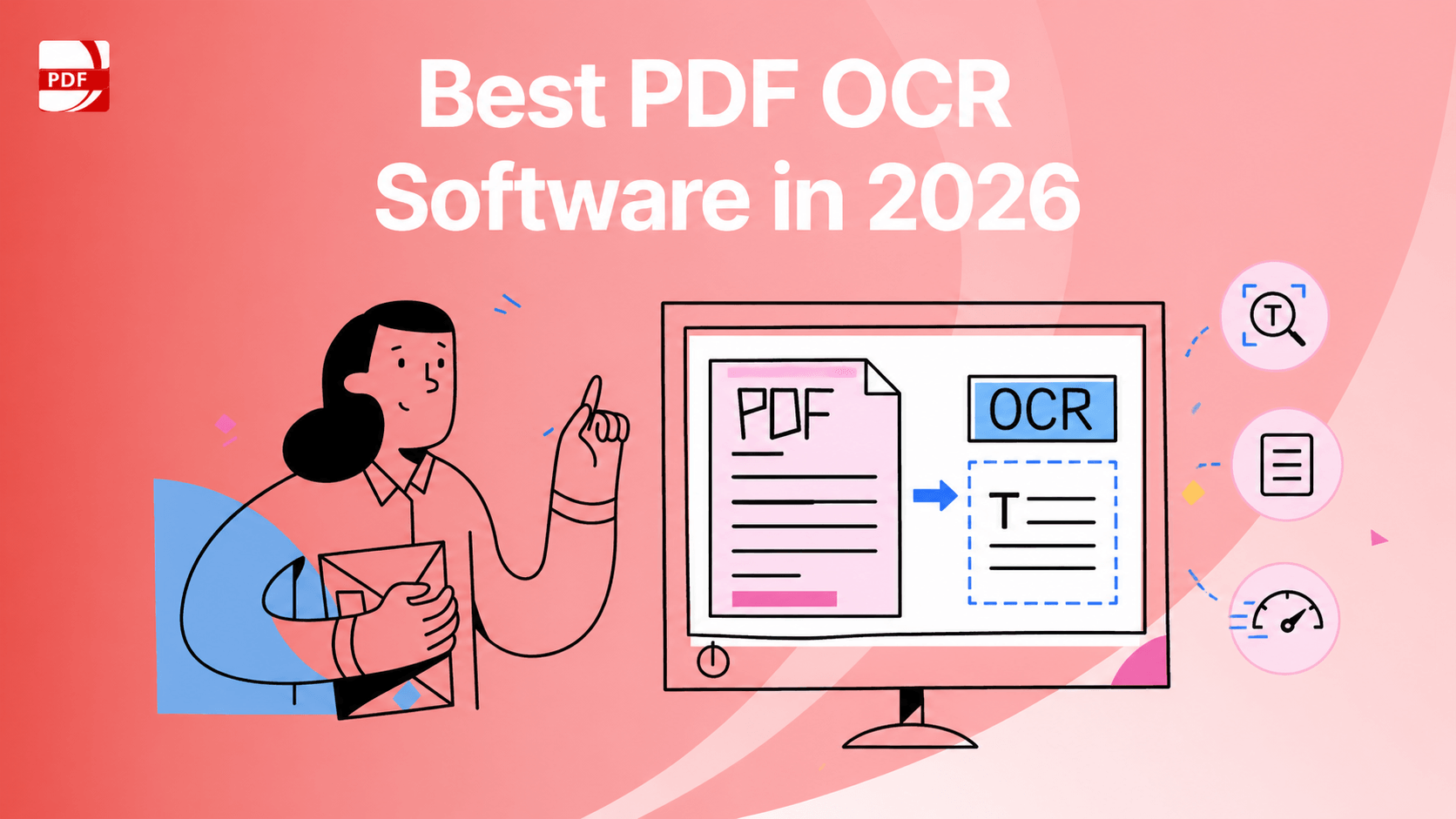
OCR, Optical Character Recognition, is an advanced feature in PDF software, which allows you to extract data from images resulting in an editable and printable text, or aggregate with other tools for data analysis and a range of other uses. Even though many companies tend to convert archived files to digital format, you may still receive paper receipts for sales transactions. It is a good idea to scan paper receipts and save them as digital files. So how to choose a good OCR software? Following is a list of PDF software with OCR feature on the top of the industry.
1. Adobe Acrobat DC

Image Source: Adobe
When it comes to Adobe Acrobat DC, it is a PDF software with powerful features. With optical character recognition (OCR) in Adobe Acrobat, you can extract text and convert scanned documents into editable, searchable PDF files instantly. It’s easy to copy, paste, and export only the text you need from a PDF, right into a Word document. The Acrobat PDF converter makes PDF conversion quick and easy.
Features:
Automatic custom font generation to match your original printout
Export the file to Microsoft office
Restrict editing privileges to protect your files
2. Foxit PDF Editor

Image Source: Foxit
Foxit is a phenomenally easy to use tool that will satisfy users across the board. Compared to other software, Foxit 's interface shows a more complete range of features. There are no limits to the number of files you can download and the end result is immaculate with no obvious errors found in documents. You can choose which language is in your document with OCR, and you can choose multiple languages as well. What’s more, you can output the results as a Searchable Text Image. This means that the image text is searchable but not editable, and the document appearance will not change at all.
Features:
Correct character mistakes during OCR
Supports several languages
Correct suspect OCR PDF results
Price: $182.85 as a one-time fee
3. PDF Reader Pro

If you want to streamline the workflow of your contracts, agreements and other documents, PDF Reader Pro OCR feature helps extract text from PDF form and images with a single click. As an advanced conversion function, PDF OCR software can analyze the texts in any image files with a high format accuracy recognition. You will be provided over 50 languages by using OCR technology to accommodate different document requirements. In addition, it also acts as a PDF Reader, Editor and Annotator professionally.
Features:
Accuracy recognition of specific pages
Extract texts with no quality and format loss
Full-page OCR for 50+ languages
Price: Free trial, $59.99 for Premium, and $79.99 for Permanent License
4. Cisdem PDF Converter OCR

Image Source: Cisdem
Cisdem is a simple PDF converter tool, which can not only batch process scanned PDF and image files fastly by enabling the OCR feature, but also allow fine-tuning OCR applied areas by manually marking texts, images and tables for more accurate recognition. But it is not suggested that someone needs more features apart from OCR.
Features:
Batch OCR
Convert native and protected PDFs into 16 formats
Export files as searchable PDF, Word, Excel, PowerPoint, Keynote, Pages
Price: $59.99 for Lifetime
5. PDF2Go

Image Source: PDF2Go
There is doubt that PDF2Go is absolutely professional as an online conversion tool, which uses OCR intuitively to make edits in the scanned document directly. And it’s simple: just upload your PDF and let it do the rest. After you provide your file, PDF2Go will use OCR to get the text from your PDF and save it as a TXT file. Apart from this, the tool is also great for split, merge, rotate and compress in PDFs.
Features:
A number of pragmatic processing features
Easy to use without download
Price: Free version, $8.5 per month and $74 annual subscription
Above all, to handle all your converting needs with the OCR feature and more advanced tools with a few pay, please make preference for PDF Reader pro, an all-in-one PDF office to read, edit, annotate, convert, create, encrypt, OCR, fill forms and sign pdfs. Luckily, PDF Reader Pro supports a free trial chance before you purchase it. Free download to have an unprecedented experience in it.