




 Document Q&A
 Report Generation
 Data Extraction
 Document Translation
 Contract Review
 Security & Compliance



The Future of PDF Work Starts Here
Report Generation
Data Extraction
Document Translation
Security & Compliance
Contract Review
Document Q&A
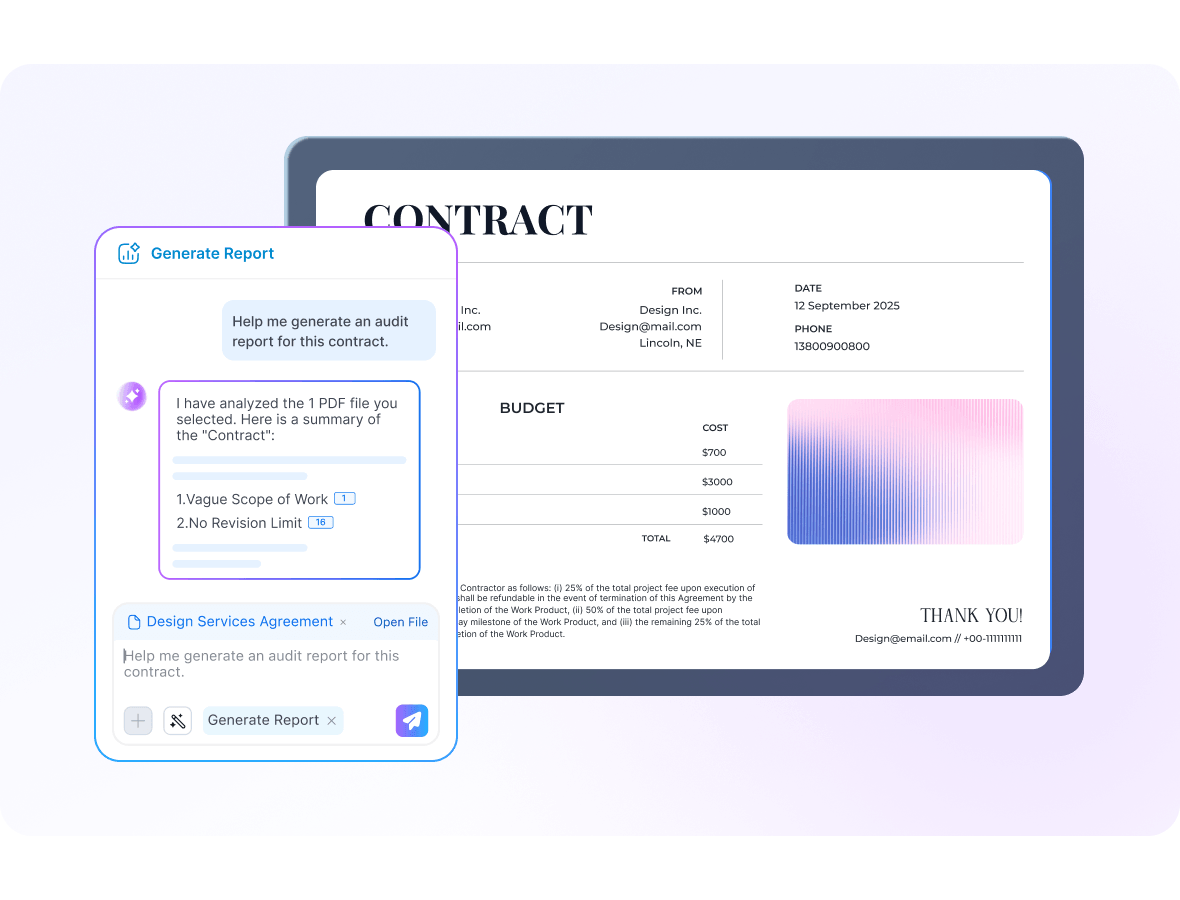
Report Generation
Turn long PDFs into a clean report with key takeaways, important figures, highlights, risks, and next-step suggestions.
+ Key takeaways
+ Important figures
+ Highlights & risks
+ Actionable output
+ Page references
Data Extraction
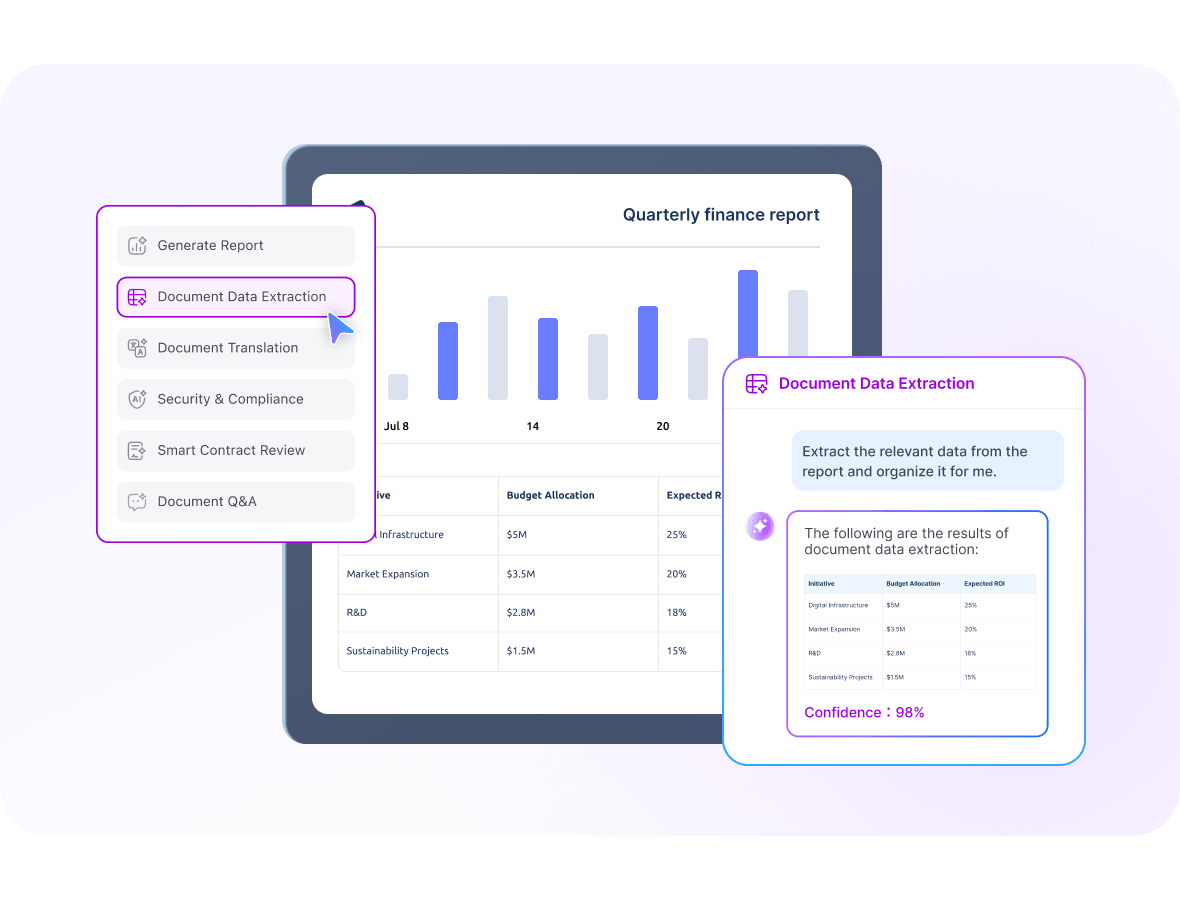
Extract core content, numbers, tables, and repeated patterns into structured output that is ready for Excel.
+ Structured output
+ Tables & metrics
+ Trend capture
+ Excel export
+ Less manual work
Document Translation
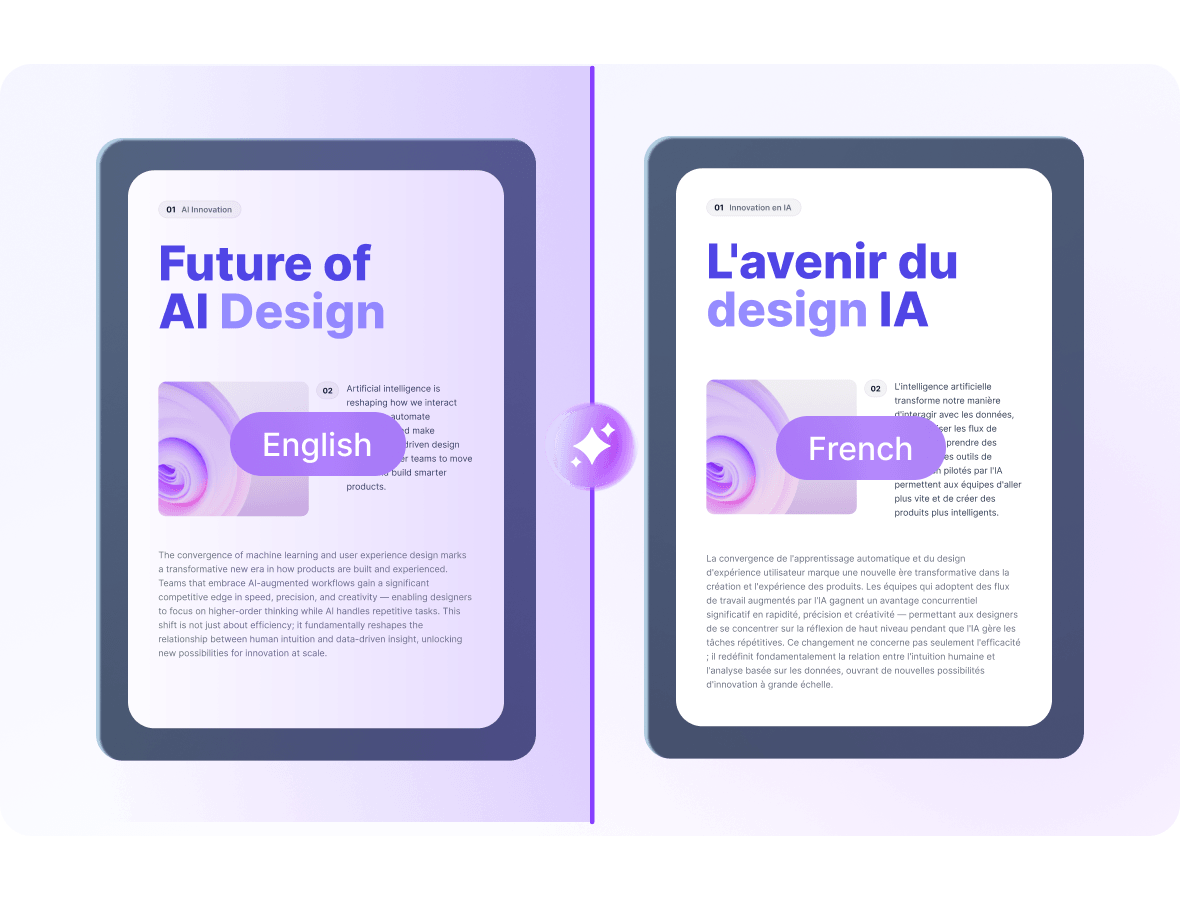
Translate the full document, keep the output readable, and return a complete file that is ready to open or download.
+ Full-document output
+ Ready to download
+ Ready to open
+ Readable result
+ Built for sharing
Security & Compliance
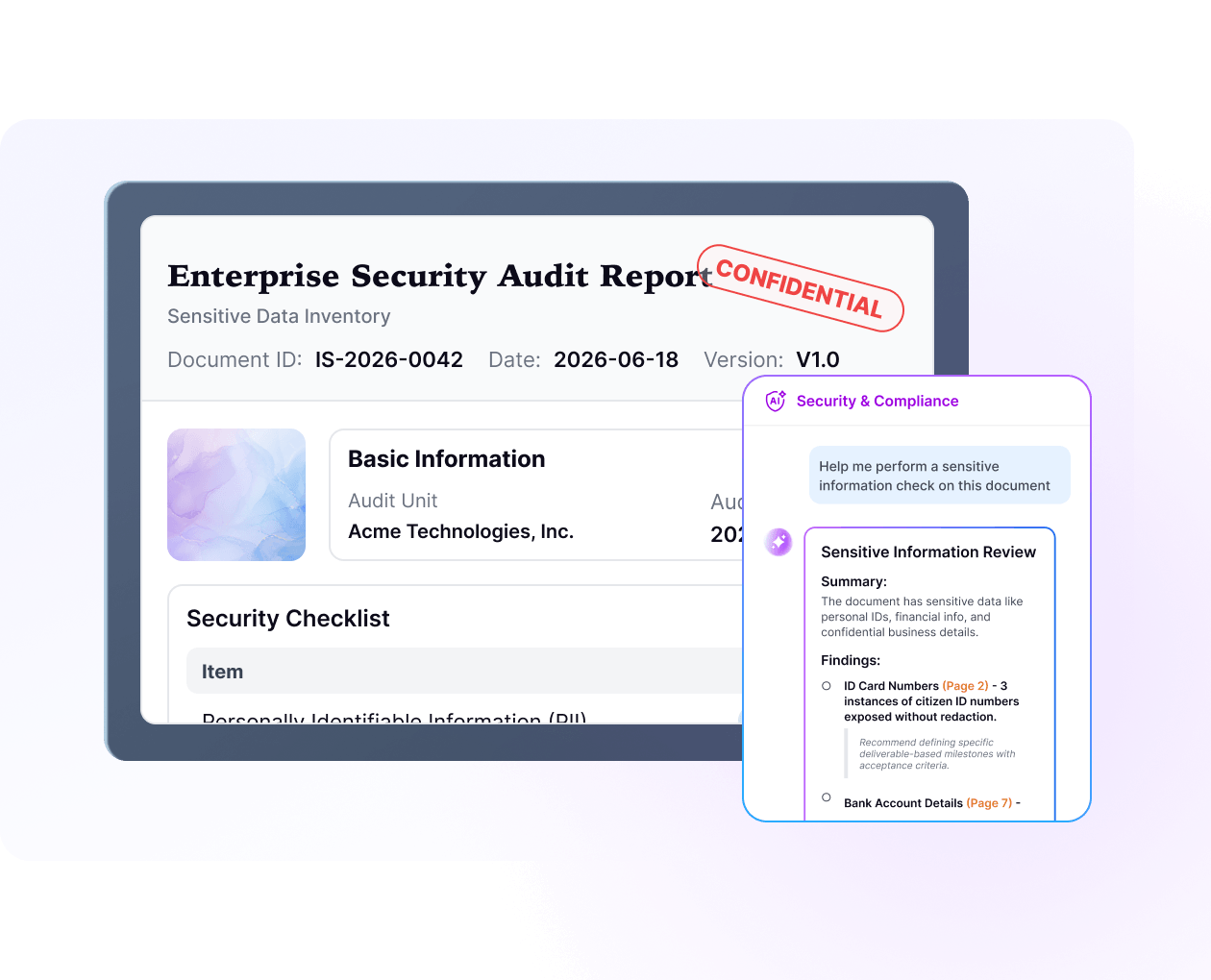
Scan documents for sensitive information and compliance risks, then surface the exact parts that need closer review.
+ Sensitive info
+ Risk detection
+ Source location
+ Safer sharing
+ Compliance review
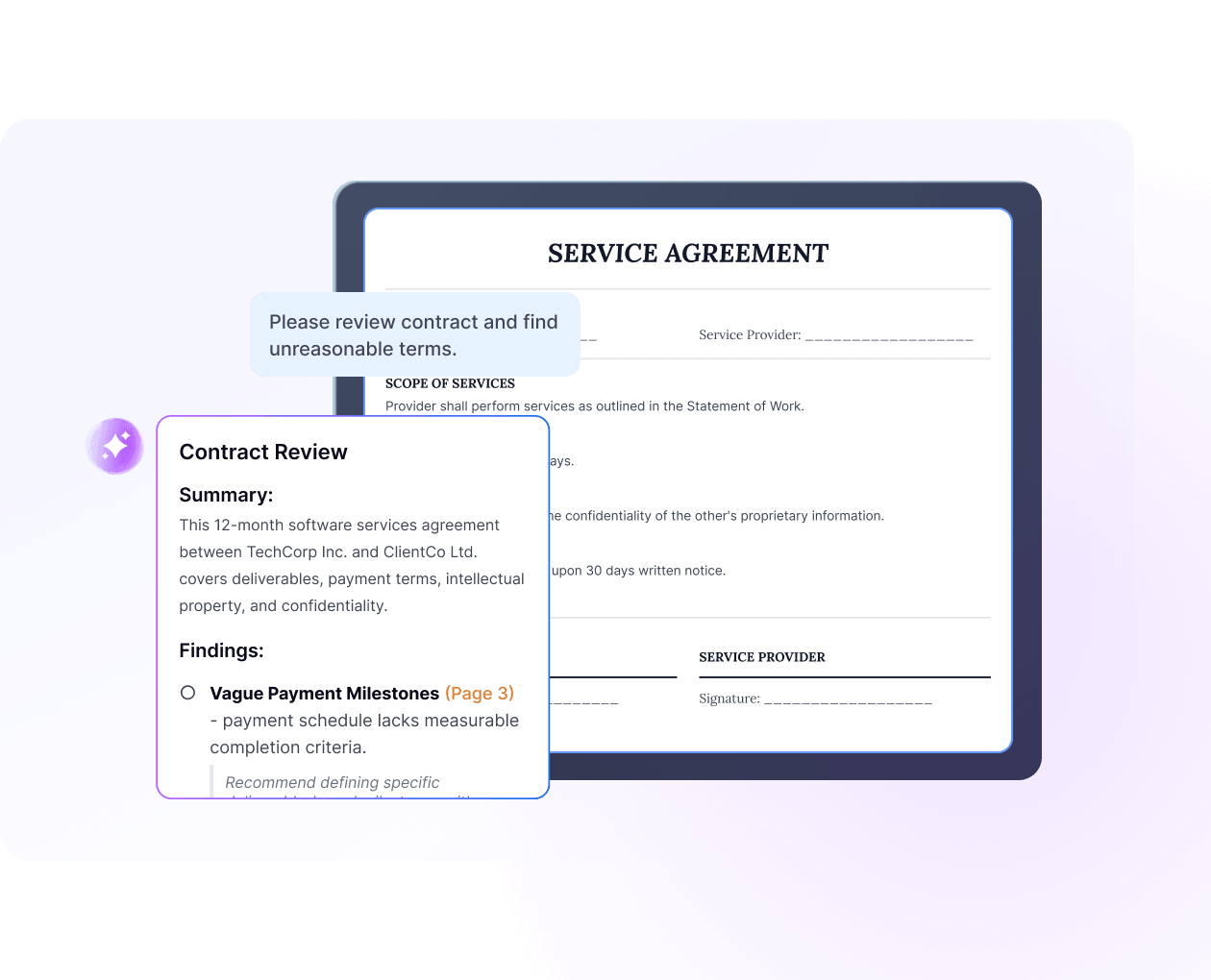
Contract Review
Detect risky clauses, unusual terms, and potential issues in contracts, with results that point back to the original text.
+ Risk clauses
+ Abnormal terms
+ Source location
+ Faster review
+ Clearer decisions
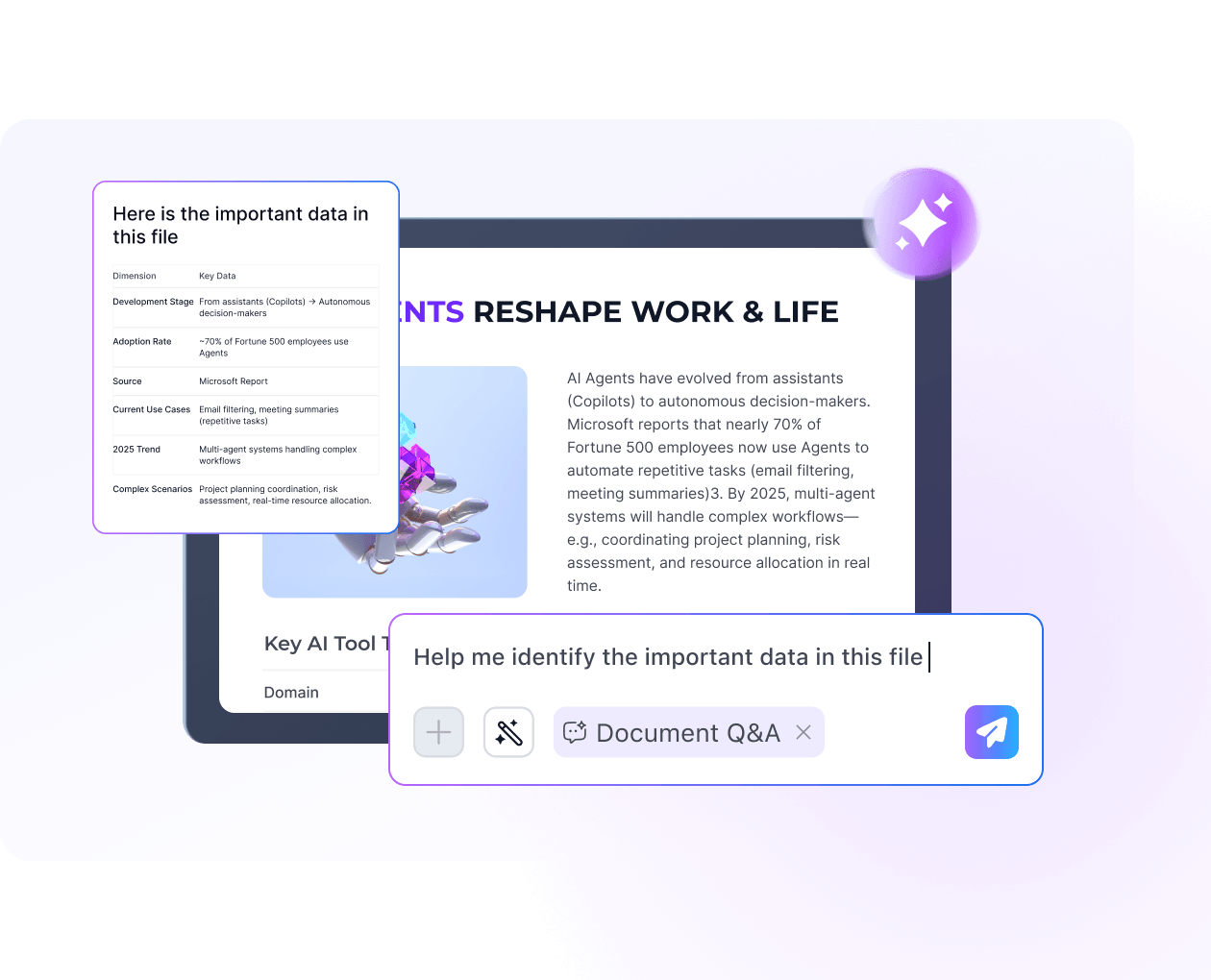
Document Q&A
Use natural language to find key information in documents quickly, without manually searching page by page.
+ Ask anything
+ Focused answers
+ Multi-turn chat
+ Less searching
+ Faster understanding
Report Generation
Data Extraction
Document Translation
Security & Compliance
Contract Review
Document Q&A
Report Generation
Turn long PDFs into a clean report with key takeaways, important figures, highlights, risks, and next-step suggestions.
+ Key takeaways
+ Important figures
+ Highlights & risks
+ Actionable output
+ Page references
Plus The PDF Tools You Use Every Day
OCR, convert, compress, split, merge, and more - ready right inside your workflow.

Convert

OCR

Image Enhancement

Compress

Merge

More
Use Cases
Intelligent Workflows, Endless Possibilities
For IT Professions
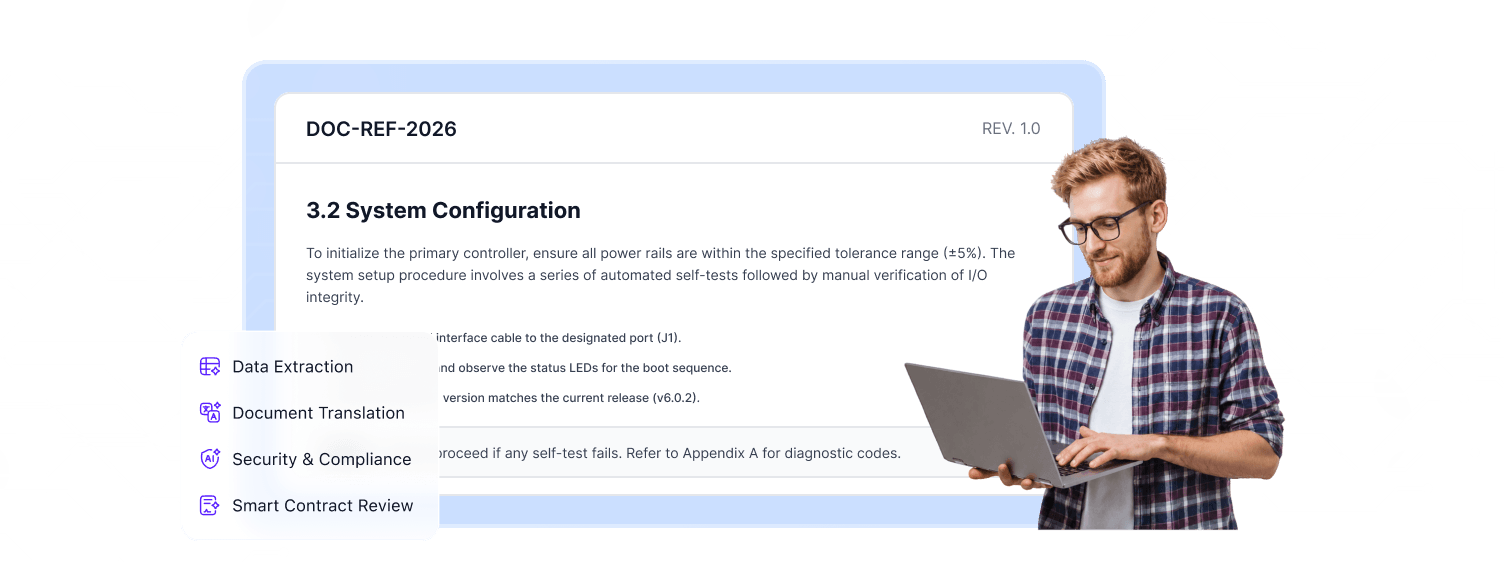
Work through technical manuals, vendor documents, compliance files, and internal SOPs with less manual searching. Pull key details faster, translate global documentation, and get clear answers from complex PDFs without slowing the team down.
For IT Professions
For Education & Study
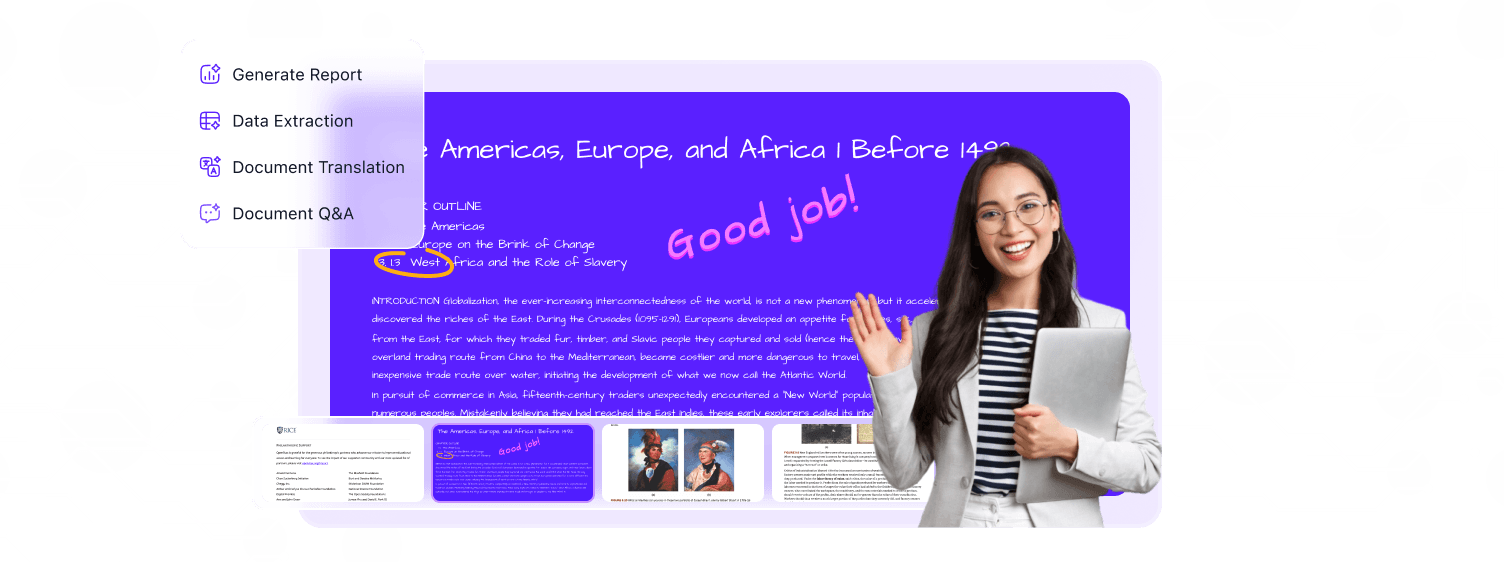
Turn research papers, lecture notes, academic PDFs, and multilingual learning materials into clearer insights. Summarize dense reading, translate course resources, extract key points, and ask questions directly inside the document.
For Education & Study
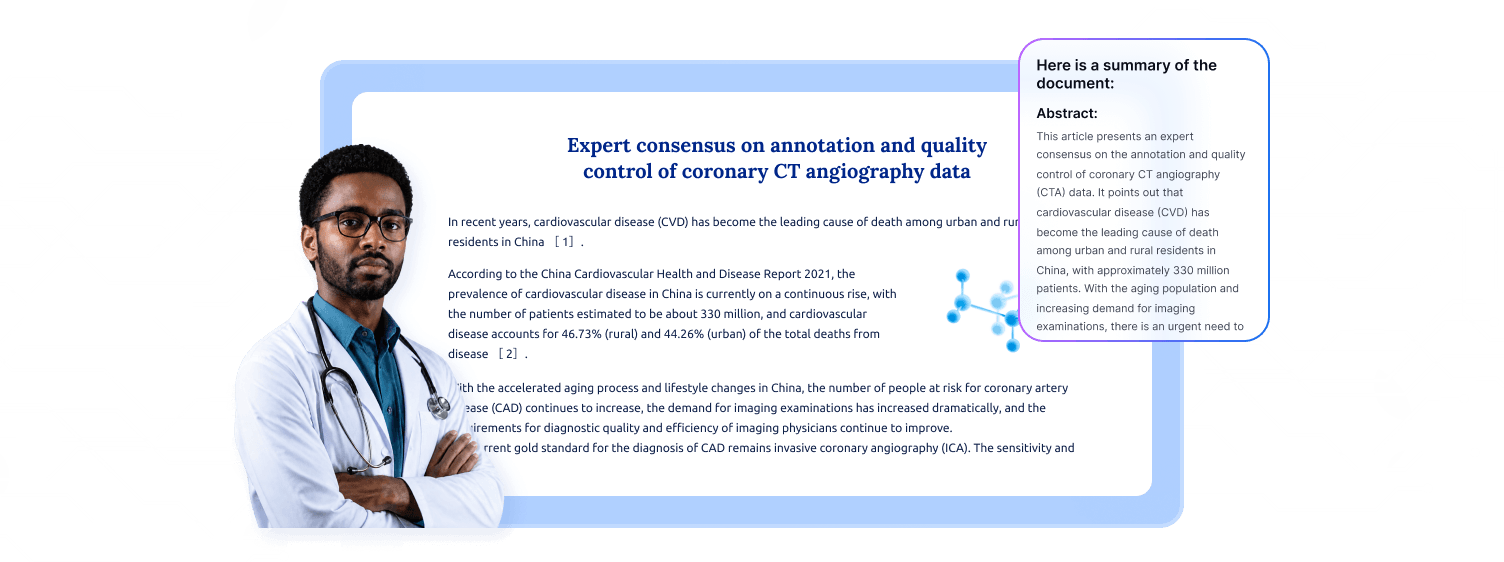
For Healthcare
Work through clinical guidelines, medical reports, consent forms, and policy documents with more clarity and control. Surface critical information, review sensitive content carefully, and translate important documents for smoother communication.
For Healthcare
Unlock AI Power for Smarter Work
Pick Your Plan for PDF Reader Pro AI
Monthly Plan


1,000 AI credits
Issued every month
$9.99/Month
Auto-renewal | Billed monthly | Tax Incl.
Cancel anytime
Subscribe Cancel anytime
Cancel anytime Best for daily PDF reading, study, and workChat with documents, generate reports, extract dataTranslate, review, and rewrite with AIPoints reset at the end of each billing cycle
Annual Plan
10,000 AI credits
Issued every year
$79.99/Year
Auto-renewal | Billed yearly | Tax Incl.
Cancel anytime
SubscribeCancel anytime
Cancel anytimeBest for ongoing, high-frequency PDF workMore room for long documents and repeat tasksIncludes all AI workflows across PDF tasksPoints reset at the end of each billing cycleJust Steps Away from Smarter PDF Work
Make PDF work simpler, faster, and more efficient with a smarter AI-powered workflow and built-in quick tools.
step1
Get the Latest Version
Install the latest version to unlock the refreshed interface, upgraded AI, and the newest PDF workflow experience.
step2
Sign In to Unlock AI
Sign in to view your AI credits, activate your subscription benefits, and keep your access in sync across devices.
step3

Start with Smart Tasks
Start with asking, translating, reviewing, or generating, then move faster with built-in quick tools across your document workflow.


FAQ
1. What can PDF Reader Pro AI help me do?
PDF Reader Pro AI helps you do more than just chat with a document. It can answer questions, generate reports, extract structured data, translate full files, review contracts, and surface security or compliance risks - all within the way you already work with PDFs.
2. How do AI credits work?
AI tasks use credits. The amount used depends on the task type, and your remaining balance is always visible in your account.
3. What happens to my old AI credits?
Existing paid AI credits will be converted under the new rules, while previously gifted credits keep their original status. The exact details of the conversion will also be explained by email.