Document Q&A
 Report Generation
 Data Extraction
 Document Translation
 Contract Review
 Security & Compliance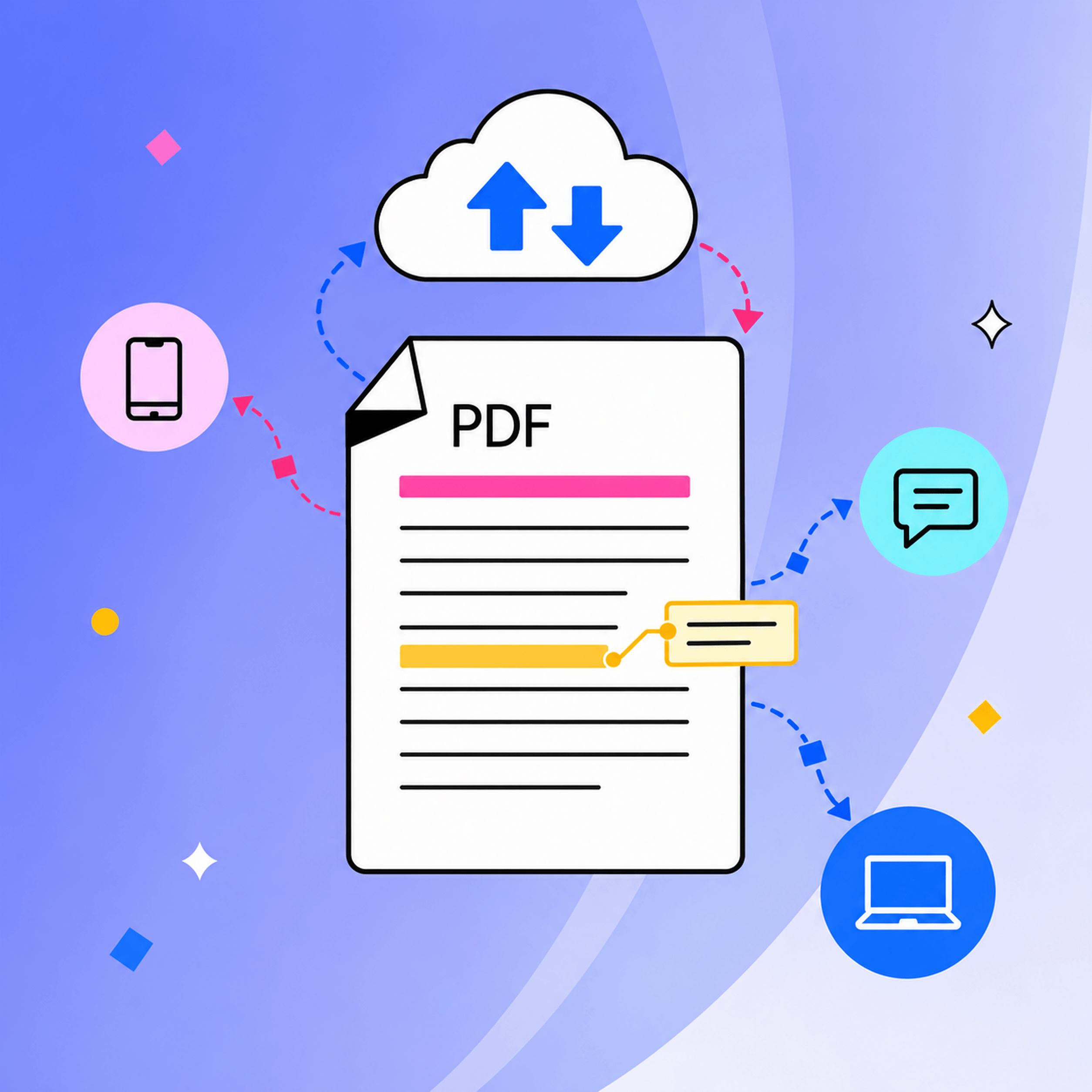
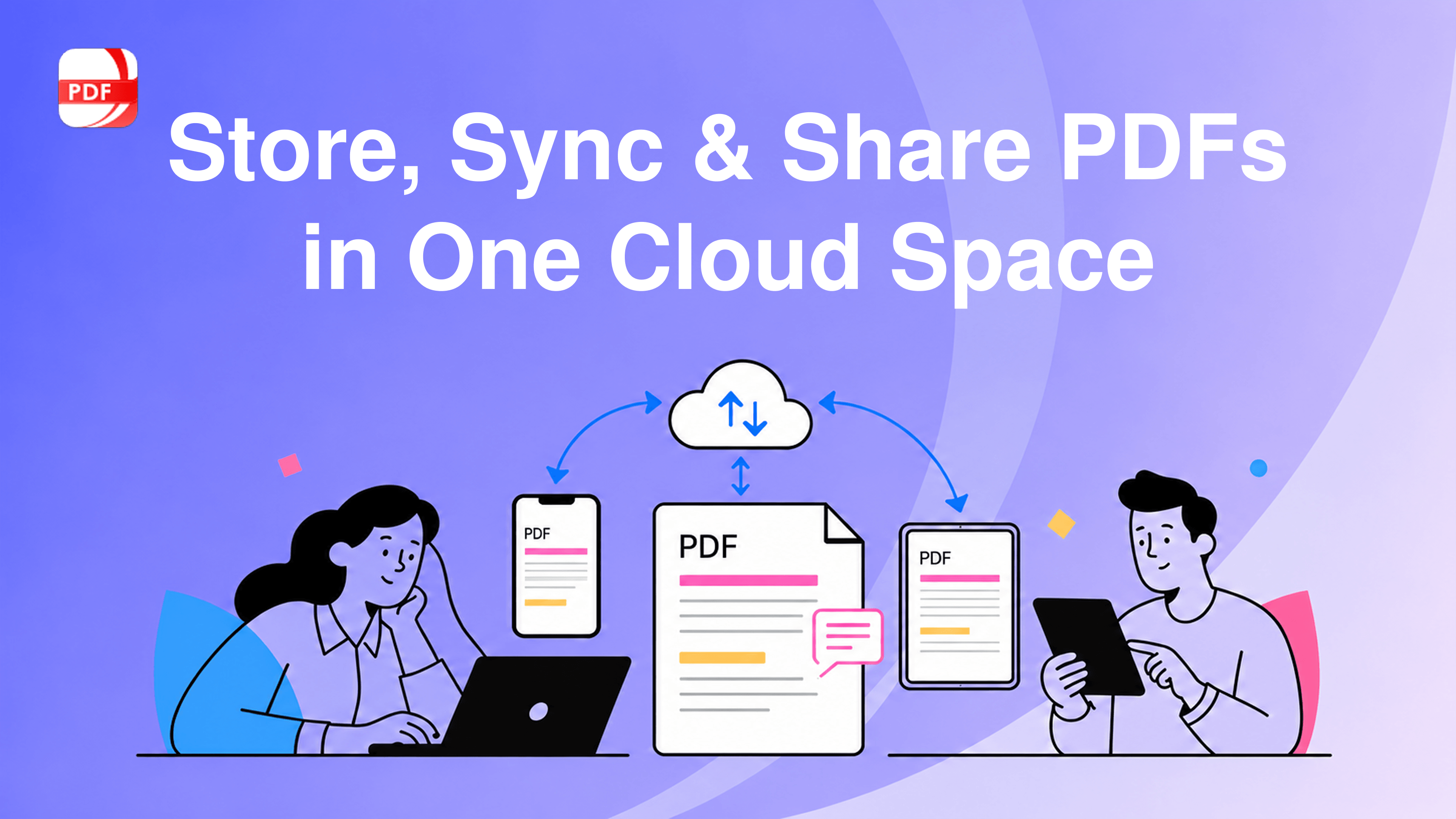
A PDF file often moves between devices. Students may annotate course materials on a tablet and organize their notes on a computer. Architects may review drawings with colleagues in the office and consult the latest markups on a tablet at a job site. When every step creates another local copy, document versions, annotations, and access permissions can quickly turn into version chaos.
With PDF Reader Pro Web 1.0.0, you do not need to move a PDF to Google Drive or another cloud drive before collecting comments in a separate tool. Cloud Space brings storage, PDF viewing, sharing, and collaborative review into one browser-based workspace. It helps you work from the same document and follow the review process across supported PDF Reader Pro experiences.
Why PDF Workflows Need a Cloud Space
Local files are convenient until work moves between devices or people. A report saved on one computer may be unavailable when you switch to another. Email attachments can create a trail of files named “final,” “final-2,” and “final-revised.” Comments may be scattered across different copies, leaving feedback fragmented and making it harder for the owner to control who can access the document.
A PDF reader with cloud storage can reduce that friction by keeping the working document in one place. PDF Reader Pro Cloud Space gives your team one shared PDF and a single source of truth, so you can move from uploading to organizing, reading, sharing, and reviewing without assembling a workflow from disconnected tools.
Upload and Organize PDFs in One Cloud Space
PDF Reader Pro Web 1.0.0 lets you upload local files and turn them into cloud documents. Separate views for Recent Files, My Documents, and shared files help you return to active work and distinguish documents you own from files shared by others.
Cloud file management includes creating folders, renaming files, moving documents, making copies, downloading files, and deleting items. You can sort documents by name, update time, or file size. Deleted cloud files move to a recycle bin, where subscription users can restore eligible files within seven days.
This is more than basic pdf cloud storage. It is a document workspace shaped around how people manage PDFs in real projects.
Keep Important PDFs Available Across Devices
Upload a PDF to your cloud library, sign in with the same account, and continue working from another supported PDF Reader Pro experience across supported devices, without manually moving the file through email or a cable. This connected workflow is useful when you review a proposal at the office, check a contract while traveling, or open study materials from a personal device.
The web experience also works as an online PDF storage and viewer, allowing you to open cloud documents directly in a compatible browser. Mobile browsers support viewing; annotation and editing require a supported app or desktop browser. PDF Reader Pro Web 1.0.0 helps you sync PDFs across devices while keeping one cloud copy at the center of your workflow.
Share PDFs with More Controlled Permissions
Sharing a document should not mean giving every recipient the same level of control. Document owners can turn sharing on, invite collaborators by email, or copy a shareable link. Share one link instead of sending multiple attachments, and assign access according to the task:
- Can view: for recipients who only need to open and read the document.
- Can comment: for reviewers who need to add feedback without editing the document.
- Can edit: for collaborators who need broader document editing access.
Owners can also review invited collaborators and link access settings, update a collaborator’s permission, and control how long a shared link remains active. Free accounts support seven-day links, while all-platform subscribers have additional expiration options, including 30 days, permanent access, and a custom date. These controls make PDF cloud collaboration more practical: teams can control who can view, comment on, or edit each document and manage access permissions as work changes.
Collect Comments Without Creating More Copies
PDF Reader Pro Web 1.0.0 supports collaborative comments and annotations on cloud documents. Reviewers with the right permission can highlight content, add comments, use drawing and shape tools, and respond to existing feedback. A comment list keeps feedback centralized so participants can search, filter, reply to, edit, or resolve comments in context.
Multiple reviewers can add comments and annotations to the same cloud document on Web, with feedback syncing in real time to help everyone stay aligned and keep feedback in one place. When broader editing is required, access is coordinated so one person edits the document at a time, helping reduce conflicting changes.
From Individual Reading to Team Collaboration
- Students and researchers: Annotate course materials on a tablet, then organize notes and references on a computer.
- Architects and project teams: Review drawings in the office, leave structured feedback, and consult the latest markups on a tablet in the field.
- Professionals: Keep proposals, reports, and agreements available as work moves between office, home, and mobile devices.
- Clients and reviewers: Open a link, leave focused comments, and avoid downloading a new attachment for every review round.
A Cloud Workspace with PDF Tools Built In
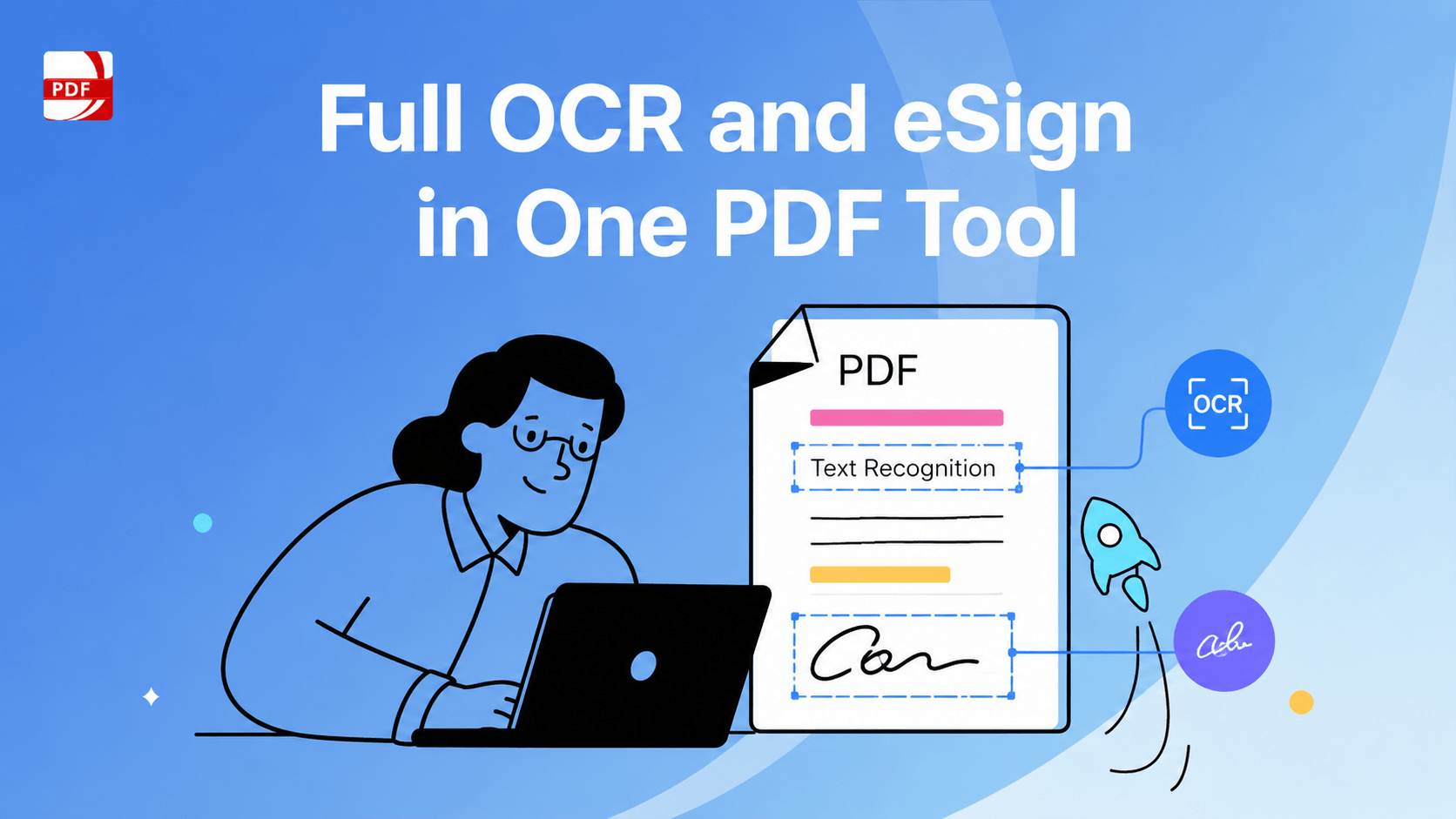
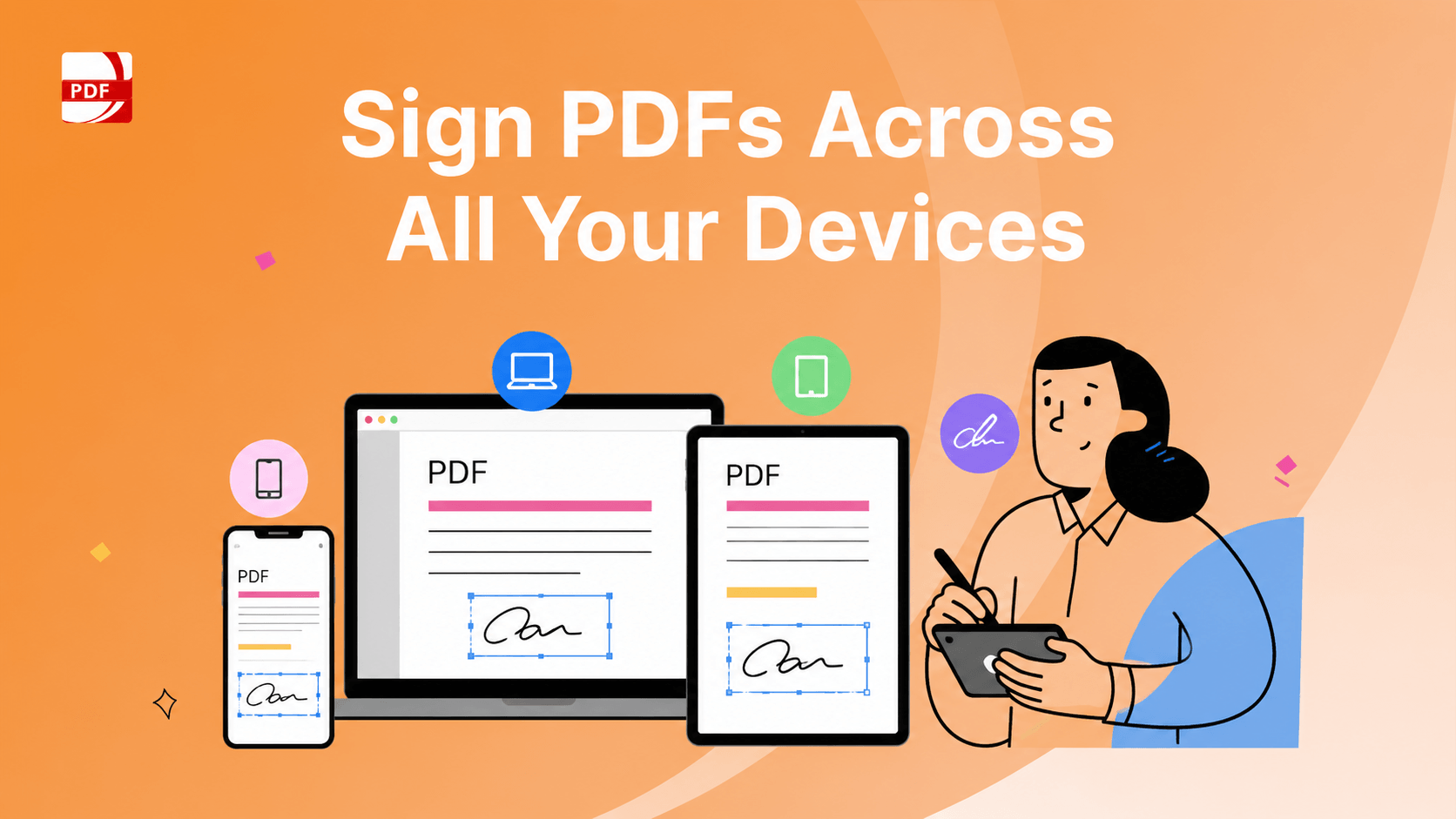
Cloud Space is one part of PDF Reader Pro Web 1.0.0. The web release also brings annotation, text and image editing, page organization, document search, OCR, conversion, compression, comparison, forms, signatures, and security tools into the browser. Available features and limits depend on account and subscription status.
Signed-in free users receive 1 GB of cloud space with a 10 MB upload limit per file. Eligible all-platform subscribers receive 20 GB of space and support for files up to 100 MB.
Start Using Cloud Space in PDF Reader Pro Web 1.0.0
PDF Reader Pro Web 1.0.0 brings reading, editing, cloud file management, sharing, and collaborative review into one browser-based workspace. Your documents are easier to reach, and the people involved in the review can work from the same cloud version with clearer permissions, helping keep everyone on the same page.
Open PDF Reader Pro Web to upload your PDFs, organize them in the cloud, invite the right people, and complete your next review with fewer copies and fewer handoffs.
 Free Download
  Free Download