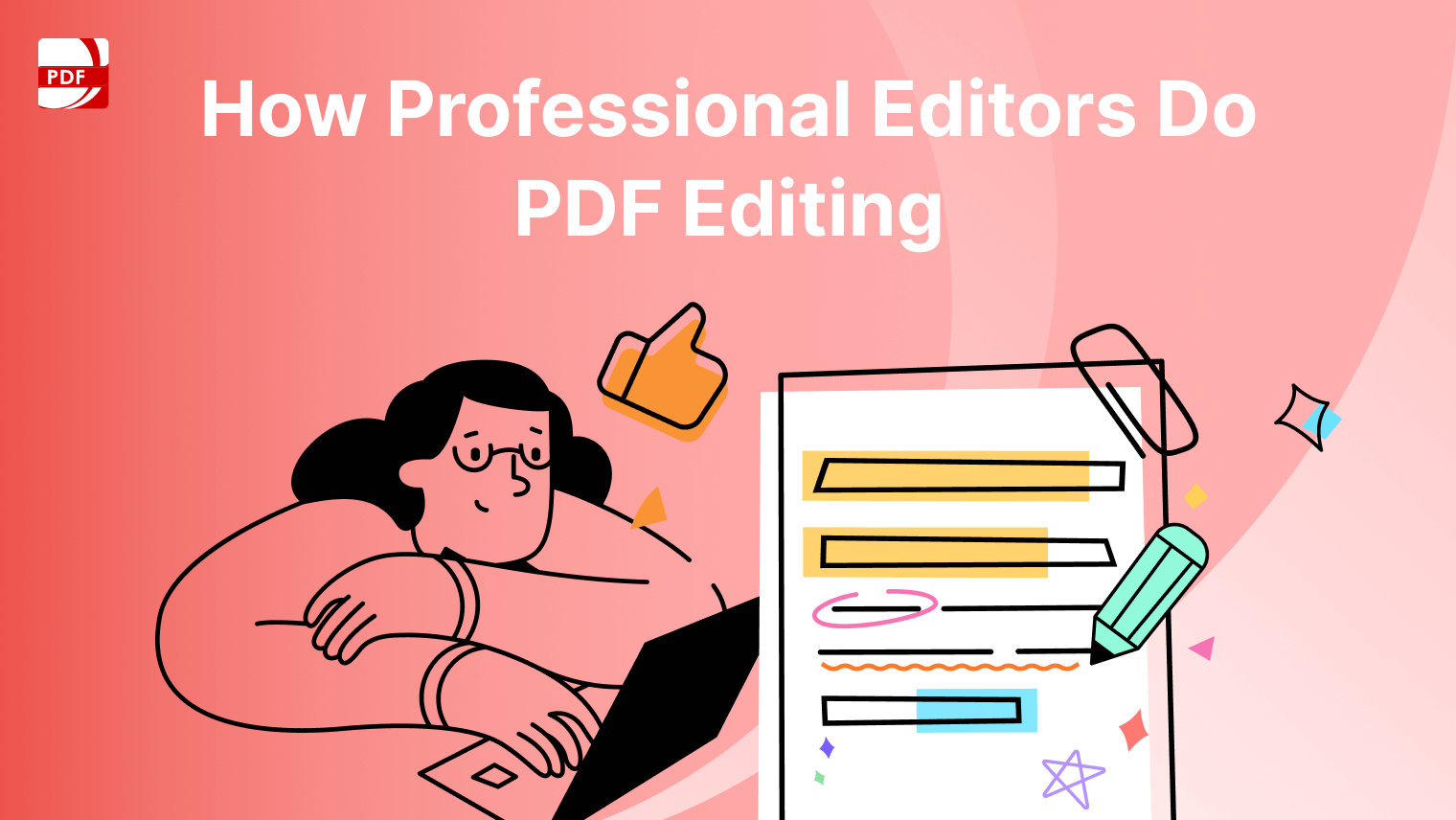
PDF files are widely used in both professional and personal settings for their stability and compatibility across devices. However, editing PDFs isn’t always straightforward. Not all PDF editing software is capable of handling all the common editing needs, including modifying text, adjusting images, rearranging pages, and filling out forms.
For quick, occasional edits, an online PDF editor like ComPDF can be a convenient option. But if you regularly work with PDFs and require robust editing features, investing in professional PDF editing software is a smarter, long-term solution.
In this article, we’ll explore how you can use an all-in-one PDF tool like PDF Reader Pro to efficiently handle all your editing needs.
Edit PDF Text with Ease
Editing text in PDFs is essential when correcting typos, updating content, or formatting reports. With a professional tool, you can:
-
Modify existing text, including changing font, size, color, alignment, and style.
-
Reposition text blocks to adjust the layout.
-
Add new text anywhere in the document.
PDF Reader Pro provides a simple, efficient way to do all of this. For detailed, step-by-step instructions, refer to this guide on editing PDF text.
Edit Images in PDF Freely
Whether you're replacing outdated visuals or refining layout, image editing in PDFs is often overlooked but highly valuable. With a reliable PDF editor like PDF Reader Pro, you can:
-
Replace or delete images
-
Crop, rotate, or flip them
-
Resize and reposition
-
Export images from the PDF for reuse
Want to learn how to do all this? Check out our image editing tutorial.
Edit PDF Pages Quickly
Rearranging or modifying pages helps organize documents more clearly. Key page editing functions include:
-
Rotate or crop pages for better alignment
-
Insert new pages from other files
-
Extract or delete unnecessary pages
-
Reorder pages for better flow
All these functions are easily accessible in PDF Reader Pro. View our full PDF page editing walkthrough.
Edit PDF Form hassle-free
Filling out forms is one of the most common tasks in PDF workflows. A full-featured PDF editor allows you to interact with complex forms that include:
-
Text Fields for typed responses
-
Radio Buttons and Checkboxes for selection
-
Dropdowns and Lists for options
-
Button fields and Signature fields for interactivity
Get detailed tips and form-editing techniques in our form editing guide.
Why Effective PDF Editing Software Matters
While browser-based or built-in PDF tools are handy in a pinch, they typically lack the robustness required for more complex tasks. This is where full-featured PDF software stands out.
A good PDF editing tool should offer:
✅Ease of use: An intuitive interface that doesn't require a steep learning curve.
✅Comprehensive features: From text and image editing to form handling and page management.
✅Cross-platform compatibility: The ability to work seamlessly on Windows, macOS, iOS, and Android.
These qualities help boost productivity, especially for professionals who deal with PDF documents daily.
Conclusion
Editing a PDF doesn’t have to be complicated or time-consuming. Whether you're working with text, images, pages, or forms, a well-designed PDF editor like PDF Reader Pro offers everything you need in one place.
Ready to simplify your workflow and maximize your productivity? Try PDF Reader Pro today!