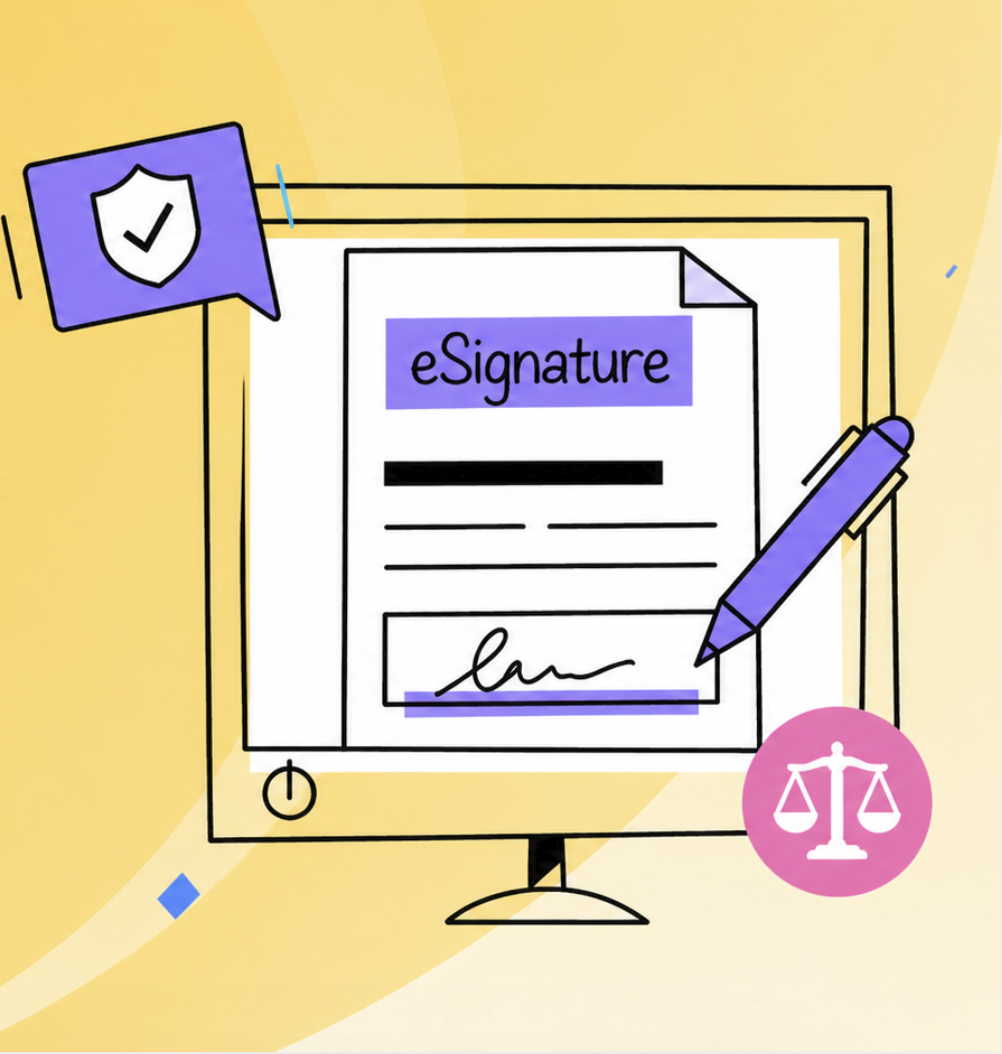
Most teams know that eSignatures exist. What they do not know is whether the ones they are using actually hold legal weight. Many still think an eSignature is just a digital scrawl or a typed name. In reality, legal enforceability depends on a specific set of conditions: documented consent, verified identity, proof of intent, an unbroken audit trail, and document integrity.
For small businesses and departments without a legal team, that sounds complicated. In practice, it is not. A properly configured eSignature workflow handles all five automatically. The gap between "signing something online" and "creating a legally binding eSignature" is process design, not technology magic.
If your team signs contracts, agreements, approvals, or any document that matters financially or operationally, understanding what makes a signature legally binding will save you from liability gaps and costly rework. The sections below explain what legally binding actually means, what small teams need to put in place, and how to evaluate signing tools against compliance requirements.
Key Takeaways
- Legal enforceability depends on five elements: documented consent, identity verification, intent, complete audit trail, and document integrity.
- Small teams do not need complex legal procedures—they need tools that automate evidence gathering without adding workflow friction.
- Basic signature tools are designed for quick signing, not compliance; production teams should distinguish between them from day one.
What Makes an eSignature Legally Enforceable
An eSignature is legally binding when it meets specific legal criteria. These vary by jurisdiction, but the foundation is the same in most countries: the signature must prove who signed, when they signed, what they agreed to, and that the document has not changed since signing.
That foundation rests on five elements:
- Documented consent: The signer knowingly agreed to sign electronically, not just signed a form.
- Identity verification: You know who is on the other end of the signature request.
- Recorded intent: The system captures that the signer took a deliberate action to sign.
- Tamper-proof record: An audit log that shows what was signed, when, and by whom, and whether the document has been altered.
- Document integrity: The signed file cannot be modified after signing without detection.
When all five are present, a signed document is admissible in court and can be enforced as a binding agreement. When any one is missing, a signature can be challenged.
Electronic Signature vs Digital Signature: What Matters in Practice
The terms are often used interchangeably, but they mean different things in a compliance context.
An electronic signature is any electronic method that binds someone to an agreement: a typed name, a click of "I agree," a digital pen, even a voice recording. It is broad.
A digital signature is a specific, cryptographic method that uses public key encryption to verify identity and prove document integrity. It is narrow, secure, and often required for regulated industries like finance, healthcare, and legal work.
For most small business workflows—HR approvals, sales contracts, procurement sign-offs—an electronic signature with proper audit tracking is sufficient. For contracts with high financial stakes, or industries under strict compliance rules, digital certificates and more rigorous identity verification may be required.
The key is: do not assume that one equals the other, and do not assume that basic signing equals legal protection.
What Small Teams Should Check Before Using an eSignature Tool
Evaluating a signing tool against compliance needs is simpler than it sounds. Before your team commits to a tool, verify these capabilities:
1. Does it require explicit consent to sign electronically?
The tool should ask the signer to confirm they understand they are signing electronically, not just hand them a signature field.
2. Does it verify the signer's identity?
At minimum, check via email or phone. For high-value contracts, require stronger authentication like OTP or SSO.
3. Does it record the exact moment of signing?
Timestamps should be part of the audit log, not optional.
4. Does it create a tamper-evident record?
After signing, the system should detect if anyone tries to modify the document.
5. Does it maintain audit logs you can export?
Your team should be able to pull a complete record of who signed, when, and from where—and keep it for as long as your industry requires.
6. Is the signed document stored securely?
Access controls and encryption should be standard, not an add-on.
A Simple Compliance Checklist for Everyday Business Documents
Use this checklist when setting up signing workflows for recurring business documents:
Before sending:
- Document is final and approved; no further changes will be made
- All signers are clearly identified
- Signing order is set (sequential if approvals must flow; parallel if all can sign independently)
- Deadline is realistic and communicated
- The reason for signing is clear in the request message
During signing:
- Signer receives a clear notification of what they are signing
- Signer confirms understanding of electronic signing implications
- Identity is verified (at minimum, email confirmation)
- Timestamp is recorded automatically
- Signer cannot proceed without completing the signature
After signing:
- Signed document is locked against editing
- An audit log showing all signer activity is generated
- Audit log is attached to or associated with the signed file
- Signed documents are stored with access controls in place
- Audit logs are retained for the period required by your industry (often 3–7 years)
Following this checklist will satisfy legal requirements for most small business scenarios.
How PDF Reader Pro Supports Secure and Trackable Signing
For teams that need legally binding eSignatures without overcomplicating the process, PDF Reader Pro eSign is built on the compliance foundations above.
When you send a signature request through PDF Reader Pro:
- Signers receive a request with explicit consent language and must confirm they understand electronic signing.
- Identity is verified via email; stronger authentication can be configured for high-value contracts.
- The system records the exact time of signing and captures device and location data.
- The signed document is locked against modification; any attempt to alter it after signing will break the audit chain.
- A complete audit trail is generated showing every action: request sent, reminder sent, document viewed, signature completed, timestamp, and signer location.
- All signed documents and audit logs are encrypted and stored with access controls.
This approach means your team gets compliance-level security and trackability without managing certificates or encryption keys yourself.
 Free Download
  Free Download
When a Basic Signature Tool Is Not Enough
Some online signing tools are designed for speed: quick contracts, one-off approvals, informal agreements. They are convenient for low-stakes scenarios.
They often lack:
- Explicit consent confirmation
- Tamper detection
- Audit trail export
- Long-term storage guarantees
- Security certifications
When should you move beyond basic tools?
- When the document has financial impact
- When you sign the same type of document repeatedly
- When regulations require proof of execution
- When the contract is with an external party or spans jurisdictions
- When you need to prove who signed and when
At that point, a production-grade eSignature workflow is not an option; it is a requirement.
FAQs About Legally Binding eSignatures
1. Are electronically signed PDFs legally binding?
Yes, in most jurisdictions. Electronic signatures have legal standing when they meet the five elements: consent, identity, intent, audit trail, and integrity. Specific requirements vary by country and industry, so confirm your local regulations.
2. What is the difference between an electronic signature and a digital signature?
An electronic signature is any digital method of signing. A digital signature is a cryptographically secure, legally-recognized subset that uses encryption to verify identity and prevent tampering. For most business use, electronic signatures with audit tracking are sufficient; digital signatures are required for heavily regulated fields.
3. Do small teams need audit trails for signed PDFs?
Yes. An audit trail is evidence that a signature is valid and unforced. Without one, a signer can later claim they did not actually agree. Most jurisdictions and industry standards expect audit trails for business documents.
4. How can I prove who signed a PDF?
An audit trail shows the timestamp, device location, and identity of the signer. For higher assurance, require identity verification (email, phone, or OTP) during the signing process, and capture the verification method in the audit log.
5. Is typing your name into a signature field legally binding?
Not on its own. Typing a name is technically an electronic signature, but without consent language, timestamp, and an audit log showing the context, it is easily disputed. Always use a tool that combines the signature with consent, verification, and an audit record.
Working With Compliant Workflows
For teams that send documents regularly and need signatures to hold up in a dispute or audit, the strategy is straightforward: automate compliance through your signing tool, document every step, and retain audit trails for as long as required.
If your team sends business documents for signature regularly, PDF Reader Pro eSign ensures every signature is legally defensible without slowing down your workflow.