Document Q&A
 Report Generation
 Data Extraction
 Document Translation
 Contract Review
 Security & Compliance


Choosing a PDF editor this Black Friday? Start with the files you work on, the devices you use and the cost after the first year. Our Black Friday offer puts the Advanced annual plan at US$63.99 for the first year.
BLACK FRIDAY 2026
November 5–30 · Advanced annual plan (Black Friday offer)
FIRST YEAR
US$63.99
Save US$16 · 20% off the first year
AFTER THE FIRST YEAR
US$79.99 / year
Annual subscription · Auto-renews
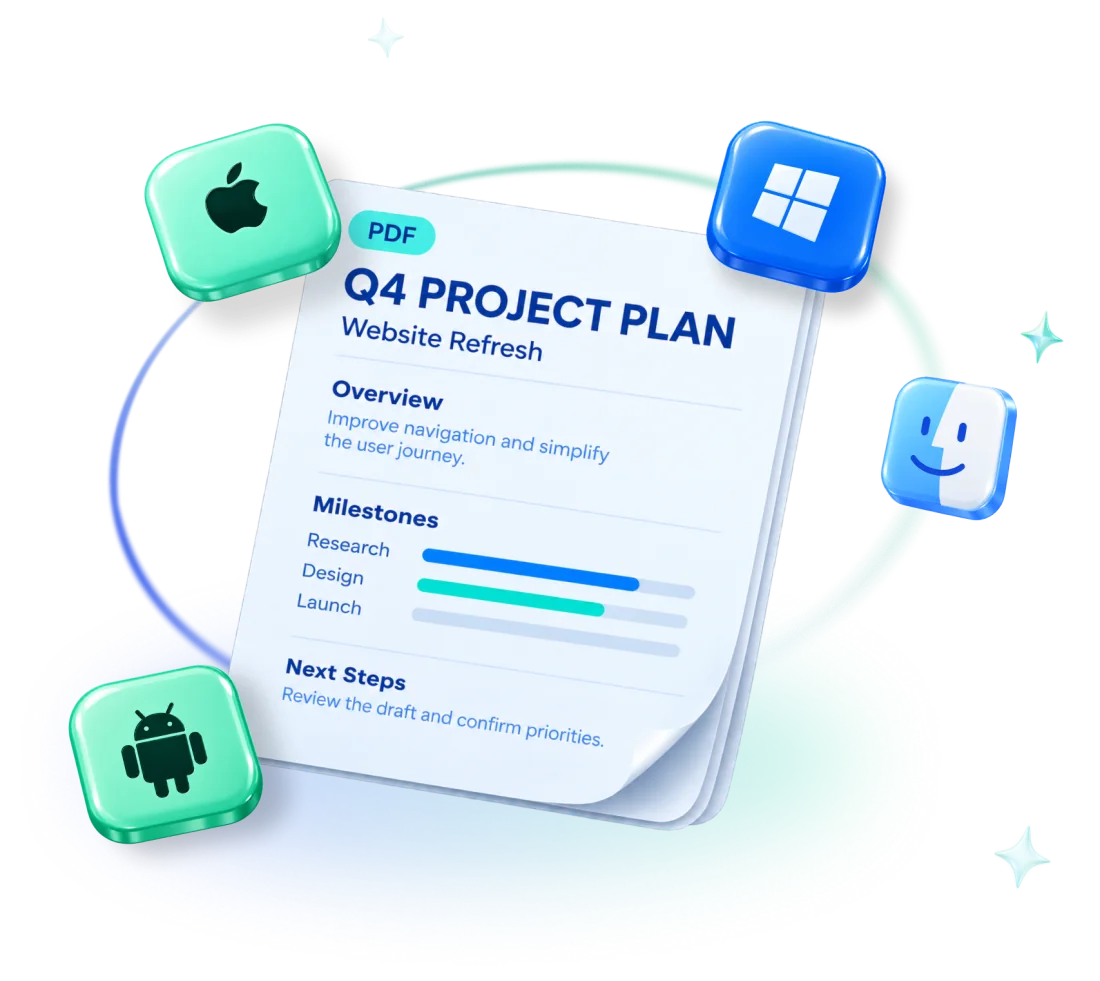
Five platforms
Mac · Windows · iOS · Android · Web
🎁 Eligible first-purchase gifts
500 AI credits + 2 eSign tasks
Account eligibility and separate first-purchase gift rules apply. Existing renewals and multi-seat purchases are excluded. The Black Friday price cannot be combined with other discounts, including the education discount.
What does the Black Friday offer include?
The Advanced annual plan (Black Friday offer) saves US$16 on the regular US$79.99 annual price. After the first year, it renews automatically at US$79.99 per year. The offer is for eligible individual purchases on our website.
| Item | Offer details |
|---|---|
| First year | US$63.99 instead of US$79.99; save US$16, or approximately 20%. |
| After the first year | US$79.99 per year. The subscription renews automatically. |
| Platforms and devices | Mac, Windows, iOS, Android and Web, on up to four of your own devices. |
| Cloud Space | 20 GB of cloud storage, with uploads up to 100 MB per file. |
| First-purchase gifts | 500 AI credits + 2 eSign tasks for accounts that meet the separate gift rules. |
Cloud Space is PDF Reader Pro’s workspace for uploading, organizing and sharing PDFs for review. For detailed editing and conversion, choose the app or browser tools that suit your files. AI Assistant is available on Mac and Windows.
How does it compare with other PDF plans?
Compare the exact plan, billing period and platform coverage. The PDF Reader Pro row shows its Black Friday offer; the other rows show public annual prices checked on November 4, 2026. Prices may change, so check each vendor’s pricing page before you buy.
| Product / plan | Price and billing | Platform coverage | Good to know |
|---|---|---|---|
| PDF Reader Pro Advanced | US$63.99 first year; then US$79.99/year. Black Friday: November 5–30. | Mac, Windows, iOS, Android and Web; up to four devices. | Separate account and first-purchase gift rules apply. AI Assistant runs on Mac and Windows. |
| PDFelement for Windows | US$79.99/year for the single-platform selection. | Windows. Cross-platform access is a different plan selection. | Check renewal pricing and the AI allowance for the selected plan. |
| Adobe Acrobat Pro | US$239.88/year, annual prepaid. | Desktop, online tools and mobile app access; tools vary by platform. | For an AI-inclusive option, compare Acrobat Studio, which includes AI Assistant. |
| Foxit PDF Editor / Editor+ | US$129.99 / US$159.99 per user/year. | Editor: Windows, macOS and Web. Editor+ also includes iOS and Android apps. | Editor+ lists 150 eSign envelopes/year. Foxit accounts include 300 free AI credits/month; usage rules differ by product. |
Each product name links to that vendor’s pricing page. Final prices, taxes and renewal terms are shown at checkout.
Compare both the first year and the next
PDF Reader Pro’s first-year price is lower than the listed annual prices of PDFelement for Windows, Foxit and Acrobat Pro. From year two, PDF Reader Pro costs US$79.99/year—the same amount as the PDFelement Windows annual quote above. Each plan covers different features, so compare what you actually need as well as the price.

Choose a plan based on your devices and daily tasks
A plan is useful when it covers your everyday files and the devices where you handle them. Work through these choices before deciding which license to buy.
If you work across computers and a browser
List the devices you use for editing, reading and reviewing. PDF Reader Pro Advanced covers five platforms and up to four devices. Cloud Space gives you a central place to access uploaded PDFs and collect comments. Check each product’s selected license for the same mix of desktop, mobile and browser access.
If you work mainly on Apple devices
Check whether you need Mac alone or Mac, iPhone and iPad together. For example, PDF Expert’s yearly plan covers those Apple devices, while its lifetime option is Mac-only. PDF Reader Pro supports Mac and iOS alongside Windows, Android and Web. Choose based on the devices you use now and expect to use next.
If you prefer a one-time purchase
Check the version, platform and upgrade terms. PDFelement’s displayed Windows perpetual plan is US$129.99 and covers version 13; major upgrades may cost extra. PDF Expert’s lifetime option is Mac-only. PDF Reader Pro also has a Permanent plan for one device on Mac or Windows. It is not part of this Black Friday offer; you can find its current price and terms on our Pricing page.
If you use AI or eSign tasks regularly
Compare ongoing allowances as well as first-purchase gifts. PDF Reader Pro offers eligible accounts 500 AI credits and two eSign tasks. Foxit Editor+ lists an annual eSign envelope allowance, and Acrobat Studio is a separate AI-inclusive option. An AI credit, an eSign task and an envelope follow different usage rules; equal numbers do not necessarily cover equal amounts of work.
Where PDF Reader Pro fits into your week
The offer makes most sense when you regularly edit, convert or review PDFs. Here are a few ways those tools fit into everyday work.
- Students: annotate papers and lecture slides, combine scanned assignments and convert a PDF to Word when you need an editable copy.
- Teachers: mark up worksheets or handouts and organize the pages you want to share. For forms that require another person’s signature, use the eSign process accepted by the school or recipient.
- Office users: update contract or report text on a computer, collect review comments in Cloud Space, or add your own signature with the mobile app.
- Freelancers and home users: prepare proposals, complete forms and assemble the supporting pages before sending.
For occasional reading, the free tools you already have may be enough. For frequent PDF work, compare the tools and platform coverage with both the first-year and renewal cost.
Try the everyday PDF workflows for step-by-step examples, or use the platform guide to match features to your devices.
How to buy and check eligibility
Buy a personal plan on our website, then sign in to the app with the same account. Review the price and account eligibility before completing your purchase.
- Go to our Pricing page during November 5–30 and select the Advanced annual plan (Black Friday offer).
- Use the account email that will receive the membership. Check the US$63.99 first-year price, US$79.99 annual renewal and any first-purchase gifts shown.
- Finish your purchase on our website. On iOS, Android or your computer, sign in with the same account to activate the membership. App Store in-app purchases are outside this offer.
Good to know
- The offer is for accounts without previous actual payments. Previous payments that were fully refunded may qualify; payments that were not fully refunded do not. Existing renewals are excluded.
- An active trial must end before the account can participate. Switching off trial auto-renewal does not end the trial immediately.
- Students and teachers can compare this offer with the education discount and check the eligibility requirements before choosing a plan. The two cannot be combined. Multi-seat purchases are not part of this offer.
- First-purchase gifts have separate eligibility rules. Accounts that received the earlier one-year free AI benefit do not receive another 500-credit grant. The discount and gifts do not repeat on renewal.
A few details before you choose
These answers cover the deadline, renewal, device allowance and AI gifts—the details most useful when deciding whether to buy.
When does the offer end?
The Black Friday offer ends on November 30, 2026.
What happens after the first year?
The Advanced annual plan renews automatically at US$79.99 per year after the US$63.99 first year.
Does the plan support five devices or four users?
Neither. The plan covers five platforms and lets you use up to four devices. It is a personal membership, not a four-person license.
Can I use the AI gift if I buy from my phone?
The first-purchase gifts are associated with the eligible purchasing account. AI Assistant runs on Mac and Windows, so sign in there with that account to use AI credits. Purchasing from an iPhone or Android phone does not add AI Assistant to the mobile app.