Document Q&A
 Report Generation
 Data Extraction
 Document Translation
 Contract Review
 Security & Compliance

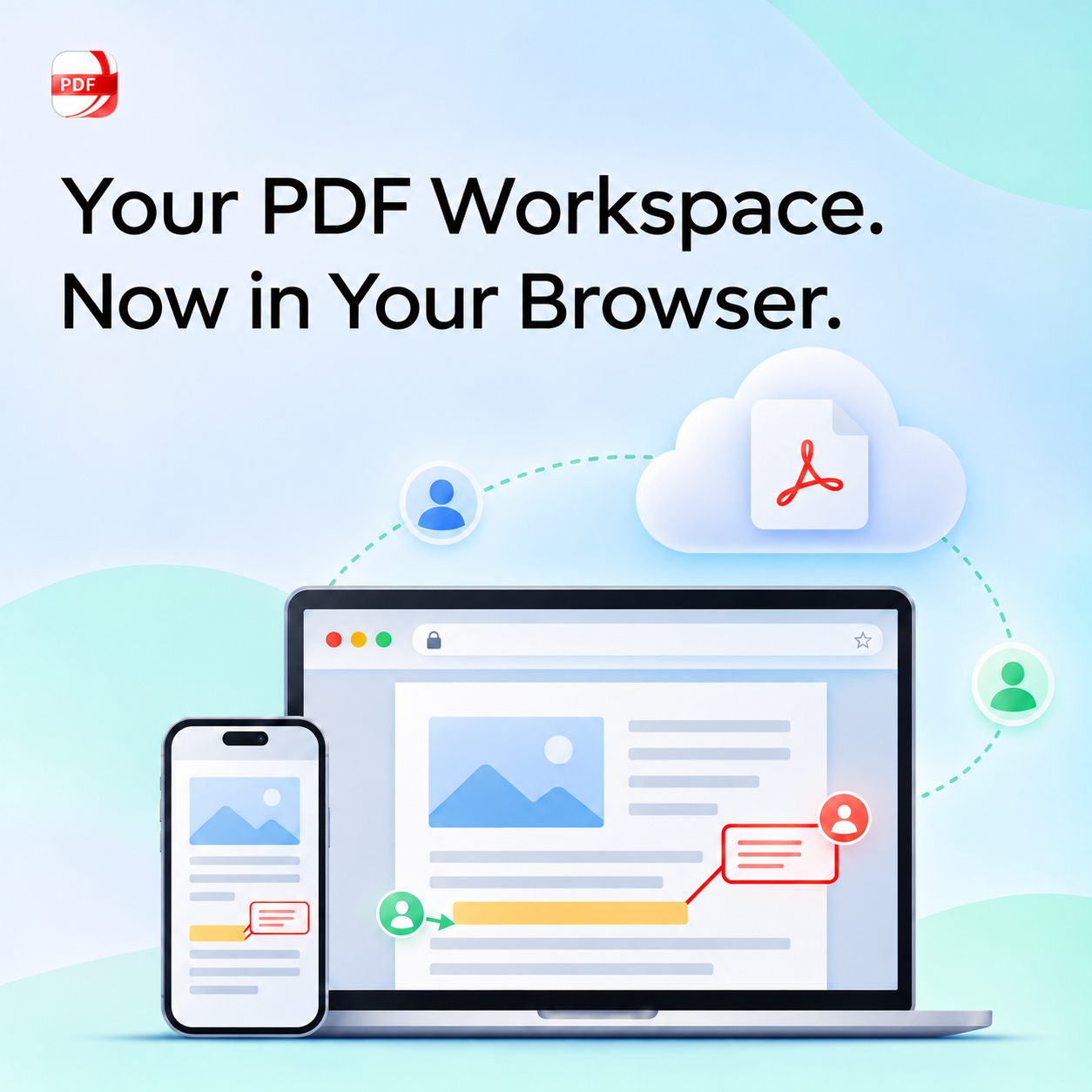
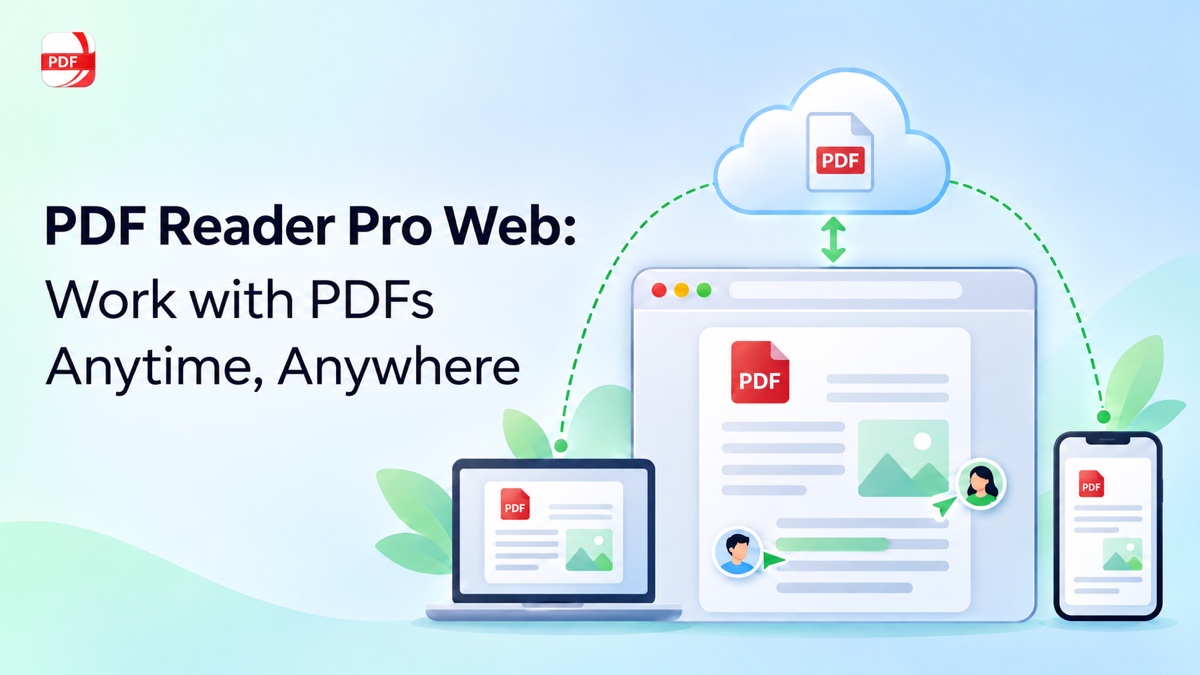
A PDF can be part of several tasks in one day: checking a report, updating a proposal, collecting feedback, or finding a document saved on another computer. PDF Reader Pro Web adds a browser workspace for these moments, bringing PDF tools, cloud file management, and shared review together.
During Black Friday, the Advanced annual plan is available at US$63.99 for the first year and renews at US$79.99 per year. Get the Advanced annual offer.
What PDF Reader Pro Web Adds to Your Workflow
Open your browser and start working with PDFs without downloads or setup. PDF Reader Pro Web gives you an online workspace for reading, editing, annotating, organizing, sharing, and processing PDFs, with Cloud Space keeping uploaded files available for later work.
Upload local files to the cloud, keep recent, personal, and shared documents in one workspace, and share a document by link with access permissions. When a task needs more than review, you can edit and organize PDF content in the browser and use the available PDF tools. Features and limits depend on your account and subscription status.
What Work Problems Can Web Help You Solve?
Start with the document task you need to complete:
| Task | How Web Helps | See the Scenario Below |
|---|---|---|
| Continue working from another computer | Access uploaded cloud documents with the same account | Pick Up a PDF on Another Computer |
| Prepare a document for delivery | Edit text or images, annotate, and organize pages | Make the Final Changes Before Sharing |
| Collect feedback on a document | Share by link and set access permissions | Collect Feedback with the Right Access |
| Keep a growing set of PDFs organized | Organize recent, personal, and shared documents in one workspace | Keep Everyday Documents Organized |
Everyday Situations Where Web Fits
The value of a browser workspace becomes clearer when the task changes. These situations show how the same Web access can support document work at different points in a day.
Pick Up a PDF on Another Computer
You upload a project brief at work and need to review it later from your laptop. Or you put course materials in Cloud Space and want to return to them from another computer. Signing in with the same account gives you an entry point to the cloud document without emailing the file to yourself again.
Recent, personal, and shared files help distinguish active work, documents you own, and files others have shared with you. From there, you can open the relevant document and continue with the tools available to your account. For more detail about this workflow, see accessing and reviewing PDFs across devices.
Make the Final Changes Before Sharing
A proposal is almost ready, but a date or image needs updating. A report has supporting pages that need organizing before it goes to a reviewer. You want to finish those changes before sending the PDF.
Work on the PDF’s content and page arrangement within the browser workspace, then prepare the document for sharing or download. A proposal might need an updated sentence and a different page order; a form might need information filled in or a signature added. Tool availability depends on your account, subscription, and the document; see the account section below for the published cloud limits. Web signature tools and any eSign tasks offered with a purchase are separate capabilities.
Collect Feedback with the Right Access
A client needs to review a proposal, a colleague needs to comment on a report, or a classmate needs to check a shared assignment. The document owner can share a link, then choose whether recipients can view, comment on, or edit the document.
Reviewers can highlight passages, add comments, and use drawing or shape tools to make feedback easier to follow. The owner can also update permissions and manage the link's duration as the review progresses.
Keep Everyday Documents Organized
A folder of travel confirmations, school forms, project references, or personal records can become difficult to navigate when files accumulate. Web gives you ways to maintain that collection as work continues: organize recent, personal, and shared documents in one browser workspace, then open the file you need for the next task.
Cloud Space separates your documents from files shared by others, helping you keep ownership and access clear. The Web workspace also supports organizing, restoring, and managing cloud documents.
You can return to an uploaded document, share it for review, or download it for another use. Local uploads create cloud documents; keep your local original and cloud working copy distinct.
How Account and Subscription Status Shape Web Use
Web gives you a browser entry point to your PDF workspace, while the available features and limits depend on your account and subscription status. Use the current plan details to confirm the access, cloud capacity, upload limits, and tools that apply to your account.
That distinction matters when you move from reading or review to editing, document management, or a larger PDF task. Choose the supported app or browser experience that fits the work in front of you, then use the same account across the platforms included in your plan.
Five Platforms and the Black Friday Offer
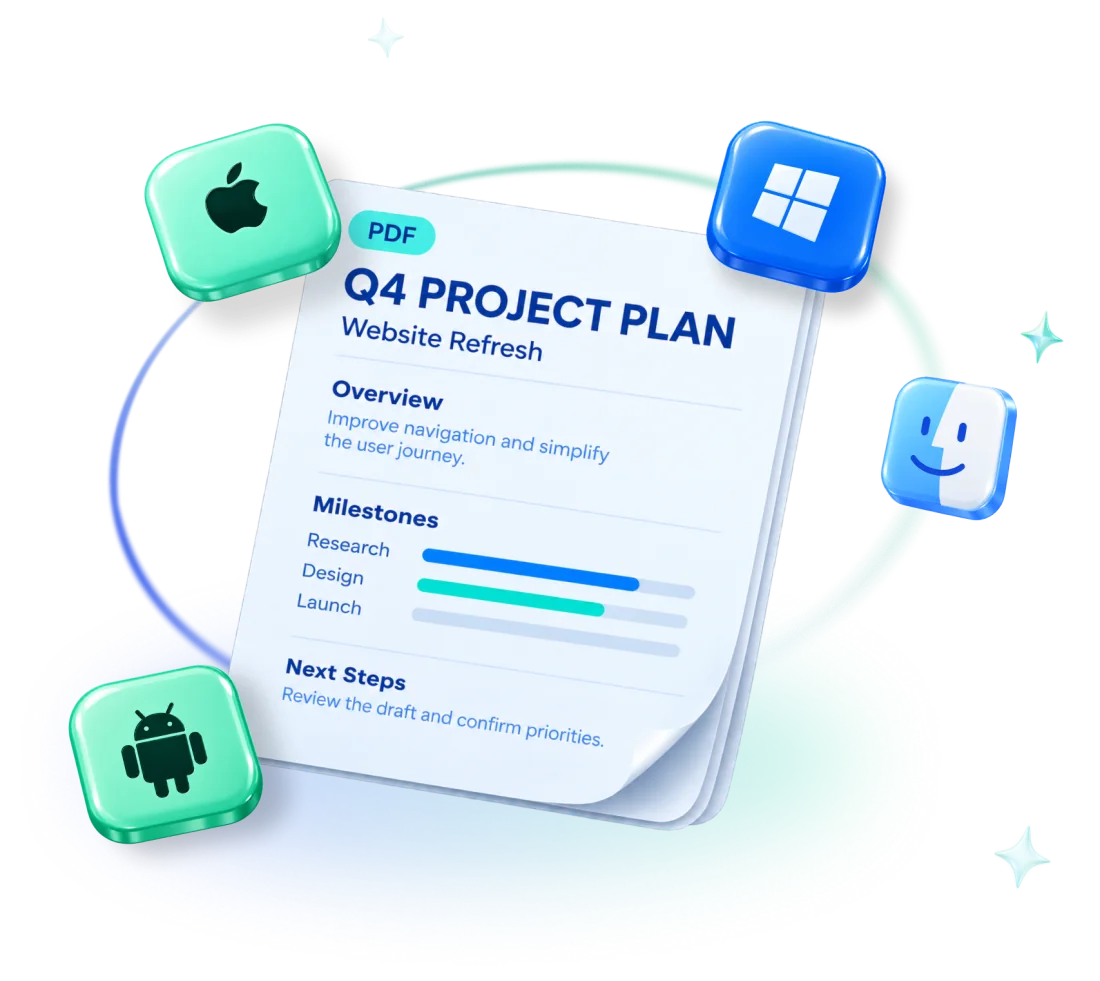
The Advanced annual plan covers Mac, Windows, Web, iOS, and Android, with access on up to four of your own devices. Web adds a browser entry point alongside the desktop and mobile apps, so the plan can support different parts of your PDF routine. Available features vary by platform.
The annual plans and the Permanent plan serve different needs: Standard and Advanced annual plans include five-platform coverage, while Permanent covers one device on Mac or Windows. This Black Friday offer applies to the Advanced annual plan.
BLACK FRIDAY 2026
November 5–30 · Advanced annual plan (Black Friday offer)
FIRST YEAR
US$63.99
Save US$16 · 20% off the first year
AFTER THE FIRST YEAR
US$79.99 / year
Annual subscription · Auto-renews
Five platforms
Mac · Windows · iOS · Android · Web
🎁 Eligible first-purchase gifts
500 AI credits + 2 eSign tasks
Eligible individual website purchases require an account without previous actual payments; an active trial must end before participation. Existing renewals, multi-seat purchases, and App Store in-app purchases are excluded. Other discounts cannot be combined, and separate first-purchase gift rules apply. See the Black Friday buying guide for the full conditions.
Choose the Right PDF Workspace for the Moment
Open PDF Reader Pro Web and sign in to your browser workspace. If you use an eligible all-platform annual subscription, sign in with that same account to use the plan’s included benefits across the supported platforms.
Use Web when you need a browser-based place to pick up a document, prepare it for delivery, or share it for review. If your PDF routine also spans desktop and mobile, check your account eligibility and review the Advanced annual Black Friday offer before you purchase.