

Download the best PDF Reader Pro to fill out the form
Free Download- ProductsNewPDF Reader ProLynxPDFWorkflow&Developers
- Online Tools
- FeaturesHot FeaturesBasic FeaturesAI Features
- BusinessEnterprisesFor more business cooperations, please Contact Us
- Resources
Customizable Christmas Card Template
The holiday season is all about warmth, connection, and sharing joy. A thoughtful Christmas card is more than paper — it’s a message of love, gratitude, and celebration. To help you create something meaningful this year, we’ve designed a free, printable, and fully customizable Christmas card template that lets you craft a card that feels truly personal.
Whether you're looking for christmas card ideas, planning to send christmas cards online, or wondering what to write in a Christmas card, this template makes the whole process easy and fun.
About This Christmas Card Template
This downloadable PDF includes two beautifully designed pages to spark your creativity:
Page 1 — The Card Layout
A ready-to-use Christmas card with decorative elements, space for heartfelt messages, and an area to insert a personal photo. You can freely modify the text, move elements around, resize images, or adjust the layout to match your unique style.
Page 2 — Christmas Sticker Sheet
A set of festive Christmas elements — Père David's deer, Christmas hat, Santa Claus, trees, snowman, and more. Simply copy and paste these stickers onto the first page to decorate your card. You can also use them to design completely new custom Christmas cards.
For the best editing experience, we recommend opening the file in PDF Reader Pro, which allows you to edit text, customize images, adjust print settings, and share your finished Christmas cards directly from the app.
Start with the free template below and turn your ideas into a personalized holiday card!

How to Edit & Customize Your Christmas Card
Follow these simple steps to personalize your free printable Christmas cards:
Download and open PDF Reader Pro.
Click Open File to open your Christmas card template (PDF).
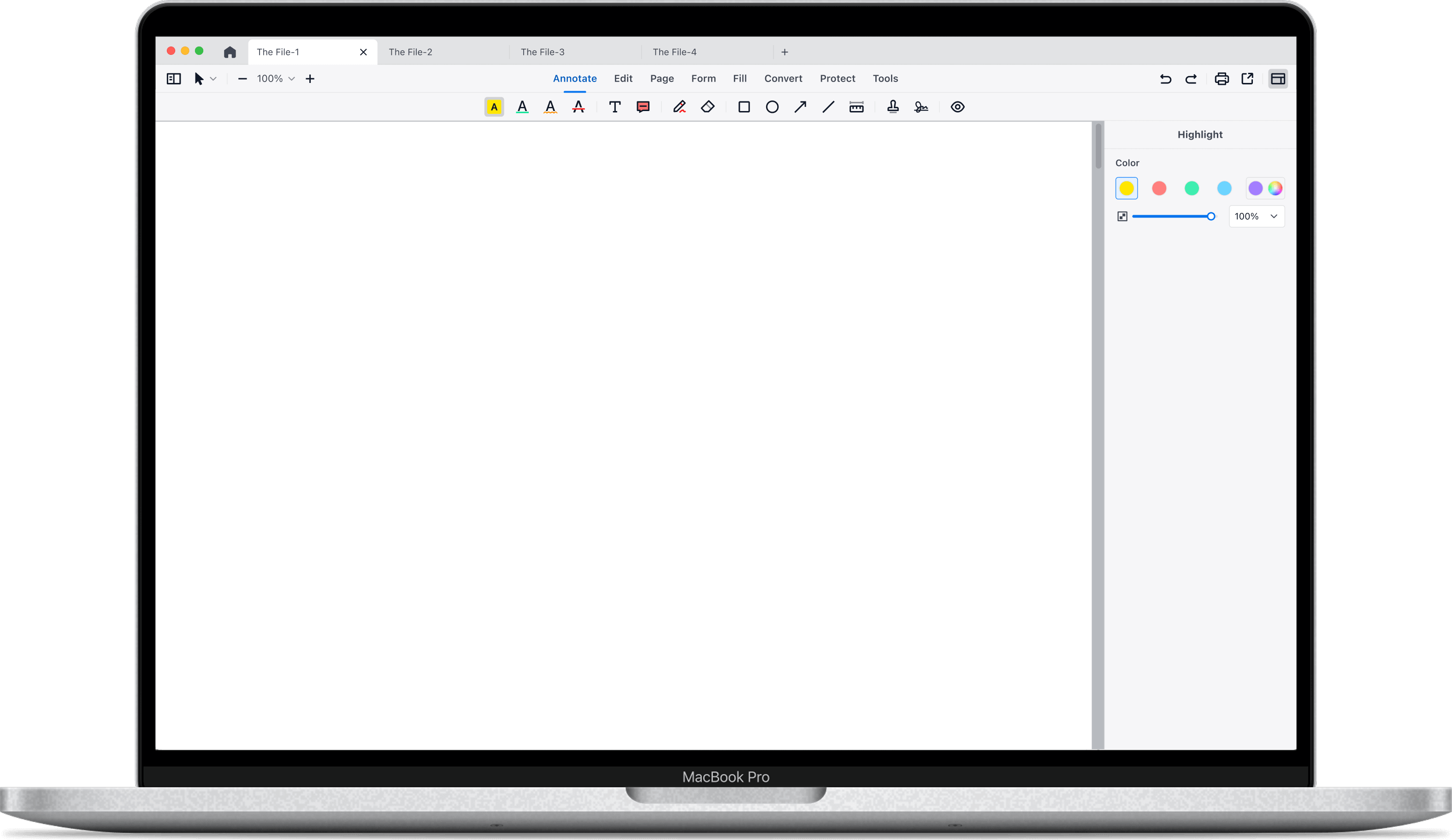
Click Annotate on the toolbar to add your own Christmas wishes, include heartfelt notes, or add shapes, stamps, and signatures to give your card a personal touch.
Customize layout with Edit tools. Select any element on the page to move, resize, duplicate, or remove it.
To use the stickers: copy any sticker from Page 2 → click anywhere on Page 1 → paste.
Start customizing your Christmas card with PDF Reader Pro now and bring your warmest holiday wishes to life!

 Support Chat
  PDF Reader Pro