

If you want to permanently black out sensitive information or private data in your PDF, PDF Reader Pro provides the best redaction experience.
1. Click Protect on the toolbar, and choose Redact;
2. Select the information you want to redact in your PDF;
3. Click Apply, then the redacted information will be removed permanently;
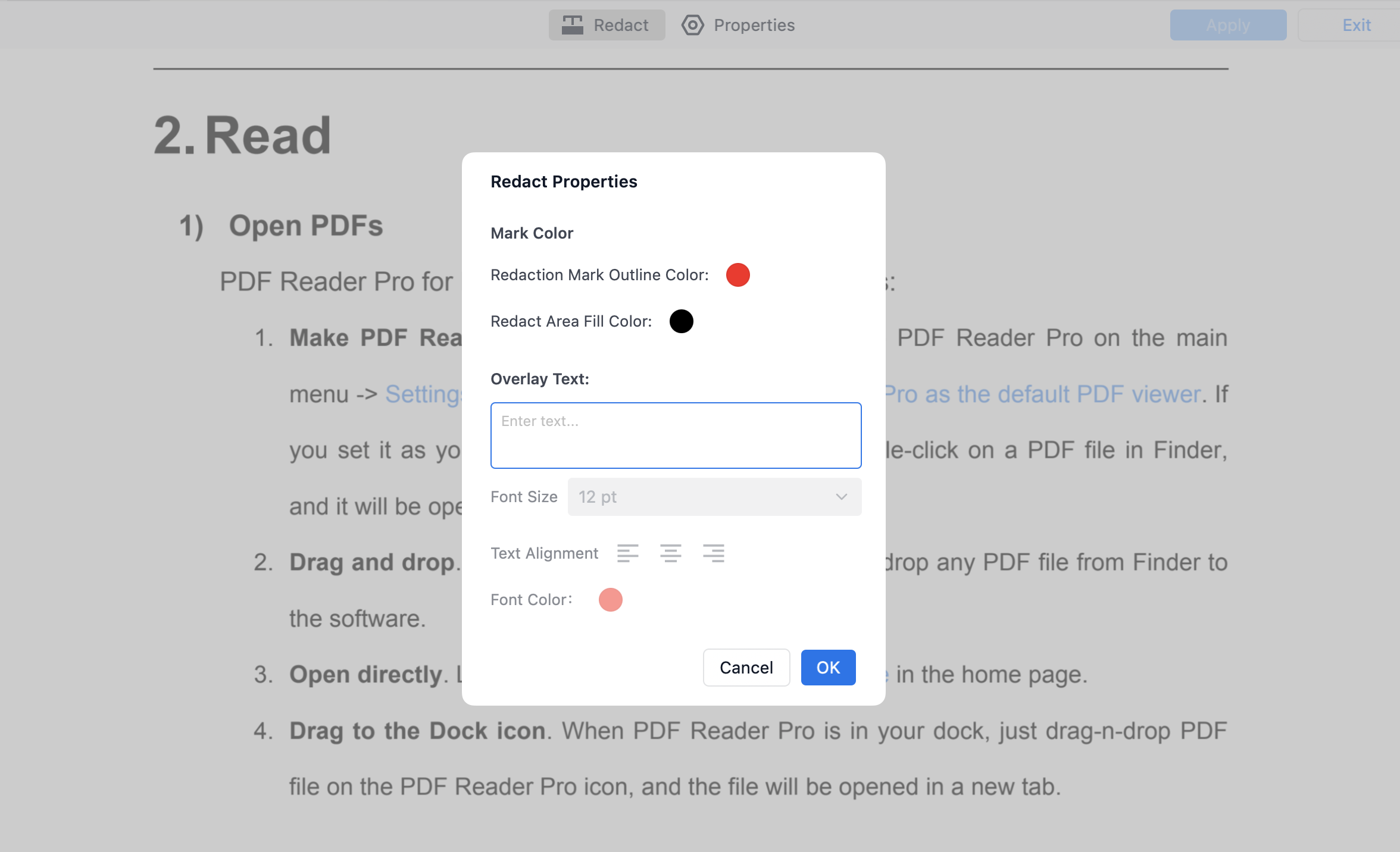
4. Tab Properties, and you can change color and decide whether to use overlay text.


 Support Chat
  PDF Reader Pro