

In an age of instant messages and one-click emojis, a Christmas card still carries something digital notes can’t replace — warmth. A handwritten wish, a sweet inside joke, a photo tucked into the card… these small details make the holiday season feel personal and heartfelt.
Whether you’re sending love to family far away, cheering up a friend, or thanking a colleague, a Christmas card remains one of the most thoughtful ways to say “I’m thinking of you.”💓
If you're looking for Christmas card ideas, or simply want free printable Christmas cards you can customize on your own, you’re in the right place. (Plus Merry Christmas wish ideas!)
Christmas Card Templates Free Download (PDF)
To help you get started, we’ve created original Christmas card templates free download in PDF — ready for you to customize, print, or send digitally!
🎄 What you’ll get:
- Beautiful, professionally designed PDF Christmas cards
- A set of customizable holiday stickers you can add to your card (snowman, Santa hats, Santa Claus, Père David's deer, and more!)
💌 Download your free Christmas card templates here:
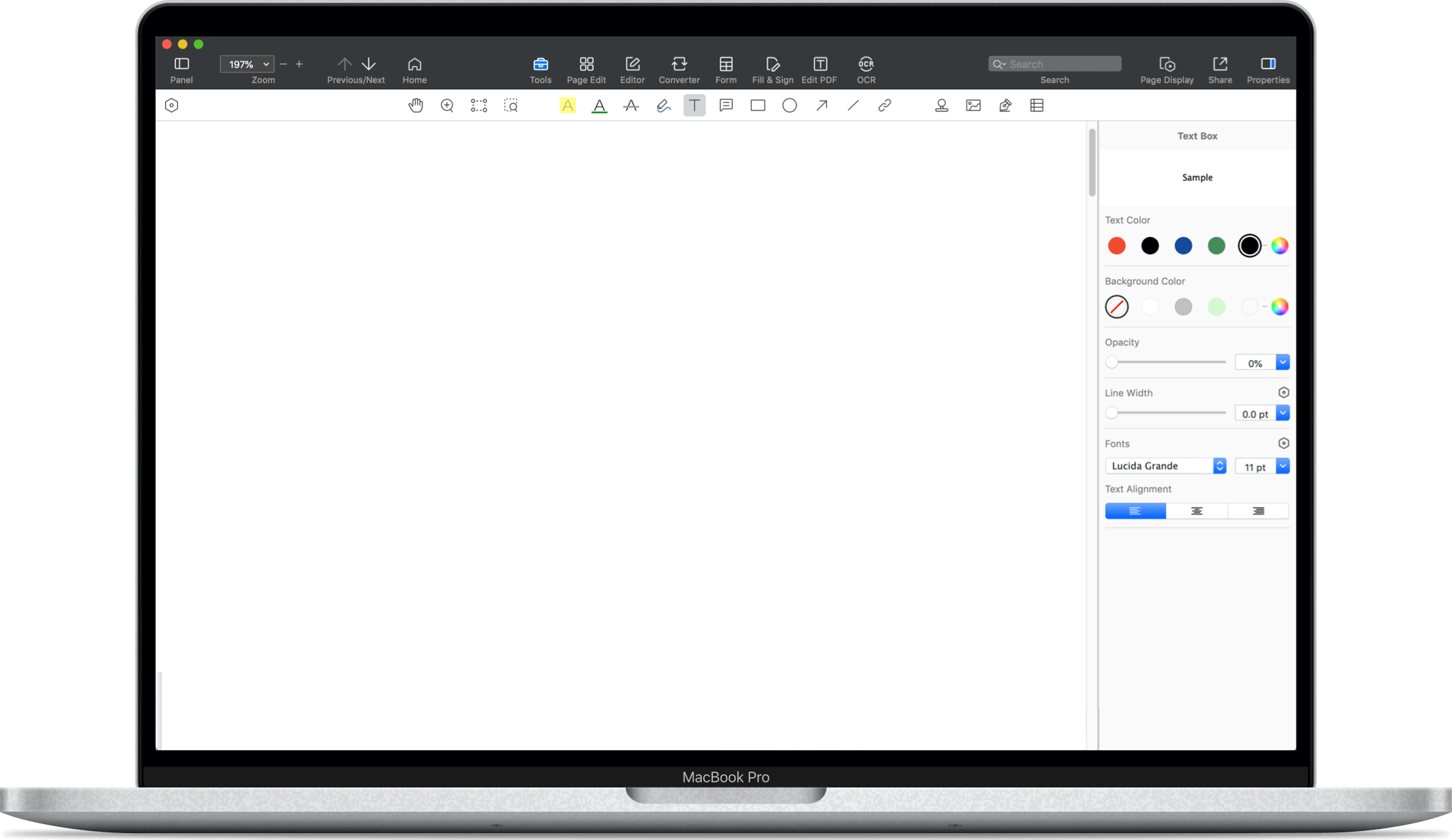


Once you download the pack, you can easily personalize every detail using PDF Reader Pro. Let’s walk through how to create custom Christmas cards in just a few minutes!
How to Customize Your Christmas Cards
1. PDF Reader Pro: Your Best Cards Editing Assistant
PDF Reader Pro comes with powerful editing tools perfect for holiday creativity. Whether you're making a card for family, designing something playful for kids, or preparing a polished greeting for clients, it supports:
- Add Images: Insert photos of your family, pets, or holiday moments
- Custom Stamps & Signatures: Use built-in stamps or add your own handwritten signature
- Edit Text: Change font, color, size, alignment
- Annotate & Mark Up: Add festive notes, comments, or decorative highlights
- Cross-platform support: Edit your card on Windows, macOS, iOS, or Android
It's a simple, flexible tool to help you transform any Christmas card template into something uniquely yours.
2. Step-by-Step: How to Edit Your PDF Christmas Card
Follow these simple steps to create your perfect holiday greeting:
Step 1: Install PDF Reader Pro on your device and launch the app.
 Mac Download
  Wins Download
Step 2: Click Open File and select the PDF Christmas card you downloaded.
Step 3: Edit text and add festive elements. Go to Annotate to type your own message, add color highlights or decorative markup, or insert custom stamps or a personal signature
Step 4: Go to Edit → Image to adjust original picture elements, add family pictures, couple portraits, kids’ drawings, or your favorite holiday moment.
Your card is now beautifully personalized!
3. Extra Tips for the Perfect Christmas Card
⭐ Print high-quality Christmas cards
Go to File → Print, choose paper size, borders, and orientation.
Tip: Use thicker paper (e.g., 200g–250g) for a premium card feel.
⭐ Send your card electronically
Want a quick and eco-friendly option?
Click the share icon on the top right corner, choose the built-in mail tool , attach your card, and send it directly to your loved ones.
What to Write in a Christmas Card: Merry Christmas Wishes Ideas
Not sure what to write in a Christmas card? Here are warm, simple message ideas you can copy or modify:
1. For Friends
- Wishing you a cozy Christmas filled with laughter and memories.
- Cheers to friendship that feels like family. Merry Christmas!
2. For Kids
- May Santa bring you extra magic and extra gifts this year!
- Hope your holiday is full of cookies, snowflakes, and fun surprises!
3. For Family
- Grateful for every moment with you. Merry Christmas to the people I love most.
- Home is where Christmas feels right. Sending love to my wonderful family.
4. For Colleagues
- Wishing you a restful holiday season and a successful year ahead.
- Thank you for your hard work and teamwork—Merry Christmas!
- Warmest wishes for a joyful holiday season and a prosperous New Year.
- Thank you for your trust and partnership. Happy Holidays!
Conclusion: Create Thoughtful Holiday Cards with Ease
Christmas is a season for sharing kindness — and a heartfelt card is one of the simplest ways to brighten someone’s day. With our free printable Christmas cards and PDF Reader Pro’s editing tools, you can design beautiful, custom Christmas cards in minutes.
🎁 Download PDF Reader Pro today and start creating your own personalized Christmas cards! Spread warmth, joy, and holiday magic — one card at a time.



 Support Chat
  PDF Reader Pro