PDFs are widely used because they maintain their format when shared and offer robust data security.



They’ve become essential tools for businesses, making it crucial to find the right PDF editor for your needs.
1. Cross-Platform Compatibility
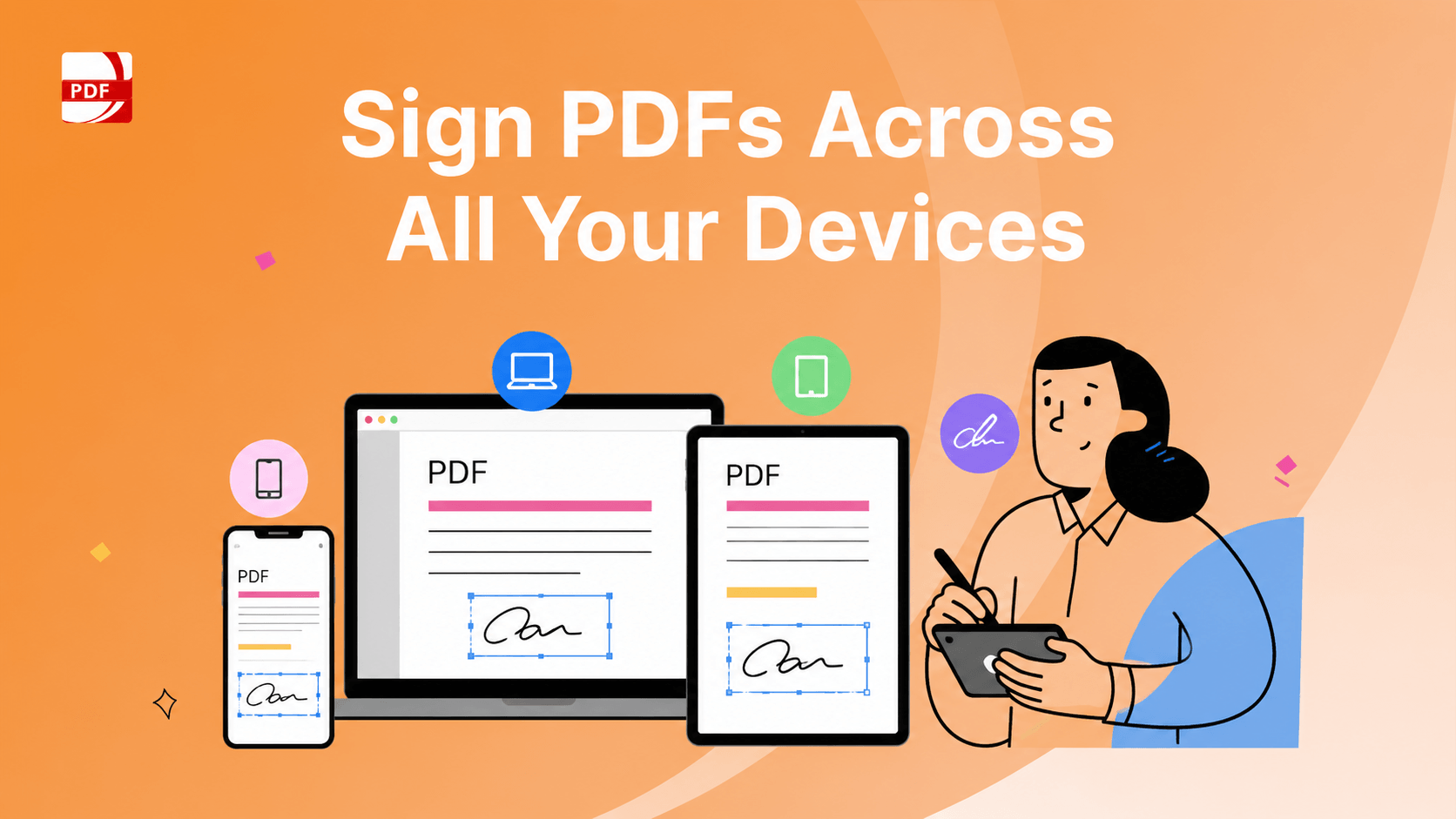
Ensure your PDF editor works seamlessly across devices like computers, tablets, and mobile phones. This is especially important for remote teams, as it ensures everyone can collaborate on the same platform.
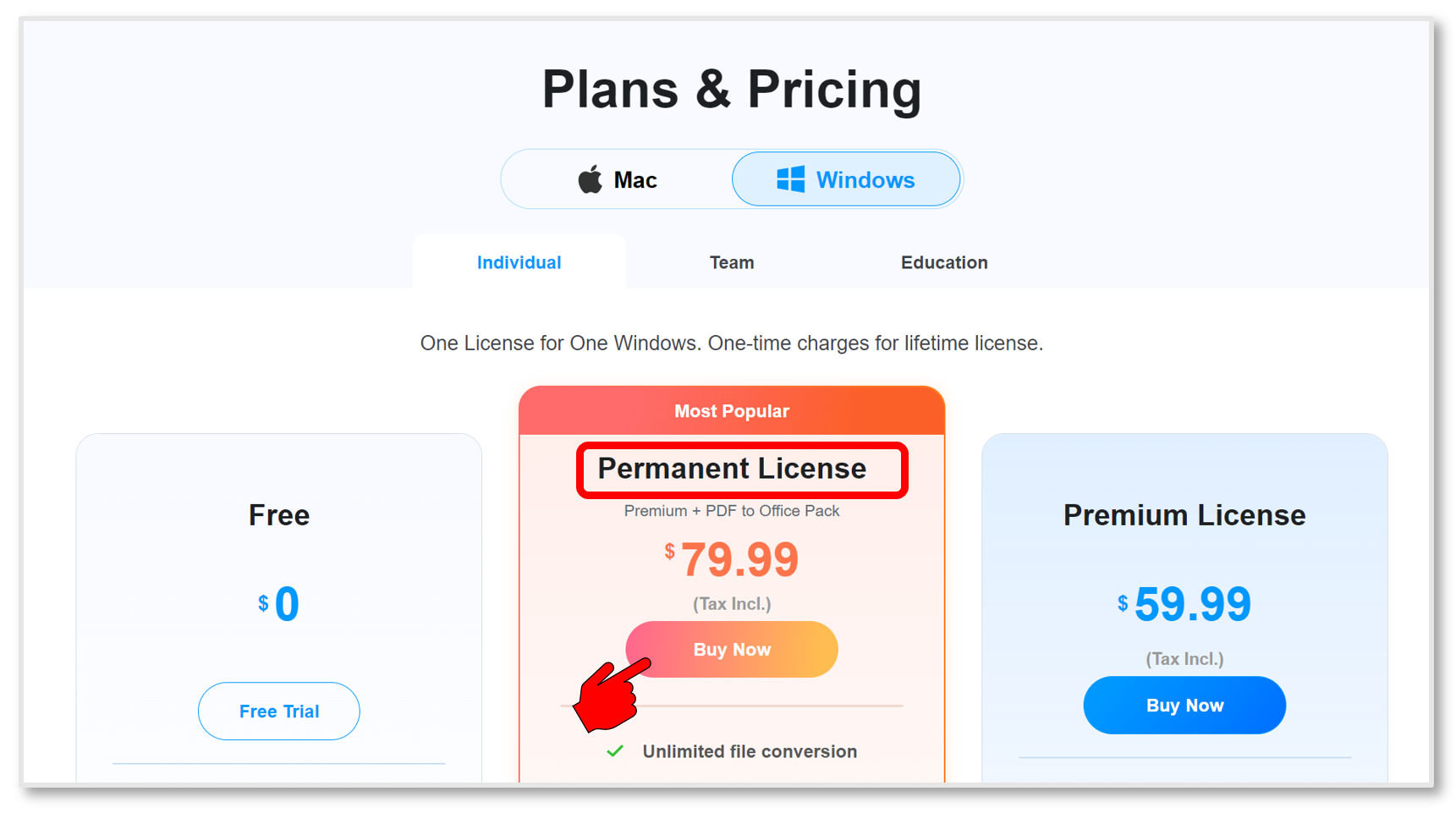 Image source: PDF Reader Pro
To get a cross-platform license for PDF Reader Pro, visit the store page, choose a permanent license, and tick Extended Device Access. You can upgrade a single-platform license via the app by navigating to "Help" and selecting "Upgrade to Cross-platform License Code." After purchasing, you'll receive the license code via email, which can be activated on both Windows and macOS.
2. Flexibility for Professional Tasks
A flexible PDF editor can adapt to your business needs, offering customizable functions that grow with your organization. PDF Reader Pro's editor is an excellent example, providing scalable solutions that meet the demands of any business.
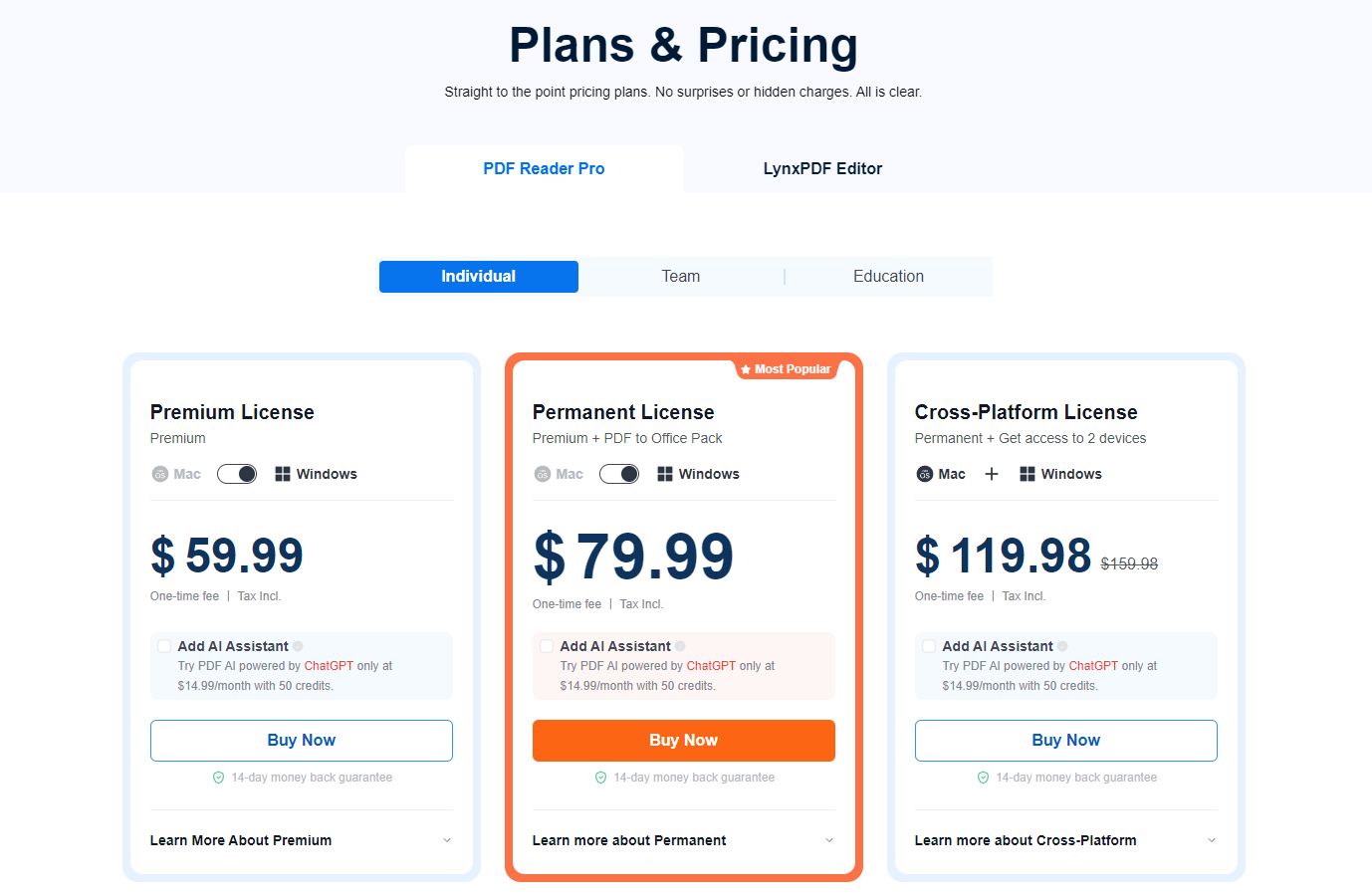
Image source: PDF Reader Pro
PDF Reader Pro offers three pricing options:
- Premium License ($59.99): One-time fee for a single platform (Mac or Windows), including tax.
- Permanent License ($79.99): Includes PDF to Office Pack, available for Mac and Windows, with a one-time fee and tax included.
- Cross-Platform License ($119.98): Provides access to 2 devices (Mac and Windows), with a one-time fee, discounted from $159.98.
All plans include a 14-day money-back guarantee, and an optional AI Assistant powered by ChatGPT is available for $14.99/month.
3. Multi-Format Conversion
Your PDF editor should be able to convert files from formats like Microsoft Word, Excel, and PowerPoint into editable PDFs. This ensures smooth transitions between different document types and platforms.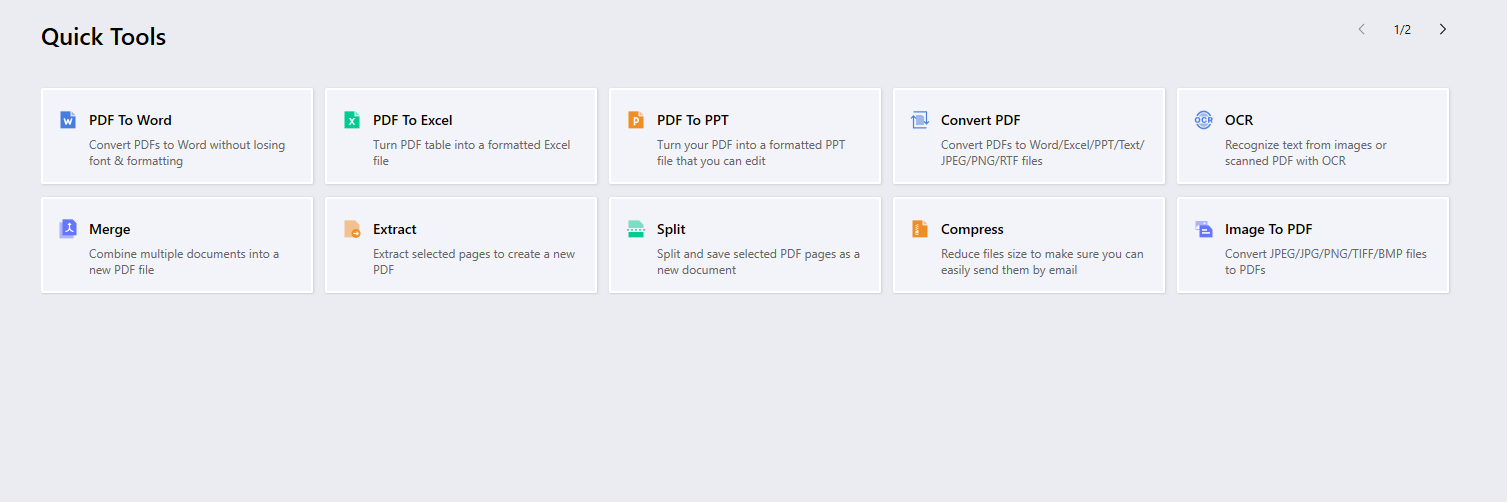
Image source: PDF Reader Pro
PDF Reader Pro's Quick Tools include:
- PDF to Word: Converts PDFs to Word without losing formatting.
- PDF to Excel: Converts PDFs to formatted Excel files.
- PDF to PPT: Converts PDFs to editable PowerPoint presentations.
- OCR From Scans: Recognizes text from images or scanned PDFs.
- Merge PDFs: Combines multiple documents into a single PDF.
- Extract Pages from PDF: Extracts selected pages to create a new PDF.
- Split PDFs: Splits PDF pages into separate documents.
- Compress PDFs: Reduces file size for easier sharing.
- Image to PDF: Converts image files (JPEG, PNG, etc.) to PDFs.
4. Template and Signature Integration
A good PDF editor should allow you to create reusable templates and custom digital signatures. This feature speeds up form completion and allows easy management of standard documents across your organization.
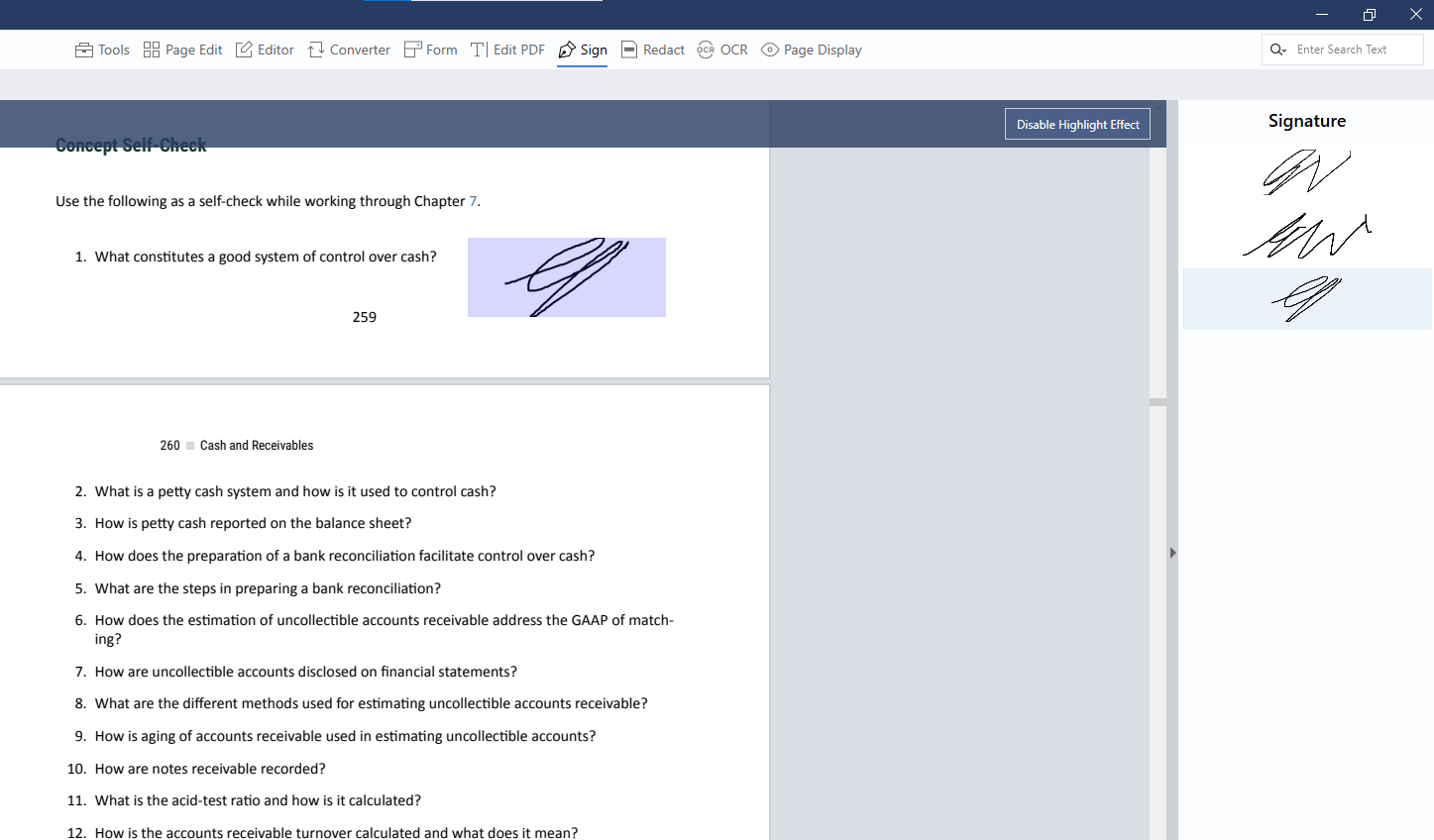
Image source: PDF Reader Pro
5. Optical Character Recognition (OCR)
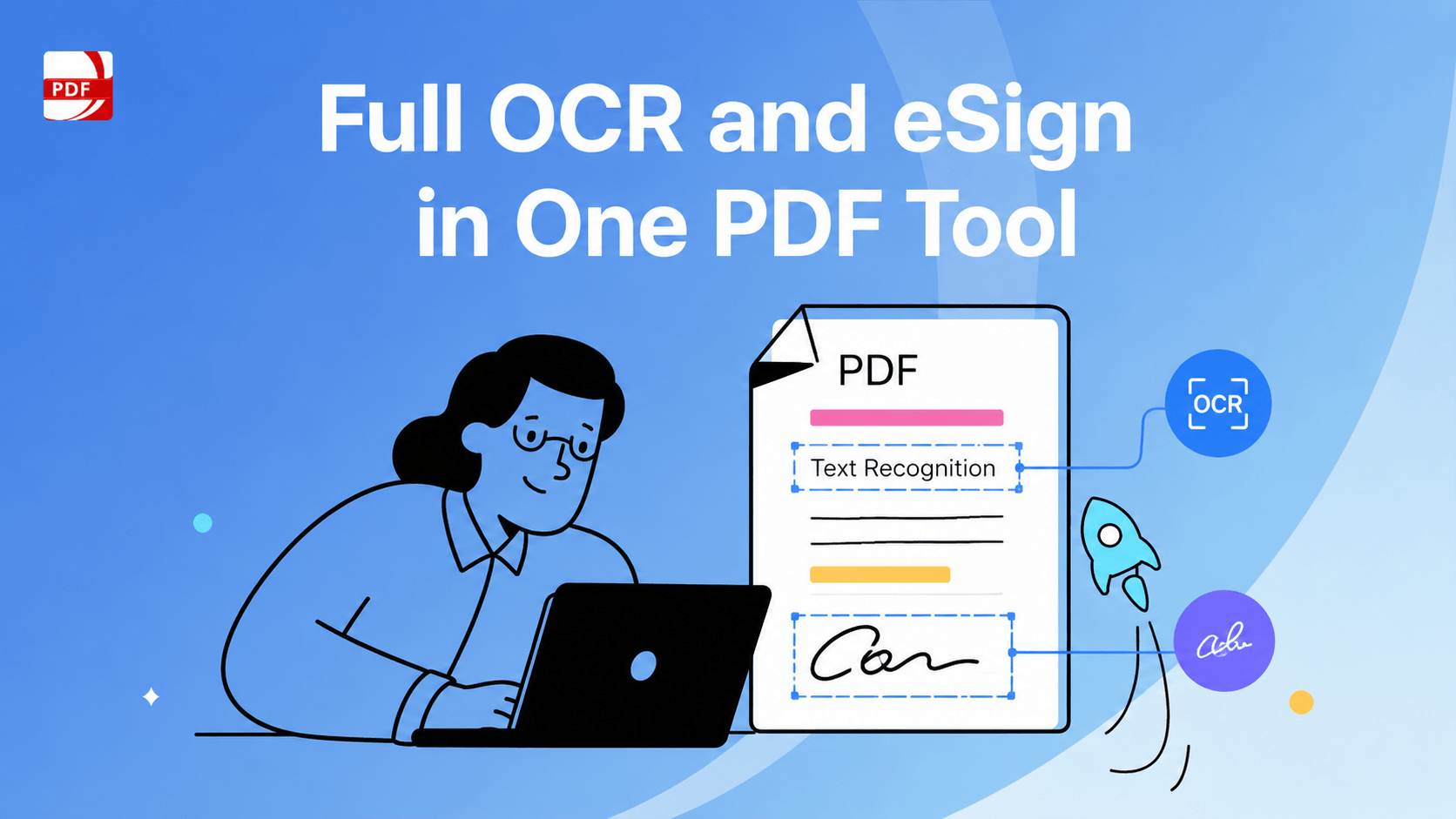
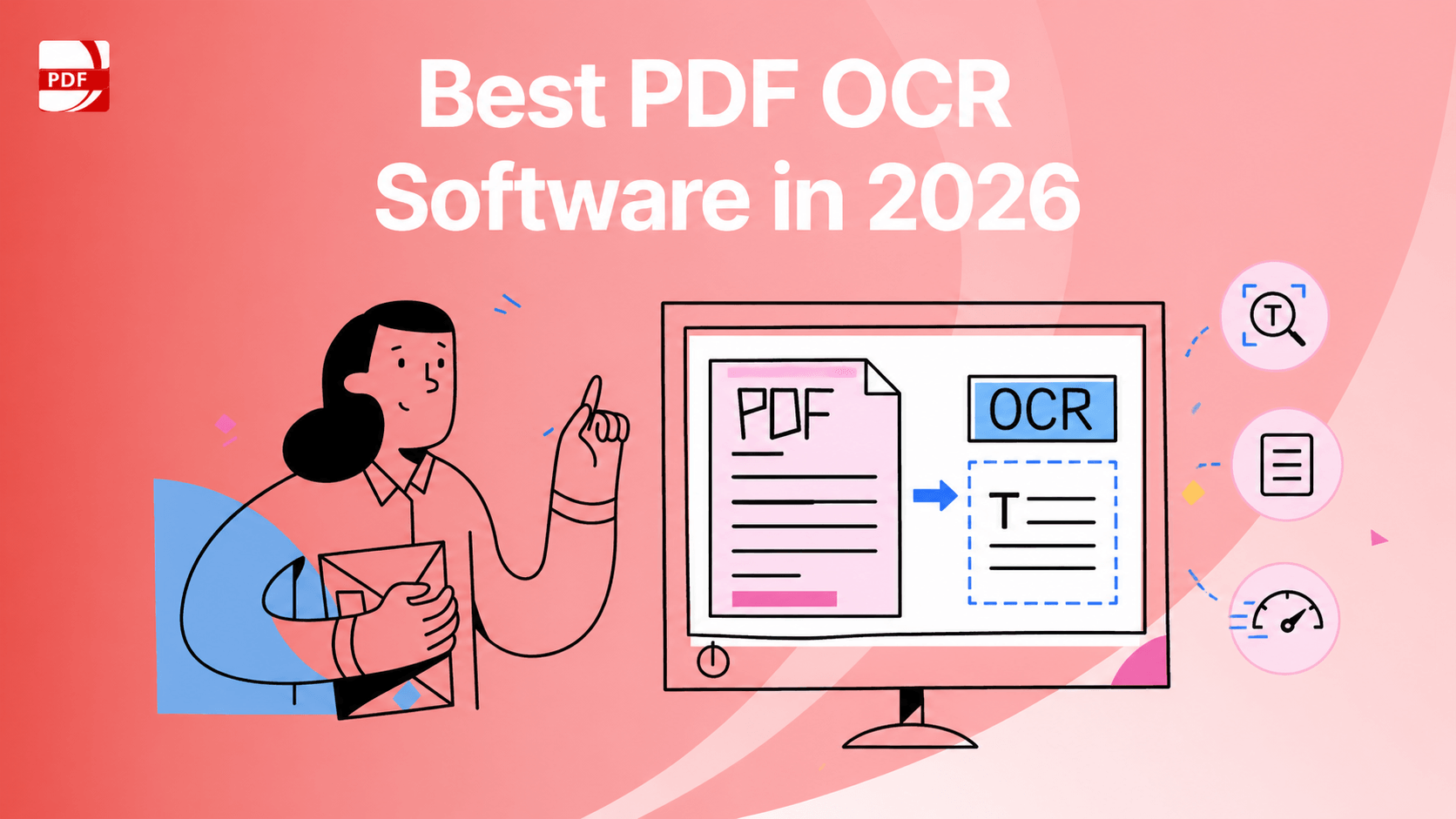
OCR technology enables your PDF editor to convert scanned documents into editable formats. This feature is a must-have for businesses looking to digitize paper documents efficiently.
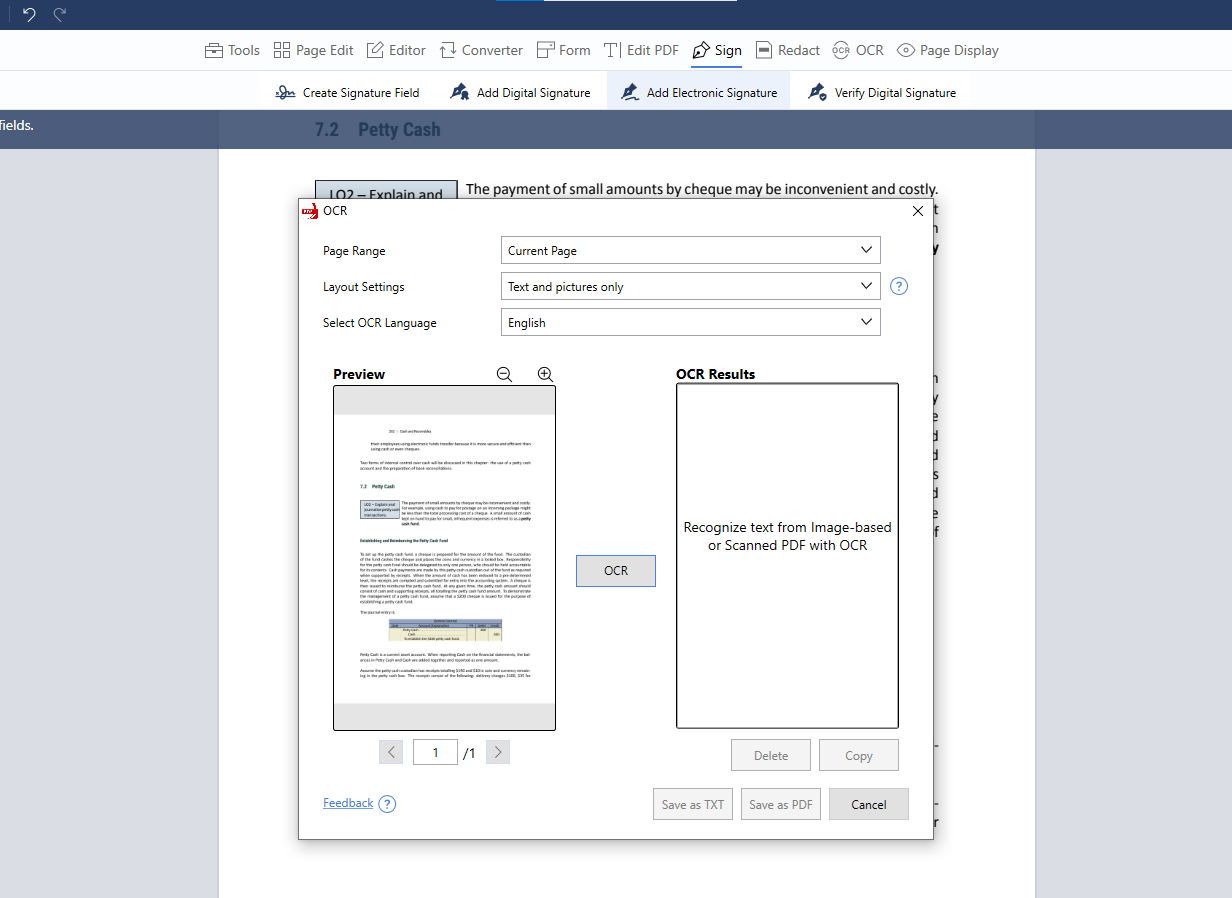
Image source: PDF Reader Pro
When you launch the app to use OCR in PDF Reader Pro, click the OCR icon and select a scanned document. Adjust the page range and language settings, then click OCR to preview the results.
You can delete or copy the text, and save the document as a TXT or PDF file. To edit scanned documents, open the file, use the toolbar for editing, and save the updated document with a new name.
6. Security Features
Data security is crucial. Look for a PDF editor that offers password protection, access controls, and the ability to manage permissions, ensuring that sensitive information remains secure.
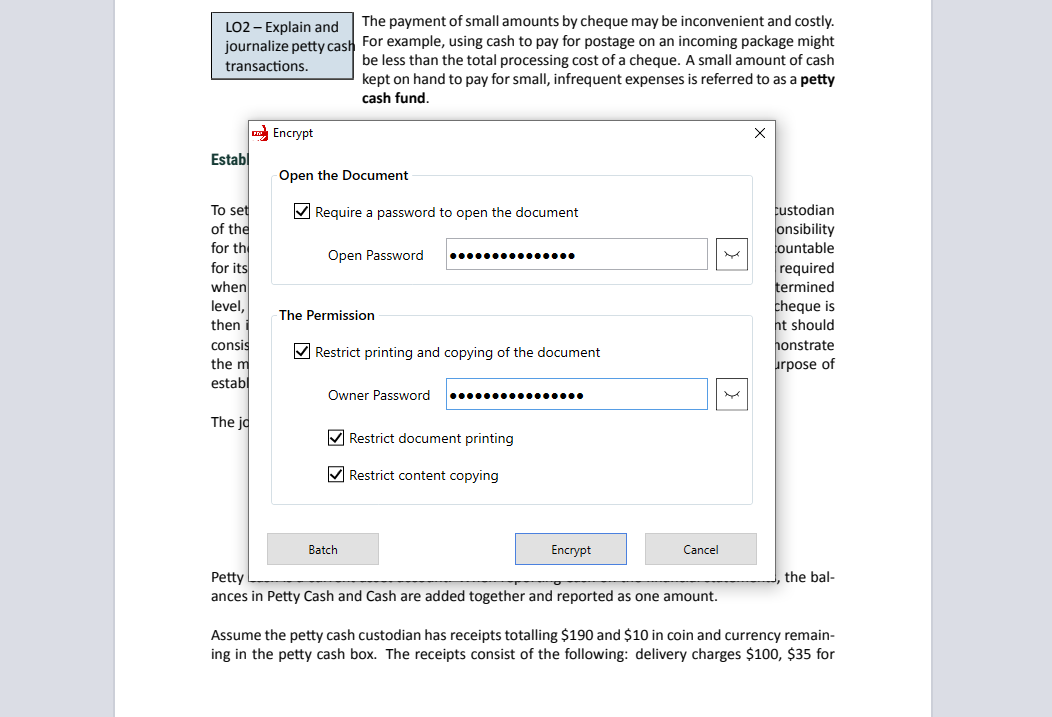 Image source: PDF Reader Pro
PDF Reader Pro's password system allows users to secure documents by requiring a password to open the file. Additionally, users can set permissions to restrict printing and copying by applying an owner password.
These settings ensure that only authorized individuals can access, print, or copy the PDF content.
7. Continuous Innovation
A top-tier PDF editor should continuously evolve, providing updates and new features to keep up with changing industry trends and business needs.
 Free Download
  Free Download