
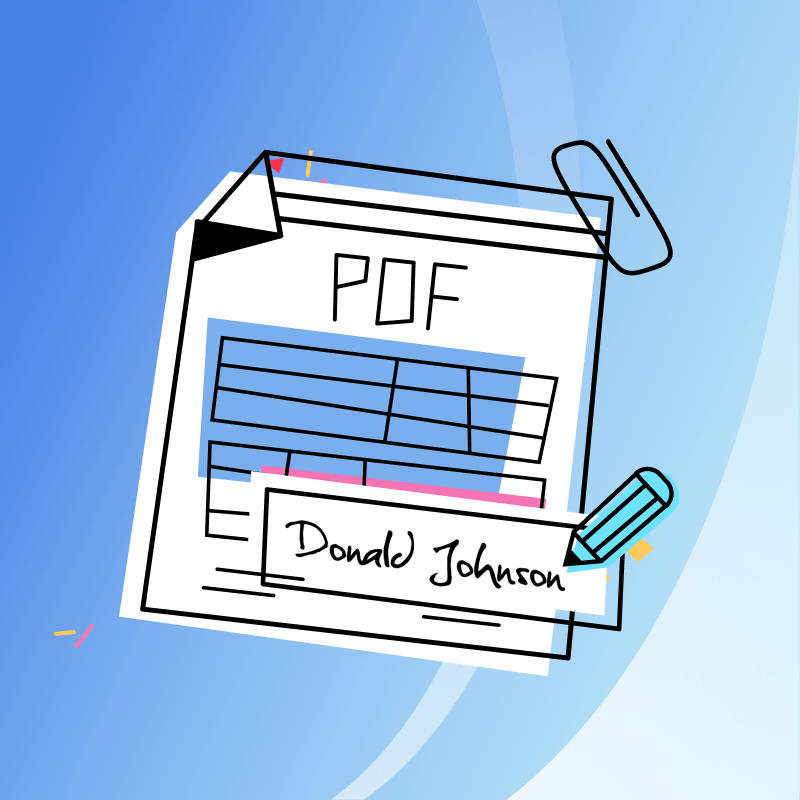
The digital signature technology enables users to electronically sign documents without printing or scanning requirements. The technology links with PDF files to provide users with a straightforward way to complete contracts and agreements and forms in any location.


Delays in getting a signature can bog everything down in swift-moving processes like those found in sales, HR, or legal. In this article, you’ll learn how deploying signature generator inside PDF editor can help to remove the friction, eliminate the cost and speed the whole process.
What Is a Signature Generator?
A digital signature generator functions through internet-based platforms and built-in software tools to enable users to generate and apply electronic signatures for documents. A signature generator streamlines document approval through quick and straightforward methods which hold legal validity across all devices. The entire process functions through direct screen operations without needing printing or scanning steps.
Users apply these tools to handle contract documents and agreement paperwork along with internal forms and client communication materials. Organizations within HR departments and legal divisions as well as sales and finance teams benefit from signature generators because they accelerate workflow processes while enhancing accessibility and preserving complete signing process management.
- Signing methods: Several options for digitizing one's signature include typing one's name in a script font, drawing it by use of a mouse or finger on a touchscreen, or uploading an image of one's handwritten signature, all depending on what feels most natural for the user.
- Legally valid output: Most of these signature generators comply with e-signature laws, like eIDAS, ESIGN, or UETA, and maintain audit trails with timestamps as well as verification of the signer to guarantee legal acceptance.
- Instant access from any device: No special hardware is required; they provide a service that can be accessed from a desktop, laptop, tablet, or smartphone through an Internet connection.
- Integration with PDF: Signature generators either have a PDF editor integrated or allow for drag and-drop from PDFs to sign them, and they work on the usual document file types.
- Turning around fast: Docs are signed and returned in mere minutes; there is no need for printing, scanning, or emailing.
- Secure and traceable: The top solutions offer encryption, access controls, and detailed activity logs that record exactly who signed, when they signed, from what device, and sometimes even the IP address.
- Being practically useful everywhere: From employment contracts to sales proposals and NDAs, digital signatures have become an essential supporting tool in HR, legal, finance, healthcare, real estate, and
An electronic signature tool turns a slow, manual process into a fast digital one — enabling teams to act faster without sacrificing security or legal compliance.
How PDF-Based Agreements Streamline the Process
Working with agreements often means juggling file formats, waiting for signatures, or printing pages just to get one field filled. PDF-based documents remove all of that. They’re clean, consistent, and built for the way people work today.
With a PDF, everything you need, from contract terms to signature blocks stays in one place. There is no file conversion or fear of formatting alterations when sharing between machines. No matter if the individual opens the document on a desktop computer or mobile phone, it looks the same.
The majority of PDF editors also possess embedded fields. This allows you to prefill forms, indicate signature-required fields, and even lock non-modifiable sections. It avoids back-and-forth revisions and smoothes the flow.
The ease of sharing PDFs is an additional advantage. They're light, easy to send, and easy to save or store. Once a document's signed, it's good to download or store, no more piecing together scanned pages or dealing with email threads.
When paired with a signature generator, PDFs turn into fully interactive forms that are ready to sign in seconds. No printing. No scanning. Just open, sign, and move on.
Choosing the Right Signature Tool
Not every signature generator operates in the same manner. While some are made for intricate processes involving numerous parties and stringent compliance regulations, others concentrate on straightforward one-time signing. It's important to evaluate the features, adaptability, and integration possibilities that each platform provides when selecting the best tool for your company.
Let's examine how enterprise workflows are supported by three of the most widely used solutions available today: LynxPDF, Adobe Sign, and DocuSign.
LynxPDF
If you need a fast, built-in way to sign documents directly inside a PDF editor, LynxPDF stands out. There’s no need to upload files to external apps or juggle between tabs. Everything from editing to final signing happens in one place right inside the document.
LynxPDF supports typing, drawing, or uploading a signature, and works both online and offline depending on your setup. It also supports Qualified Electronic Signatures (QES) for legal use across the EU, Switzerland, and the UK.

This makes it perfect for teams that need a simple but compliant solution for contracts, agreements, or internal forms. With built-in signature fields, encrypted file handling, and direct PDF editing, LynxPDF brings both speed and flexibility.

Benefits of Using Signature:
- Approve documents in minutes without switching tools
- Reduce admin tasks and paperwork errors
- Ensure legal compliance with QES and audit trails
- Empower remote teams to sign from any device
- Keep everything in a single, consistent PDF flow
Adobe Sign
Adobe Sign is made for large enterprises that require secure, scalable, and legally compliant signing. As part of the Adobe Document Cloud, it integrates well with Acrobat, Microsoft 365, Salesforce, and more.
It's used widely in legal, HR, finance, and government departments, where automation, auditability, and compliance are essential. Adobe Sign supports multi-step workflows, templates, reminders, and secure digital IDs, all managed through a simple-to-use dashboard.

Compliance support globally, workflows for signing that can be customized, and enterprise-grade identity verification are what make Adobe Sign ideal for businesses that need control, flexibility, and accountability at scale.
Benefits of Using Signature:
- Automate complex, multi-step signature workflows
- Integrate with business tools like Microsoft and Salesforce
- Meet legal requirements across international markets
- Use templates and routing to streamline repetitive tasks
- Gain full visibility with reporting and access control
DocuSign
One of the most popular signature platforms worldwide is DocuSign. It is well-known for its adaptable API and safe cloud infrastructure, which enable everything from straightforward document signing to intricate legal agreements in regulated sectors.
It offers a wide range of options for confirming the identity of the signer, such as government-issued ID checks, emails, and SMS codes. DocuSign is appropriate for banks, healthcare providers, and government agencies because it complies with international standards like eIDAS, UETA, HIPAA, and GDPR.
DocuSign's scalability is what gives it its strength. From quick one-time signatures to fully automated signing journeys integrated into CRMs and customer portals, its platform can be tailored to your needs, regardless of how big or small your business is.
Benefits of Using Signature:
- Legally recognized signatures in 180+ countries
- Advanced identity checks: email, SMS, ID verification
- Secure cloud access across all devices
- Role-based permissions and document templates
- Native integrations with Google, Salesforce, Oracle, Microsoft, and more
Common Use Cases Across Teams
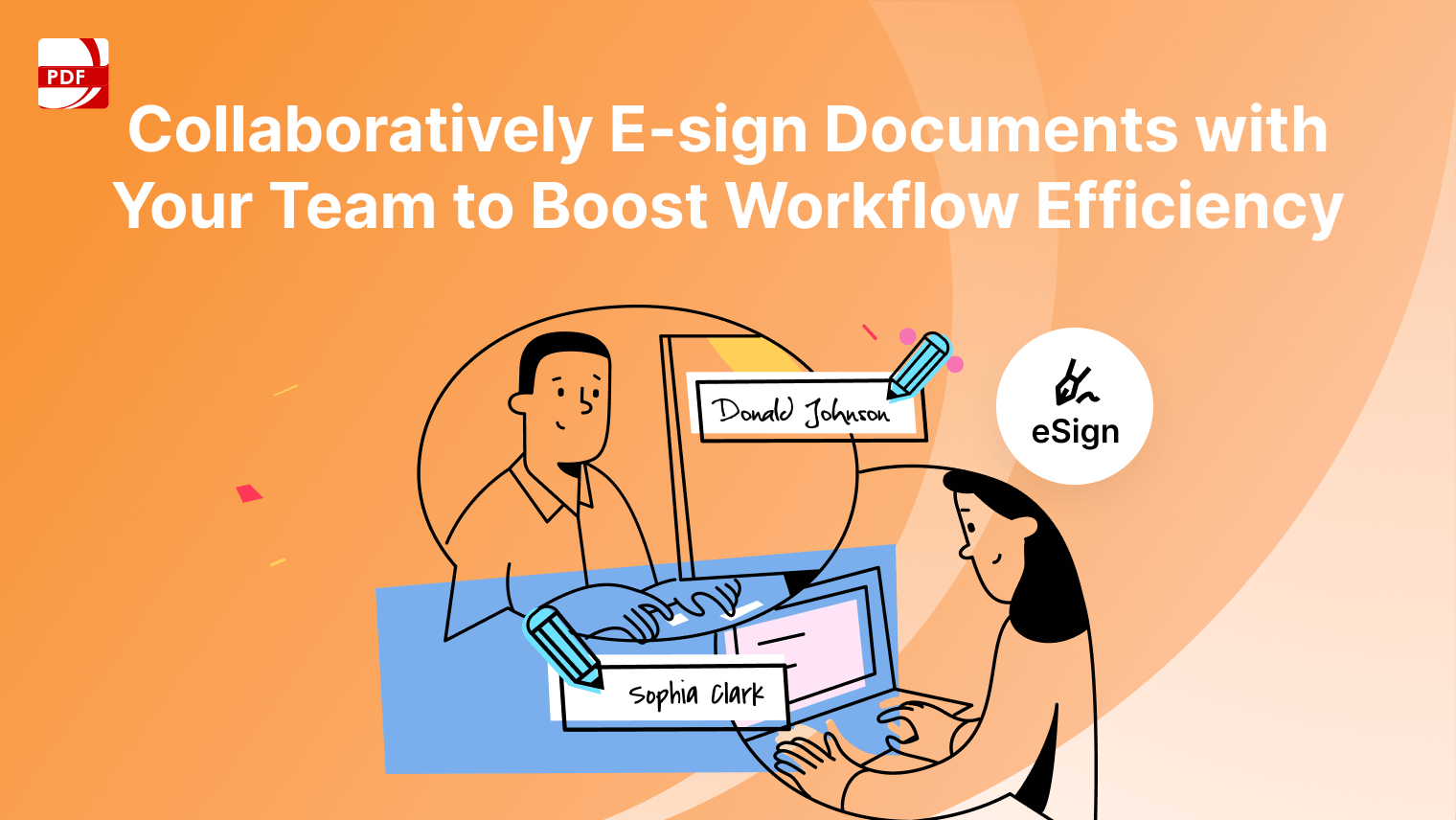
Digital signatures are a standard part of everyday workflows across all departments now. From signing contracts, signing off on budgets, or hiring new staff, teams now require fast, paperless processes that won't hold them up.
Signature generators give an efficient way to keep processes moving forward without interruption, no printing, no scanning, and no holding back for someone to sign in pen and paper.
- Sales: Close deals faster with email of quotes, proposals, and contracts for instant approval — even on the road. No more waiting days for paper to be signed by salespeople.
- Legal: Sign NDAs, service agreements, and compliance documents securely and legally. Everything is tracked to enable full traceability and future reference.
-
Human Resources: From job offers to onboarding forms and internal policy updates, HR teams can send, collect, and store signed documents in one smooth workflow — no manual follow-ups needed.
-
Finance: Speed up approvals for budgets, vendor agreements, and expense reports. Every signature is time-stamped and stored, helping ensure accountability and transparency.
Digital signatures are no longer a nicety but the new standard. Combined with PDF workflows, a signature generator allows teams to make quicker decisions, stay in compliance with the law, and give a better experience at each turn.



 Support Chat
  PDF Reader Pro