

AI DeepThink provides in-depth analysis of your text, helping you explore ideas, uncover insights, and understand content from a deeper perspective. This feature is available on both Mac and Windows, and the workflow is exactly the same across both platforms. Follow the steps below to get started:
1. Open PDF Reader Pro and open a PDF file;
2. Click the AI Tools on the left sidebar and select AI DeepThink;

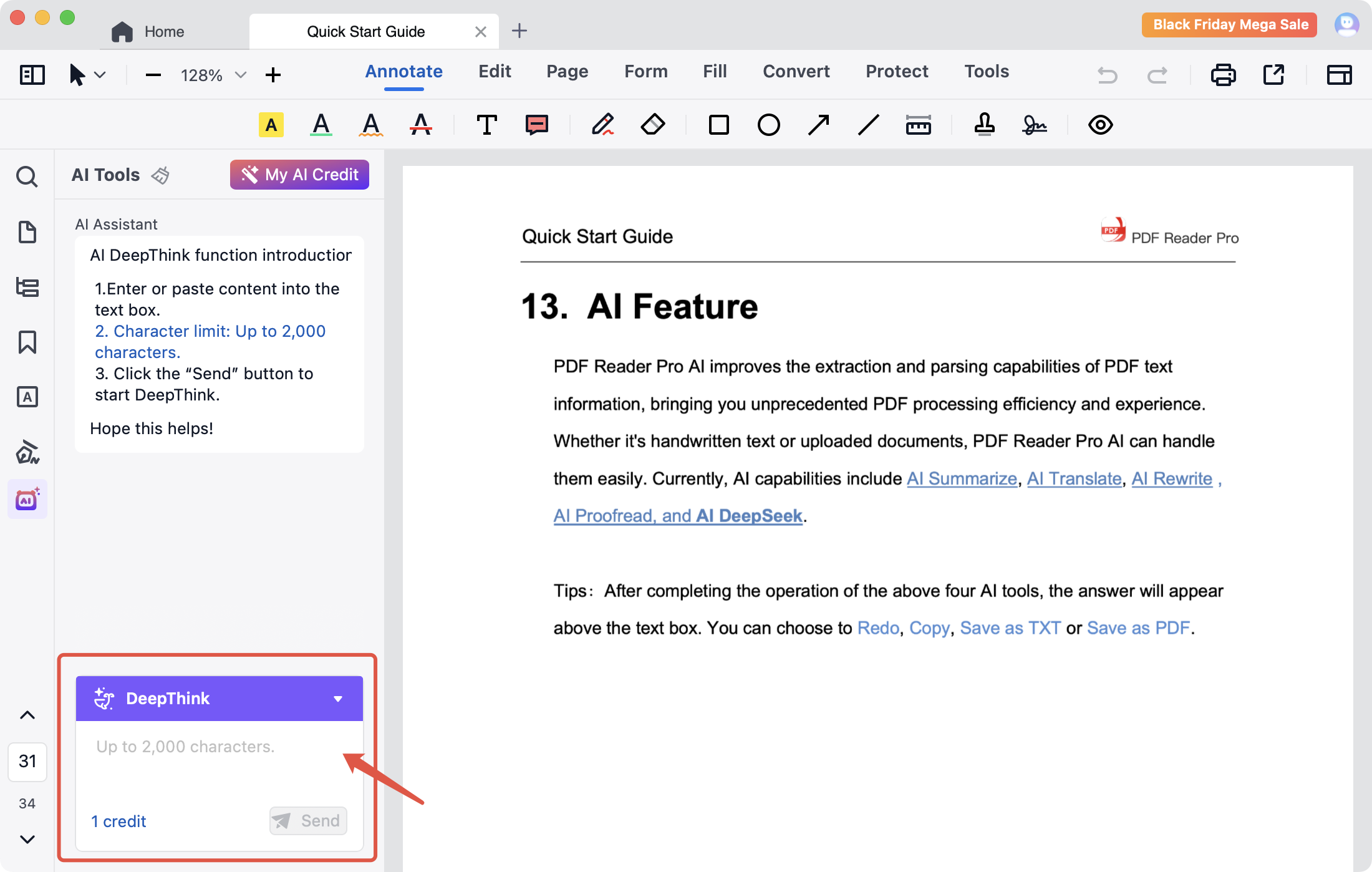
3. Enter or paste the text you want to analyze into the text box, then click Send to generate insights.
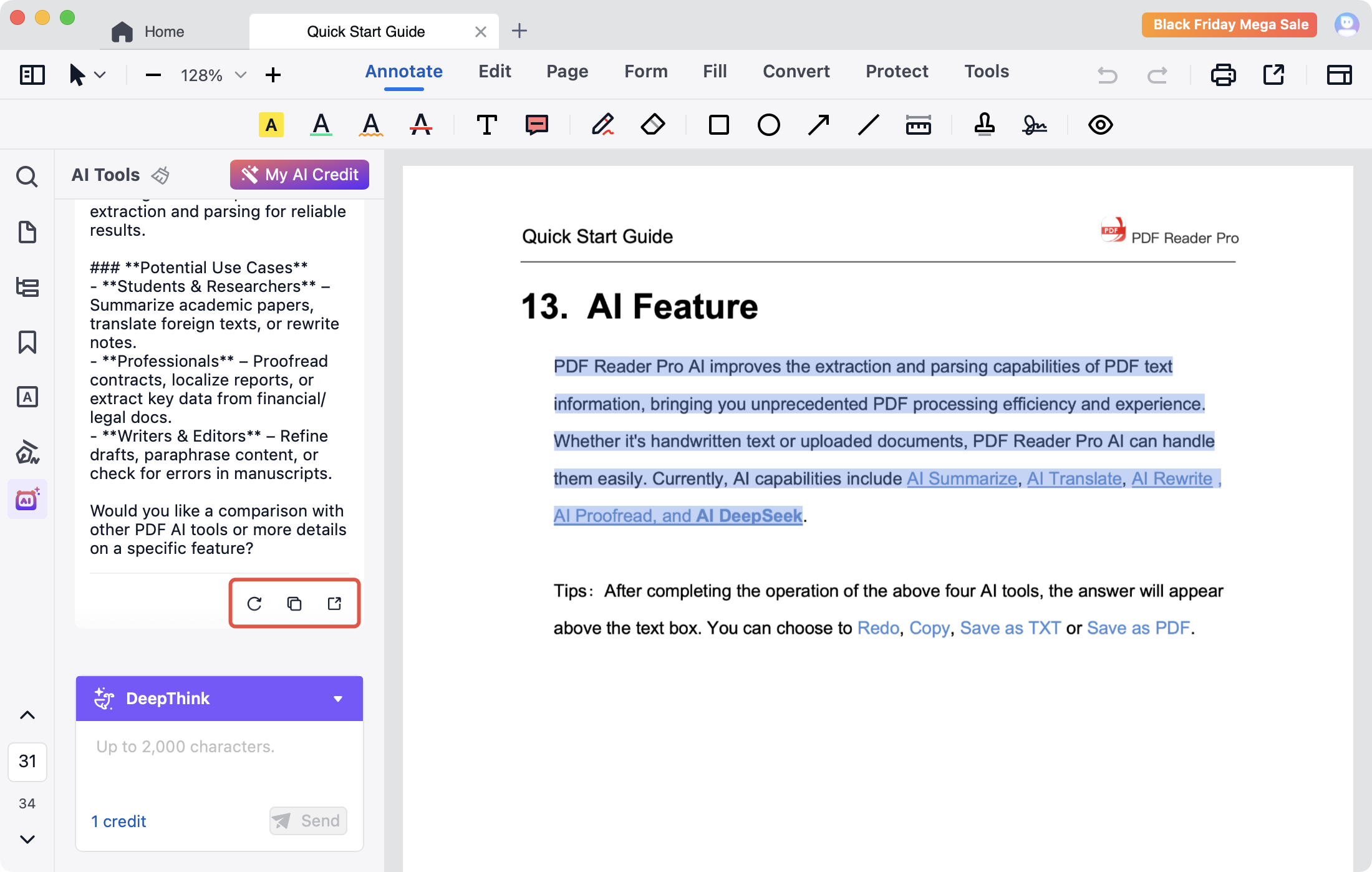
4. There are Redo, Copy, Save as buttons on the right bottom corner of the result box. You can click to redo, copy the result, or save the result as TXT or PDF.
Additionally, PDF Reader Pro AI also supports Translate, Summarize, and Proofread. Download it to experience more functions.


 Support Chat
  PDF Reader Pro