
In the information age, it is necessary to have the tools that can help you scan, read, and share information with ease. We live in a time where information can be found and shared in myriad ways. So, something that can standardize how we access our information is really helpful.
Today, we have curated some of the tools and apps available that can help you manage documents, share them with others, and otherwise access information in unique ways. Let’s check them out to see what makes them so good.
Best Overall
The best overall in our list of apps and tools is the Microsoft OneNote app. This application is available on Windows desktops, Android and iOS phones, as well as all modern browsers.
This is great because it allows you to work across different platforms and pick up your work on any device without issues. It also has strong collaboration features that are great for a business setting as it allows teams to work together on different projects with ease. Microsoft OneNote can be used for the following things.
- Creating documents and notes.
- Scanning QR codes present in documents.
- Sharing documents with others.
- Collaborating on the same documents.
- Microsoft Lens Integration for scanning QR codes with the camera.
- Can do OCR on images and PDFs to extract text in an editable format.
And you can do all of that on any platform you are most comfortable with.
OneNote is free to use and provides most of its features for free. However, you can pay for the premium upgrade to access more features as well. That’s why we have labeled OneNote as “best overall” because it has everything.
Best Online and Free
For the best online tool category, we have two tools. Let’s take a look at their particulars.
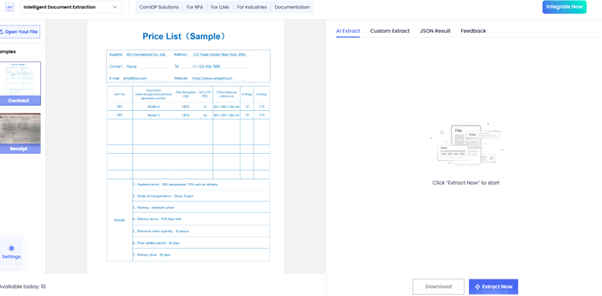
ComIDP Demo
ComPDF is a brand that provides SDKs for PDF processing. To give users a taste of what their SDK can do, they have provided a demo that showcases all of its features.
This demo can be accessed online and does not require installation. Here are some of its capabilities with respect to data scanning and sharing.
- Can do OCR on images and PDFs
- Can extract data with perfect formatting preservation.
- Can extract specific data using different tags and headers.
- Supports tons of languages for text extraction.
- Can extract QR code data from images and PDFs of such codes.
The demo is free, but it does have some limitations. For example, you can only use it 10 times per day. After that, you have to pay for the premium version.
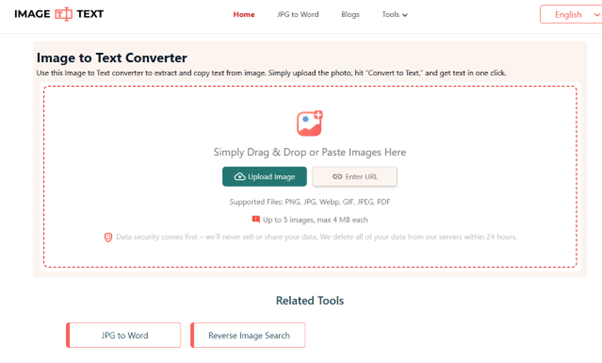
Imagetotext.me
Imagetotext.me is a good alternative to ComPDF. It doesn’t have as many powerful features, but it also has no limits on its usage. You can use this tool to extract text from images, PDFs, and even GIFs.
The extracted text can be easily shared with others by copying it into a DOC or TXT file and messaging/emailing it to others. Here are some of its unique features.
- Batch input supported.
- Works with different languages.
- Supports various image and file formats.
Best for Mobile
Online tools do have the advantage of being platform-independent, but nobody can deny the utility of a native app. They are just more powerful and have more features than online tools. That’s why we have created a separate category for them.
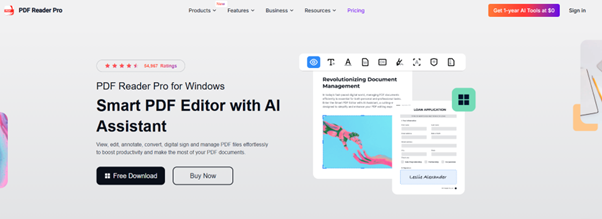
PDF Reader Pro
PDF Reader Pro is one of the best apps for dealing with PDFs in general. You can use it to do a lot of stuff like:
- OCR of content-protected PDFs.
- Add comments, highlights, underlines, and other annotations to a PDF. Really useful for processing documents.
- Can scan QR codes present within the PDFs.
- Has options for sharing documents with others via cloud or email.
It has a free version that you can try out, but most of its useful features are locked behind a $60 yearly payment.

Scan OCR
If paying for an app is not your style, then you can opt for the Scan OCR app, which offers most of the same features as PDF Reader Pro. It is completely free and doesn’t have any premium features. Here’s what you can do with this tool.
- Scan text live using your mobile camera.
- Can perfectly scan handwriting.
- Can download different language packs to support OCR in that language.
- Can scan QR codes and extract their data.
However, annotation is not supported. So, you win some, you lose some, but what’s important is that you can share that scanned data with others. So, the app fulfills our criteria for “Best Tools to Scan, Read, and Share Information.”
Best Free
Some people really only care about whether they can get something for free or not. That’s why we have this category. Let’s check out the tools that fit this category.
DNS Checker Image to Text Converter
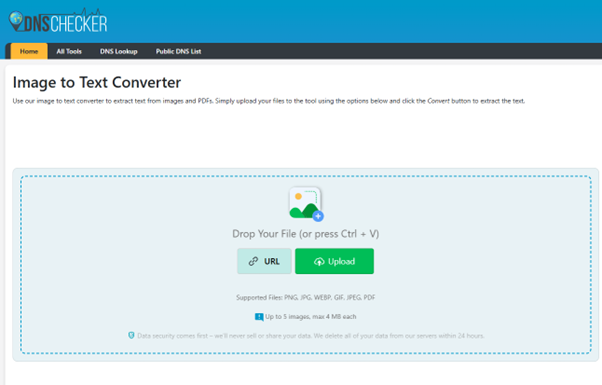
The DNS checker image-to-text converter is one of the best free tools available for scanning documents and images to extract their text. As it is free, it does lack some features, but what it does do, it does well.
You can use this tool to scan various image formats, PDFs, and other documents. It can extract the data from those sources and then show it to you. You can edit the output, copy it, or download it in a different format, like TXT or DOC/DOCX. Here are some of its unique features.
- Can process five inputs at once.
- Can provide files if they are online using their link.
- Purges your data within 24 hours, so there is no data leak or data retention.
As you probably noticed, there is no function for scanning QR codes, so this tool is just good for images and PDFs.
QRscanner.net
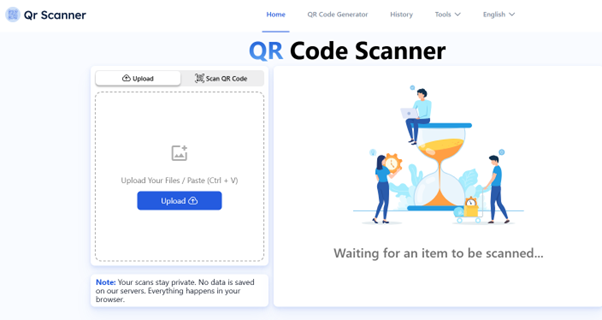
QR Scanner is the tool you want if you want to scan QR codes for free. A QR scanner can help you scan codes on your screen, or it can use your camera to scan a code in your environment.
To scan a QR code on your screen, you have to take a screenshot and upload its image to the tool. To scan using the camera, you have to let your browser access your camera and then point it at the QR code.
You will see a preview of the QR code content, which you can then share with others or copy and paste elsewhere. Here are some unique features of this tool.
- No limits on QR scanning.
- Fast scanning and data extraction.
- Supports all major image formats.
- Saves a “History” of all your scanned QR codes and their results.
Best Paid
Paid tools and apps for scanning stuff are typically the best. They offer powerful features that are just feasible in a free tool/app. So, the best paid tool in our opinion is Adobe Acrobat.
A heavyweight in the document world, Adobe Acrobat offers industry-leading features for PDF management. You can scan documents, perform OCR, convert formats, add digital signatures, and collaborate with others. It’s the gold standard for PDF processing, but it comes with a premium price.
It's not suited for individuals. However, professionals who need comprehensive document editing, security features, and enterprise-level reliability can find nothing better. Here are some of its unique features.
- Let you edit a PDF without changing its format or extracting its data.
- Perfect layout and format preservation with OCR.
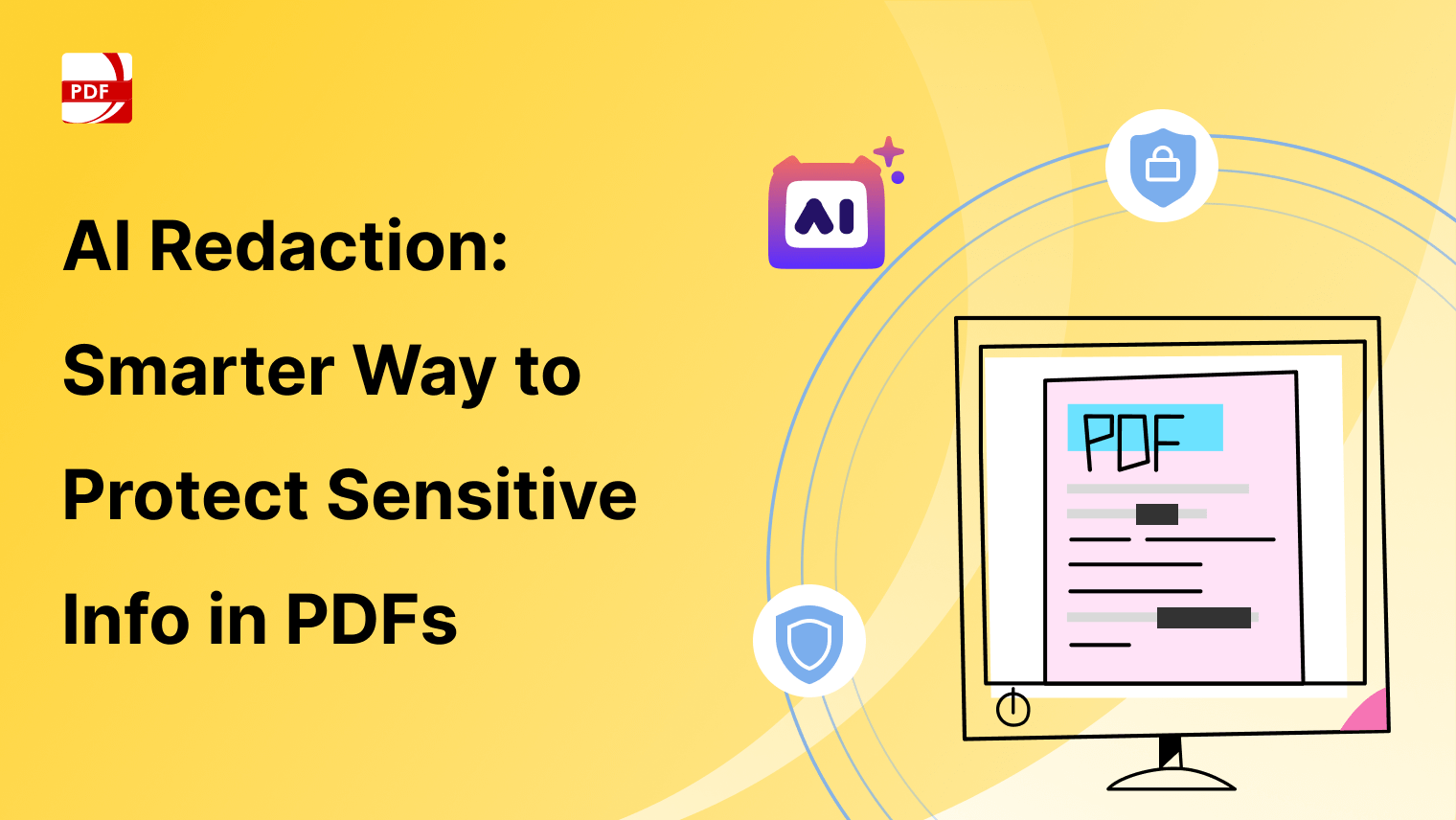
- Auto find and remove/redact terms from a document.
- Integration with cloud tools.
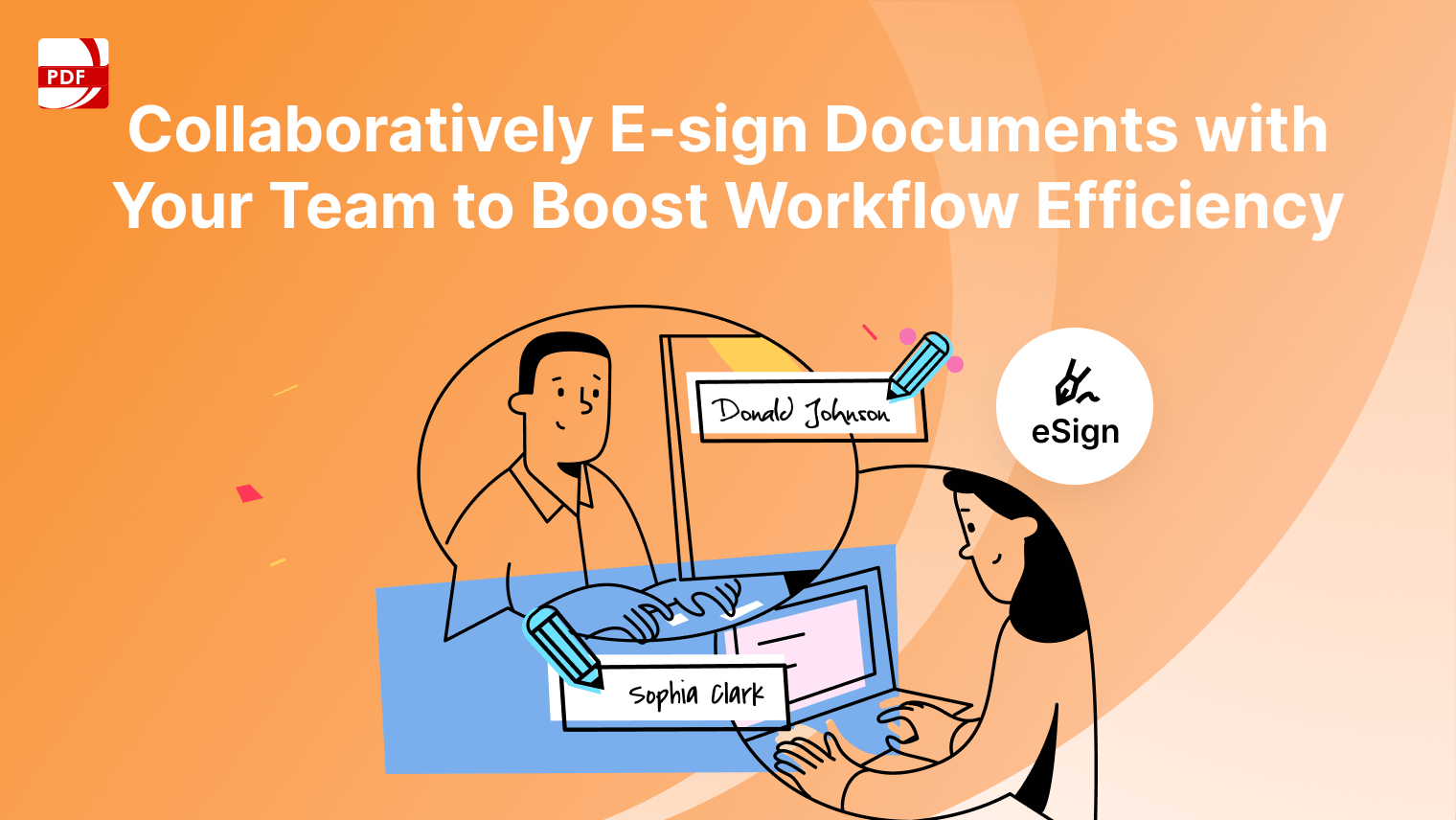
- Provides threaded comments and shared reviews for real-time collaboration.
Final Thoughts
So, there you have it, a curated collection of some of the best tools to help you scan, read, and share information with ease. Whether you’re someone who deals with documents on a daily basis or just needs to digitize content occasionally, there’s a solution here that fits your workflow and budget. So, try a mix, and choose what fits your needs best.



 Support Chat
  PDF Reader Pro