

PDF Reader Pro provides you several view modes. When you need to concentrate on the content, Read Mode is an ideal option for you. Here how to switch to this mode:
1. Launch PDF Read Pro and open a file;
2. Click Page Display  and choose Read Mode;

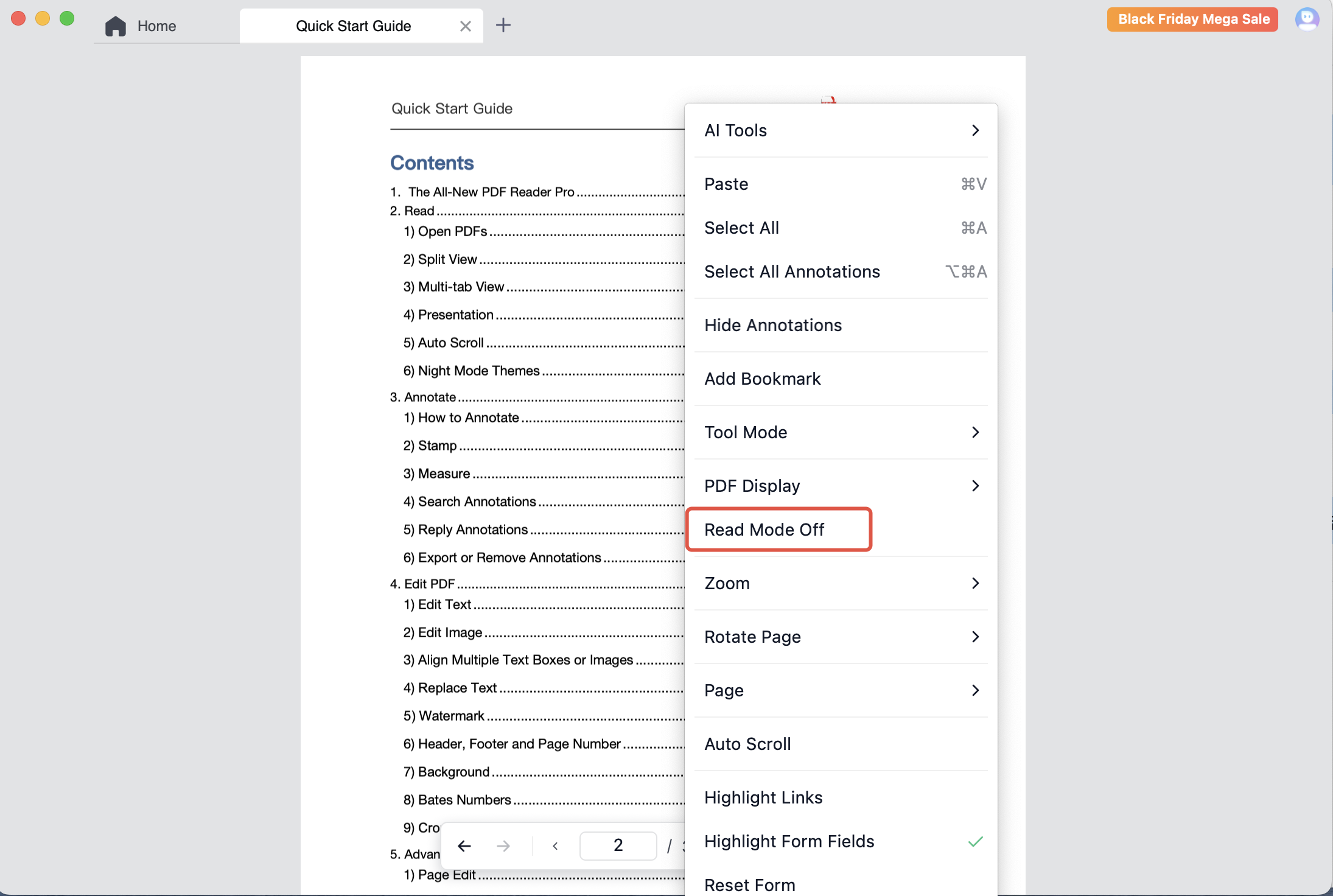
3. If you want to exit this mode, right-click anywhere on the PDF and choose Read Mode Off.
Download PDF Reader Pro for free to enjoy a smoother PDF reading experience now!


 Support Chat
  PDF Reader Pro