


Rotating PDF pages helps you fix incorrect page orientation and improve readability. Follow the steps below to rotate one or multiple pages in PDF Reader Pro:
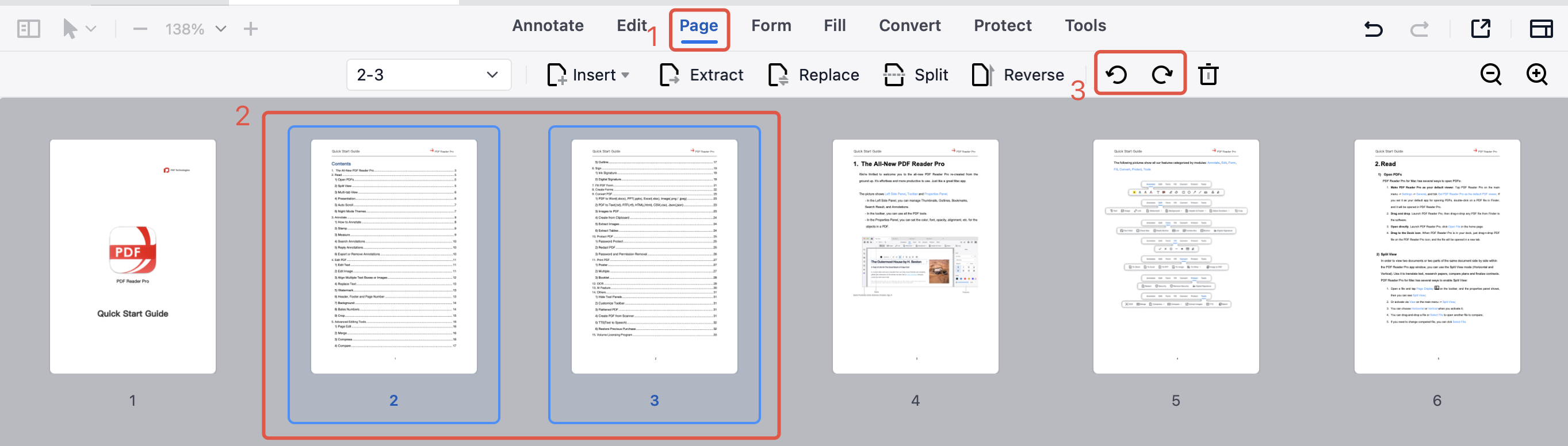
1. Launch PDF Reader Pro and open a PDF file.
2. Click Page in the top toolbar and select the page or pages you want to rotate.
3. Click the Rotate icon in the sub-toolbar to rotate pages left or right.
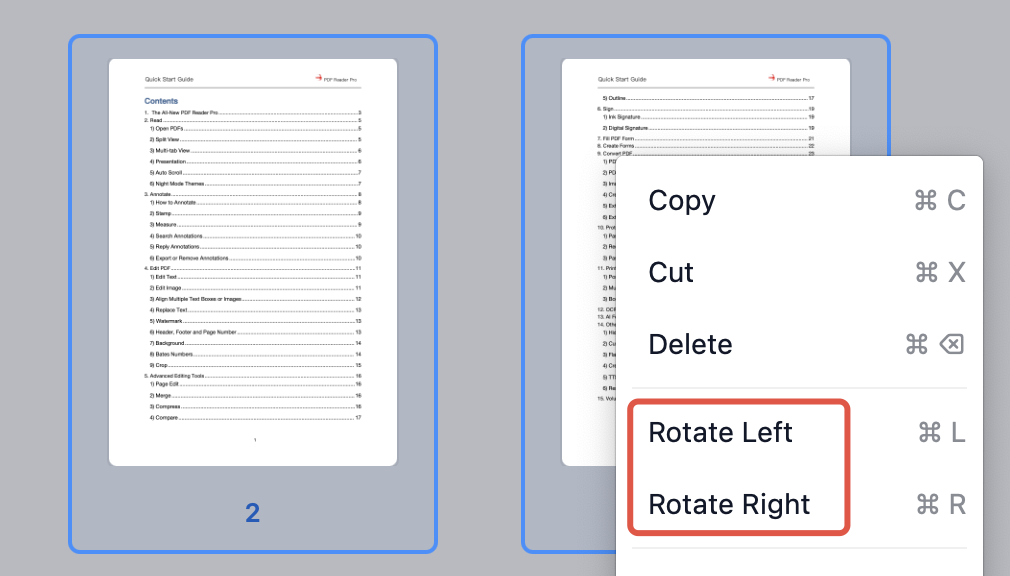
Alternatively, right-click the selected pages and choose Rotate Left or Rotate Right.
Fix PDF page orientation in seconds — download PDF Reader Pro and start rotating PDF pages with ease!


 Support Chat
  PDF Reader Pro