

You can easily customize and reset the properties of any annotation tool—such as color, opacity, or line thickness—to fit your editing needs. Follow the steps below to adjust annotation settings in PDF Reader Pro:
1. Launch PDF Reader Pro and open a PDF file.
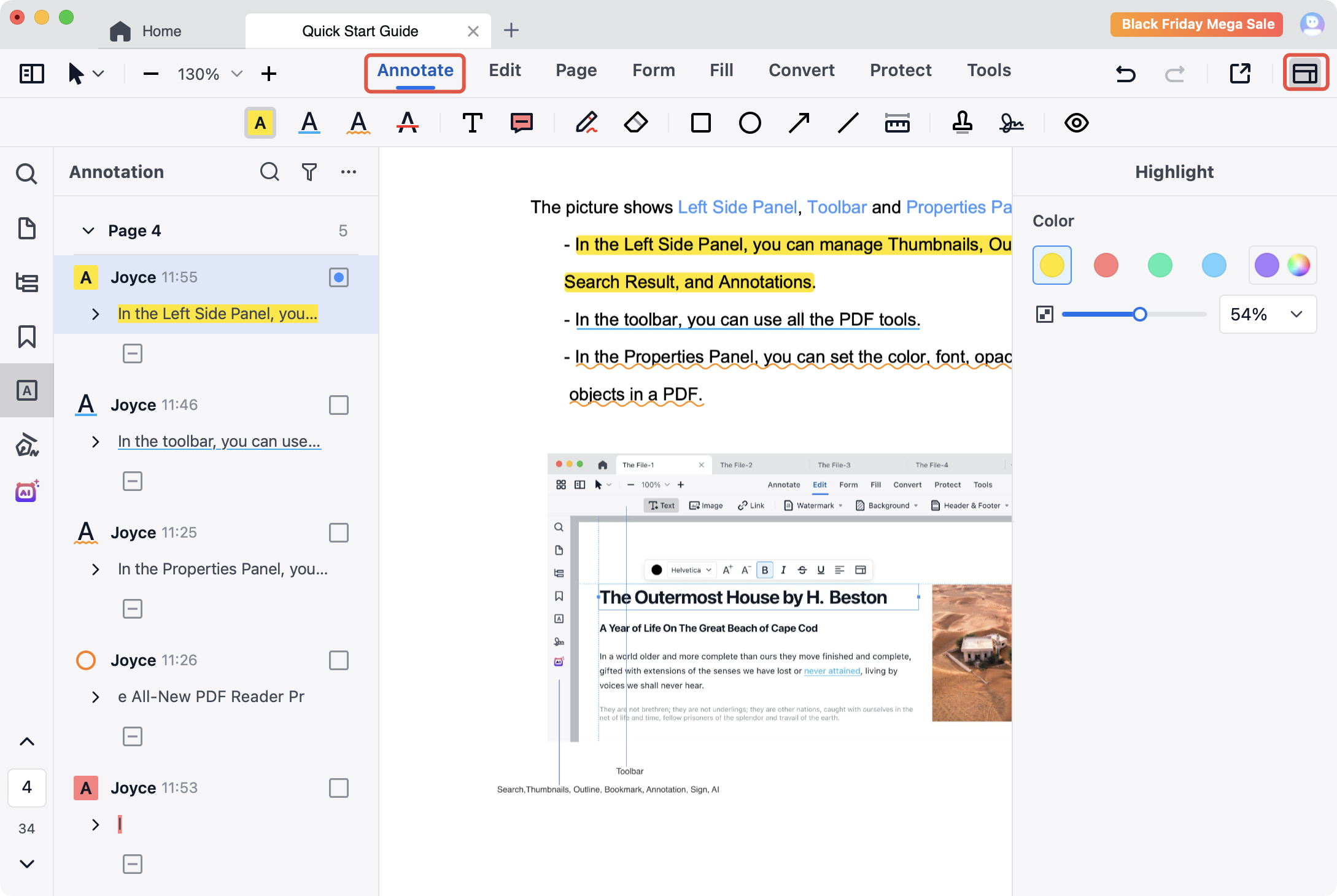
2. Click Annotate in the top toolbar, then select any annotation tool you want to use
3. Click  on the far right of the toolbar to adjust the tool’s properties, including color, opacity, line thickness, and more.
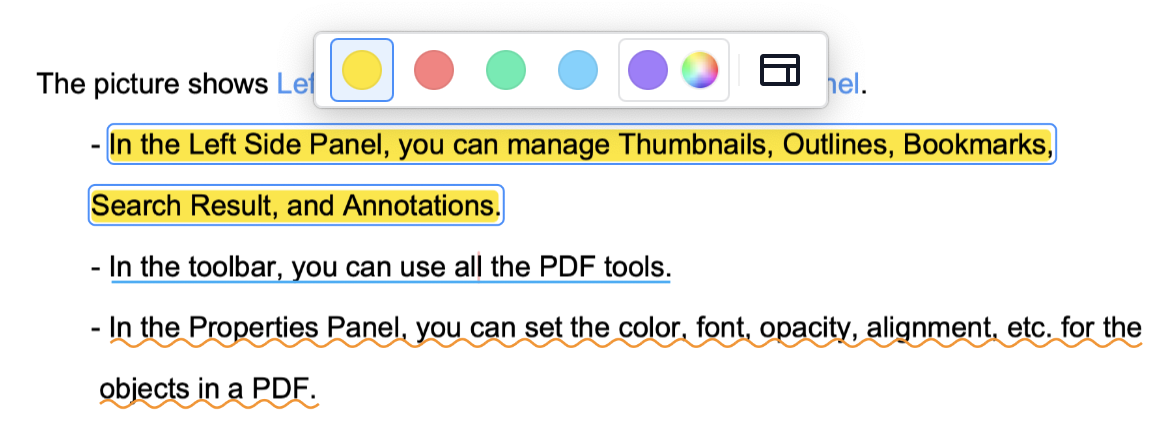
4. Or you can use the annotation tool first, and then click on the annotation area, then the quick reseting window will appear, you can also reset the porperties of the annotation with it.
Fine-tune your annotation tools with ease — download PDF Reader Pro and start customizing your annotation settings today!


 Support Chat
  PDF Reader Pro