

The Strikethrough tool lets you mark text as removed or highlight edits quickly and clearly. Follow the steps below to strike out text in your PDF:
1. Launch PDF Reader Pro and open a PDF file.
2. Click Annotate in the top toolbar and select Strikethrough.

3. Use your cursor to select the text you want to strike out.
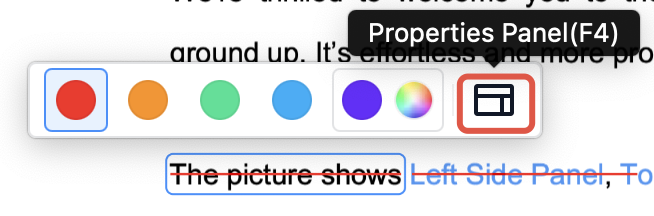
4. Click on the strikethrough mark to adjust its color, and click to change its opacity.
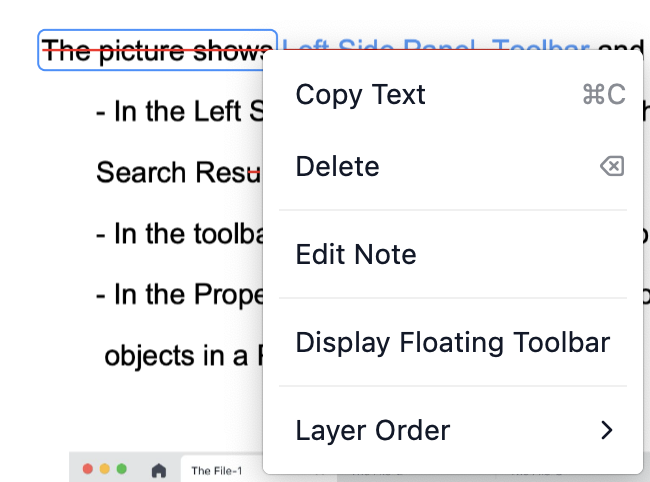
5. Right-click the strikethrough to copy, delete, or edit the annotation.
Make clean, clear edits with the Strikethrough tool — download PDF Reader Pro and start marking up your PDFs now!


 Support Chat
  PDF Reader Pro