

The Content Selection Tool allows you to capture specific regions of a PDF—whether for copying text, exporting images, or creating standalone pages. Follow the steps below to use this feature:
1. Open your PDF file in PDF Reader Pro.
2. Click the dropdown arrow next to the cursor icon in the upper-left corner and select Content Selection.

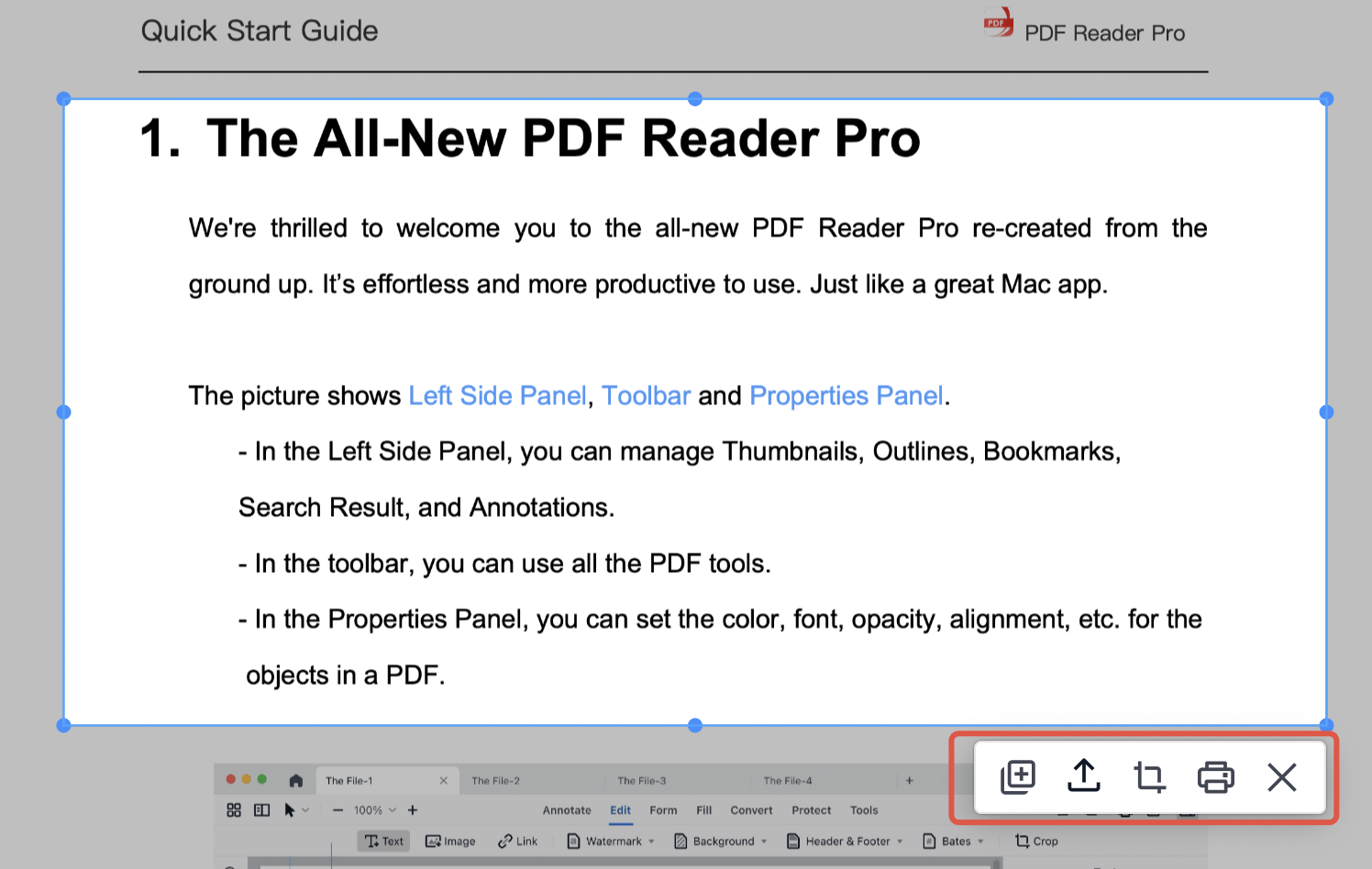
3. Drag across the PDF page to select the area you need. After selecting a region, choose one of the available actions:
- Copy the text within the selected area
- Export the selection as PDF / JPG / PNG
- Crop the region into a separate standalone page
- Print the selected portion
Extract exactly what you need from any PDF — download PDF Reader Pro and start using the Content Selection Tool today!


 Support Chat
  PDF Reader Pro