

If you need to review, share, or back up your PDF notes, you can export all annotations with just a few clicks. Follow the steps below to save your annotations as an XPDF file:
1. Open your PDF file in PDF Reader Pro.
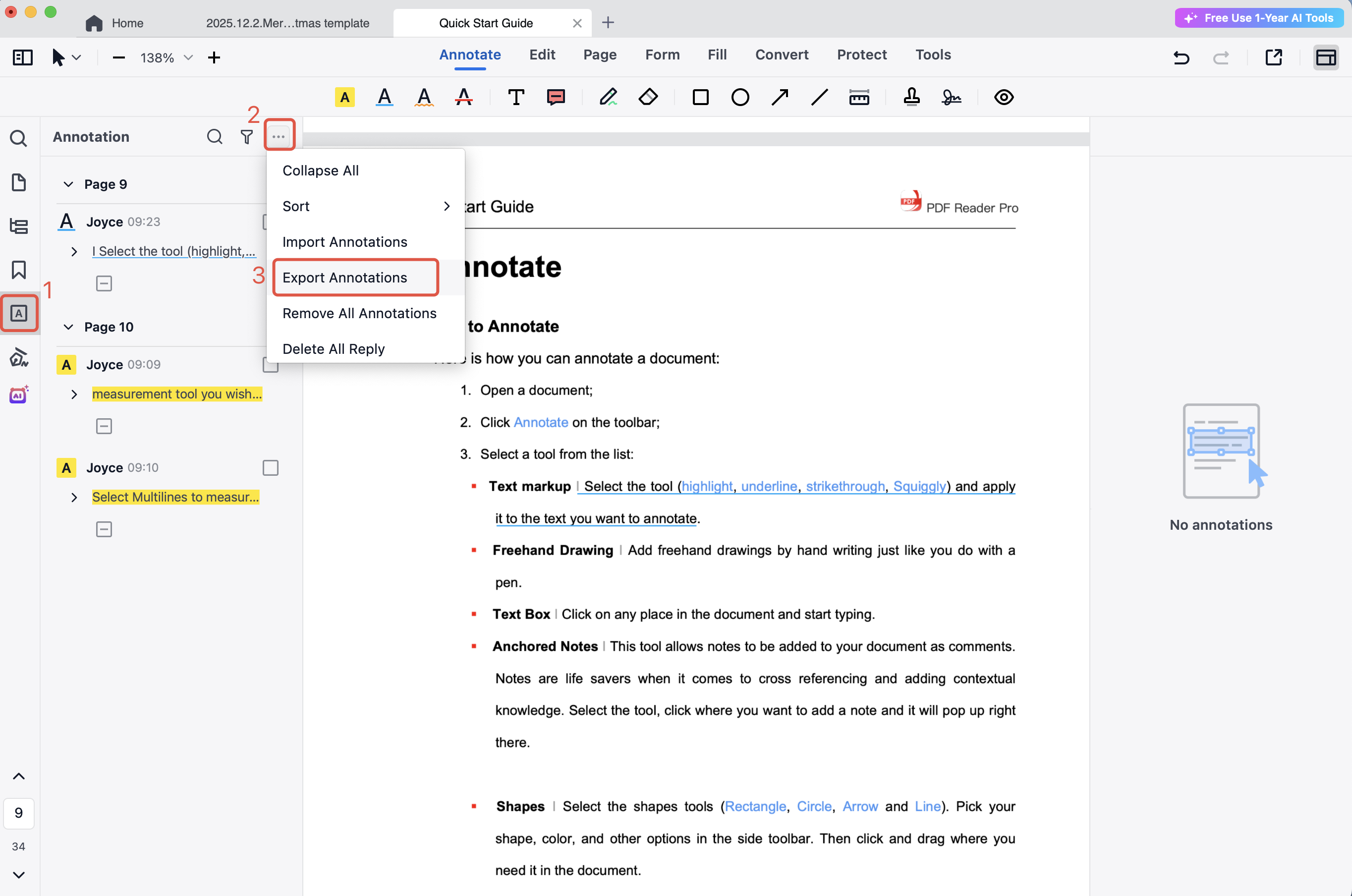
2. Click  in the left sidebar to open the annotation panel.
3. Click  at the top of the panel and select Export Annotations.
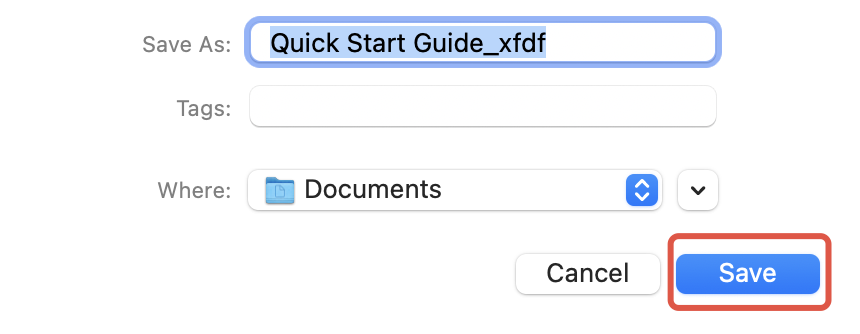
4. Choose the file name and destination, then click Save to export your annotations in XPDF format.
Easily export and manage all your PDF notes — download PDF Reader Pro and streamline your workflow today!


 Support Chat
  PDF Reader Pro